Quick Summary
Automated webinars shouldn’t mean choosing between scale and a great attendee experience. We reviewed 12 platforms across scheduling flexibility, interactivity, chat quality, and value for money. Whether you’re just getting started or looking to upgrade, this guide covers what each platform genuinely does well and where it falls short.
Best Automated Webinar Software (2026 Buyer’s Guide)
Automated webinar software shouldn’t force you to choose between scalability and a great attendee experience.
We were trapped for years in webinar hell, hosting the same live trainings, onboarding sessions, and sales demos over and over again. Our business kept expanding because of it, so we couldn't just stop, but the cost was painfully high and prevented us from focusing on other things that were also critical for a growing startup. (Here is our full backstory.)
To escape from this hell, we started looking at automated webinar software. We soon learned, however, that if we switched to webinar automation, we'd have to make a trade-off:
- We could either keep running live webinars and accept that a lot of our time and energy would continue to be exhausted by hosting them, OR…
- We could start running automated webinars and accept that we wouldn’t be able to offer the same personalized, interactive experience to our attendees.
We could either have scalability or a great attendee experience, but not both.
Years later, after selling that company, we decided to build eWebinar, the first webinar platform 100% dedicated to automation, designed to deliver an attendee experience so exceptional that it doesn’t matter that the presentation is pre-recorded.
We’ve now been running automated webinars daily for over five years.
But in our experience, and based on conversations with many of eWebinar’s thousands of users, we've found that most people don’t understand the automated webinar space — they think automated webinars are just static recordings without any interactivity or chat, so they think they must either pick between hosting every webinar live or sending a boring old video. And we see folks asking many of the same frequently asked questions and sharing these same misconceptions.
In response, we put together this comprehensive guide to clear this all up. We review the best automated webinar platforms, show you how to use them, and explain what to expect from these tools.
Why Listen to Us
We didn’t research this category from the outside. We lived it. We built eWebinar after years of hosting the same live webinars on repeat, searching for a solution that didn’t exist, and eventually building it ourselves. Since then, we’ve spent over six years running automated webinars daily and working with thousands of teams across different industries. That experience is what shapes every evaluation in this guide.
Top 12 Automated Webinar Software: Full Comparison Table
# | Tool | Best For | Automated Webinars | On-demand Viewing | Capterra Rating | Starting Price |
1 | eWebinar | Scaling training with interactive video. | Yes | Yes | ⭐ 4.9 | $99/mo (Free trial available) |
2 | WebinarGeek | GDPR-compliant European companies. | Yes | Yes | ⭐ 4.7 | €49/mo (Free trial available) |
3 | BigMarker | Large enterprise video marketing events. | Yes | Yes | ⭐ 4.8 | Custom (Free trial available) |
4 | Demio | Marketing teams tracking user engagement. | Yes | Yes | ⭐ 4.7 | $63/mo (Free trial available) |
5 | EasyWebinar | Hybrid live and automated workflows. | Yes | Yes | ⭐ 4.4 | $116/mo (Free trial available) |
6 | EverWebinar | Mimicking realistic live webinar schedules. | Yes | Yes | ⭐ 3.9 | $199/mo (Paid annually) |
7 | ProProfs WebinarNinja | Independent content creators and coaches. | Yes | Yes | ⭐4.2 | $0.60/attendee/mo |
8 | StealthSeminar | Direct conversion-focused sales funnels. | Yes | Yes | ⭐5.0 | $69.95/mo (No free trial) |
9 | GoTo Webinar | Corporate internal multi-department training. | Yes | Yes | ⭐4.5 | $69/mo (Free trial available) |
10 | ClickMeeting | Budget-friendly browser-based sessions. | Yes | Yes | ⭐4.5 | $48/mo (Free trial available) |
11 | Livestorm | Modern pipeline and event marketing. | Yes | Yes | ⭐4.7 | $3.0/mo/attendee |
12 | Zoom Webinars | Reliable mass-audience live broadcasts. | Yes | Yes | ⭐4.6 | $89/mo (Free trial available) |
1. eWebinar
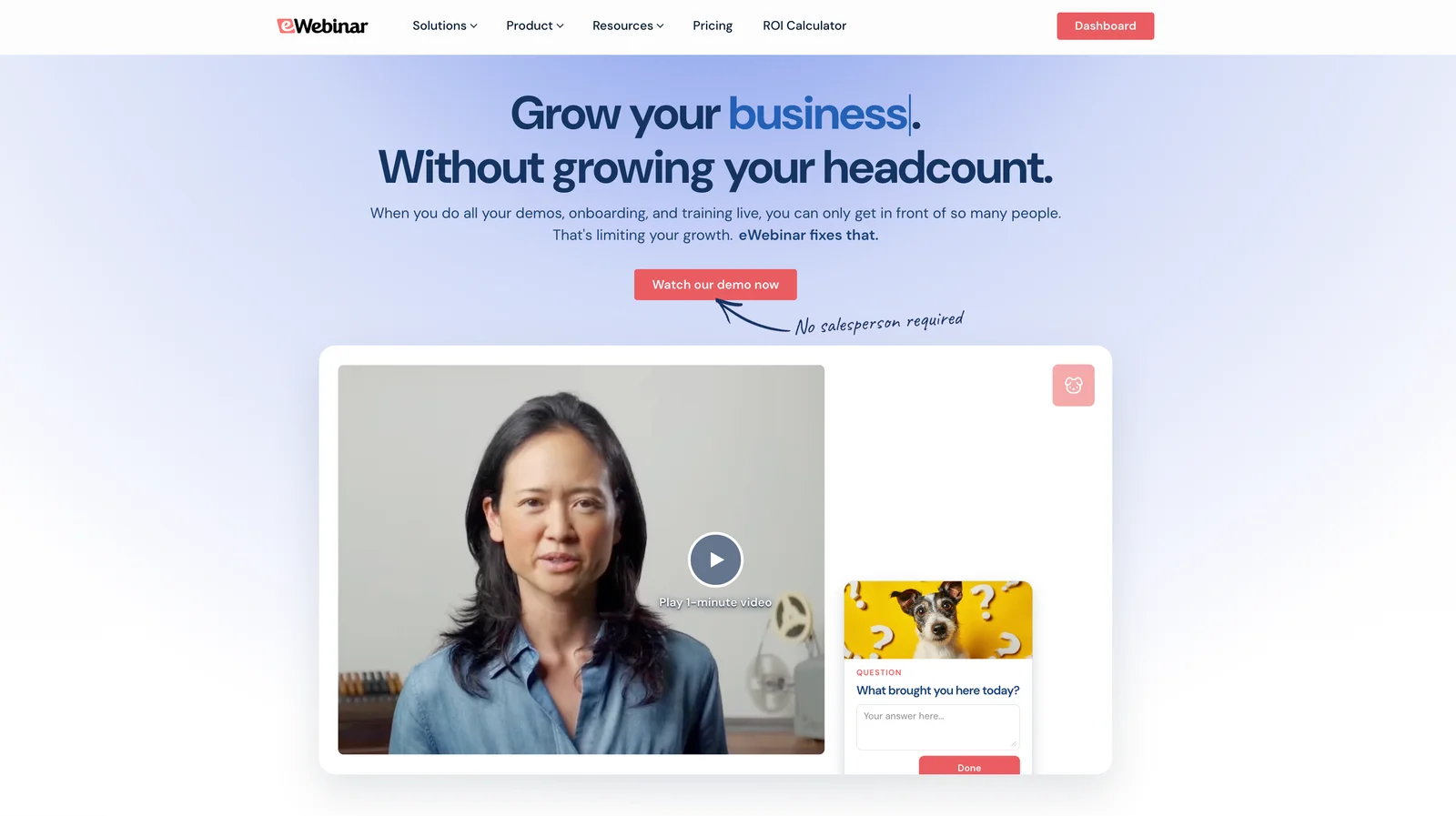
eWebinar lets you take any video and turn it into a fully interactive, on-demand webinar, available on a recurring schedule at any time, on any day, and in any time zone. It’s the only platform in this category built exclusively for automation, with no live capabilities, combining pre-recorded video with genuine two-way chat and 25+ built-in interactions to deliver an engaging, personalized experience every single time it runs.
Since debuting in 2019, eWebinar has reimagined what an automated webinar can be, which is why its Capterra rating has held strong at 4.9 stars. It works with a wide range of teams and professionals, including onboarding and training teams, sales teams, financial advisors, real estate agents, fitness coaches, solopreneurs, and course creators. Whether you host occasional webinars or run recurring presentations daily, the platform is built to support you without burning out your team.
Check out eWebinar reviews here.
Features:
- Flexible scheduling: Run webinars on a recurring schedule with no end date, enable just-in-time sessions so attendees can join immediately, offer on-demand replays, or combine all three options for the same webinar. Automatic time zone adjustments ensure sessions always run at convenient local times for attendees anywhere in the world
- Genuine two-way chat: eWebinar’s private chat system lets moderators respond to attendees during sessions or follow up by email afterward, both enabled simultaneously. Attendees receive a personalized welcome message the moment they join, and if no moderator is available, an auto-responder lets them know when to expect a reply. Unlimited moderators can be added across any plan
- 25+ built-in interactions: Polls, quizzes, Q&As, special offers, tips, contact forms, feedback requests, conversion alerts, and more can be pre-programmed to appear at specific moments throughout the webinar. eWebinar offers the largest interaction library of any platform in this category, and AI-powered suggestions can recommend interaction types and placement based on your webinar transcript and goals
- Registration pages and marketing widgets: An intuitive page builder automatically generates a branded registration page for every webinar. Six customizable registration widgets are available including embed forms, pop-up widgets, button widgets, fixed bars, and card widgets for blog posts
- Automated notifications: Six pre-written email notifications come built into every webinar template covering registration confirmations, reminders, and follow-ups segmented by whether attendees showed up or not. SMS and WhatsApp reminders are available via Twilio integration
- In-depth analytics: The analytics dashboard tracks registration rates, attendance rates, completion rates, conversion rates, and engagement rates. Video heatmaps show precisely when viewers engage, when they drop off, giving you the data to continuously improve performance
- Webinar Series: Build multi-webinar learning paths for onboarding, training, or certification programs. Set minimum watch times, add mandatory action items between sessions, and issue completion certificates automatically
- Integrations: Connects with major CRMs, email marketing platforms, and 3,000+ tools via Zapier
Pros:
- Largest interaction library in the category
- Real two-way chat, not simulated, fake engagement
- Combines all scheduling formats in a single webinar
- Only platform 100% dedicated to webinar automation
- Highly intuitive setup requiring no technical experience
Cons:
- No live webinar capability
- Best suited for on-demand and recurring formats only
Capterra Rating
⭐ 4.9
Pricing
14-day free trial available. Three paid plans:
- Level 1 ($99/month): One active webinar, 1,000 registrants per month
- Level 2 ($199/month): Five active webinars, 3,000 registrants per month
- Level 3 ($299/month): Fifteen active webinars, 5,000 registrants per month
Additional registrants can be added in increments of 1,000 for $49/month.
2. WebinarGeek
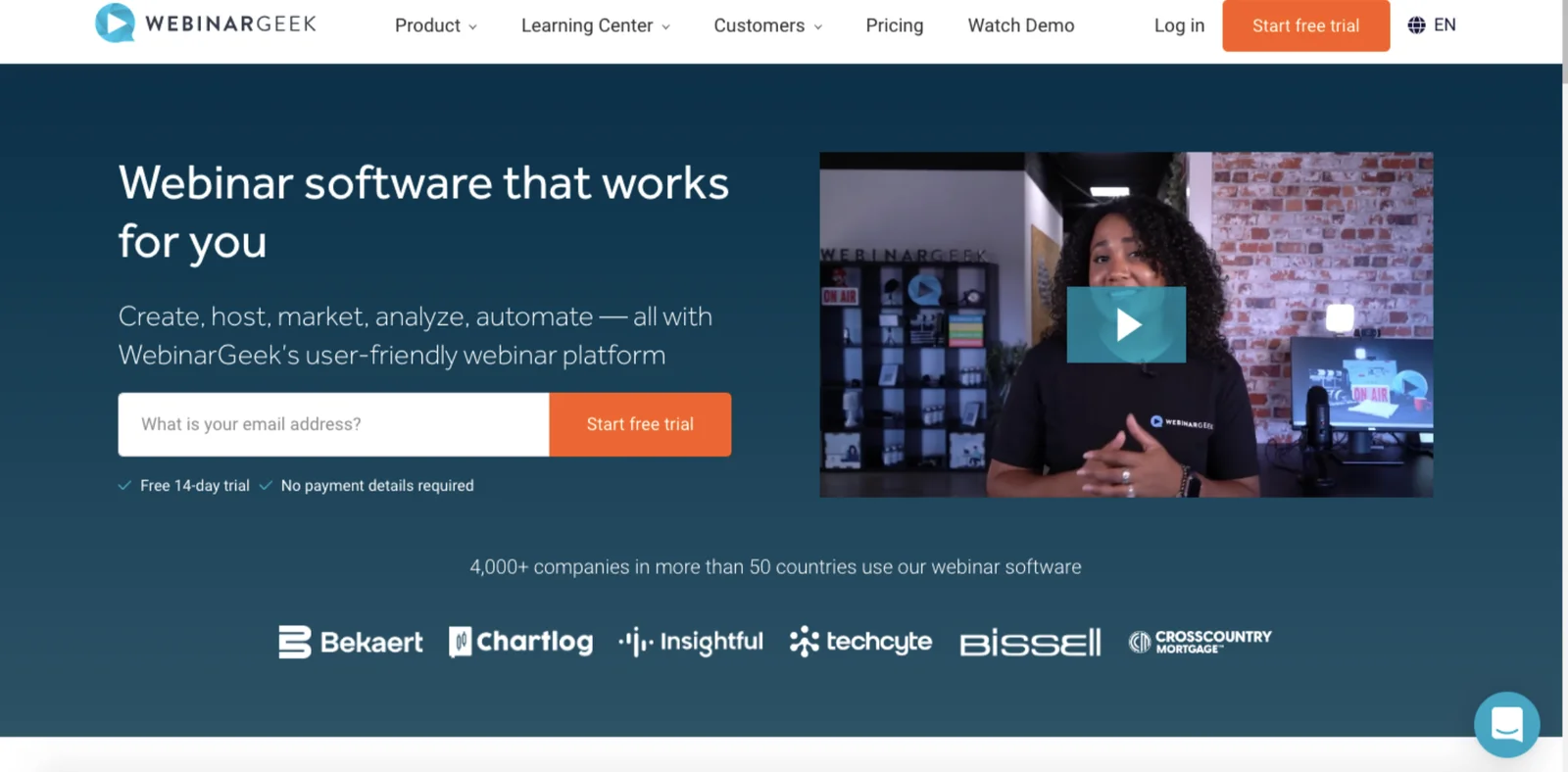
WebinarGeek is another popular player in the automated webinar space because the platform offers:
- Advanced customization and branding tools, custom domains, real-time page editors, and custom CSS.
- AI that helps optimize scheduling, aggregate performance metrics to pull key insights, and automate manual administrative tasks.
- A variety of integrations so you can connect WebinarGeek with other tools in your daily workflows and instantly import webinars.
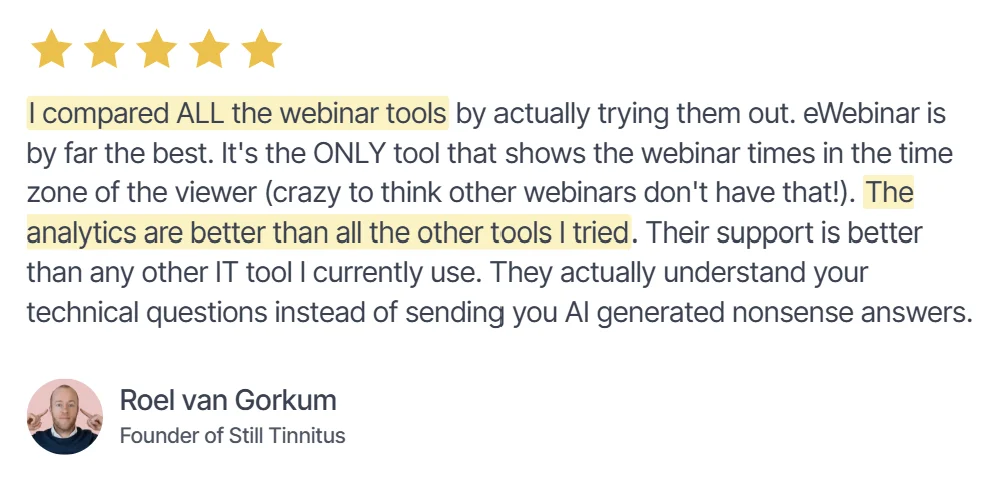
Users also appreciate WebinarGeek for its ease of use and available support; there isn’t a steep learning curve to understand features and create professional webinars, and their team is highly responsive when you need help.
Now, WebinarGeek also supports live chat and post-webinar email replies like eWebinar, but there’s a catch: you can’t enable both in the same webinar. You have to choose between chat or email communications.
There are a few additional downsides here:
- WebinarGeek doesn’t let you combine scheduling rules. You can create recurring schedules and enable on-demand viewing, but you have to create separate webinar listings to do so.
- It also doesn’t support automatic time zone adjustments.
- Interactions are limited to polls, quizzes, and contact forms.
Check out WebinarGeek reviews here.
Features
- Live, automated, on-demand, and hybrid webinar hosting
- Paid webinars
- HD video streaming (browser-based, no downloads needed)
- Automated replays and session recordings
- Custom branding tools and webinar channels (custom pages listing upcoming and on-demand webinars)
- Extensive customization options: Real-time page editor, custom domains, and custom CSS
- Engagement features: Chat, Q&A, polls, quizzes, calls to action (CTAs)
- Scheduling options and time zone adjustments
- Marketing automation tools like automated and customizable email reminders
- Analytics dashboards
- Integrations with 6k+ outside tools, including CRM, marketing, and workflow apps
- GDPR-compliant data processing and attendee privacy
- Mobile-friendly experience
Pros:
- Advanced customization with real-time page editor
- AI tools optimize scheduling and performance metrics
- Extensive integrations with 6,000+ outside tools
- Easy to use with minimal learning curve
- Responsive support team highly rated by users
Cons:
- Can’t combine scheduling rules in one webinar
- No automatic time zone adjustments available
- Limited interactions: polls, quizzes, and contact forms only
- Can’t enable chat and email simultaneously
- Premium plan required for automated webinar features
Capterra Rating
⭐ 4.7
Pricing
WebinarGeek offers three plans:
- The Basic plan (€49/month) supports live and on-demand webinars and up to 50 viewers.
- The Premium plan (€99 per month) includes everything in the Basic plan, plus automated webinars, interactions, and custom branding.
- The Enterprise plan provides full feature access and supports up to 5k attendees. Plans require custom quote.
3. BigMarker
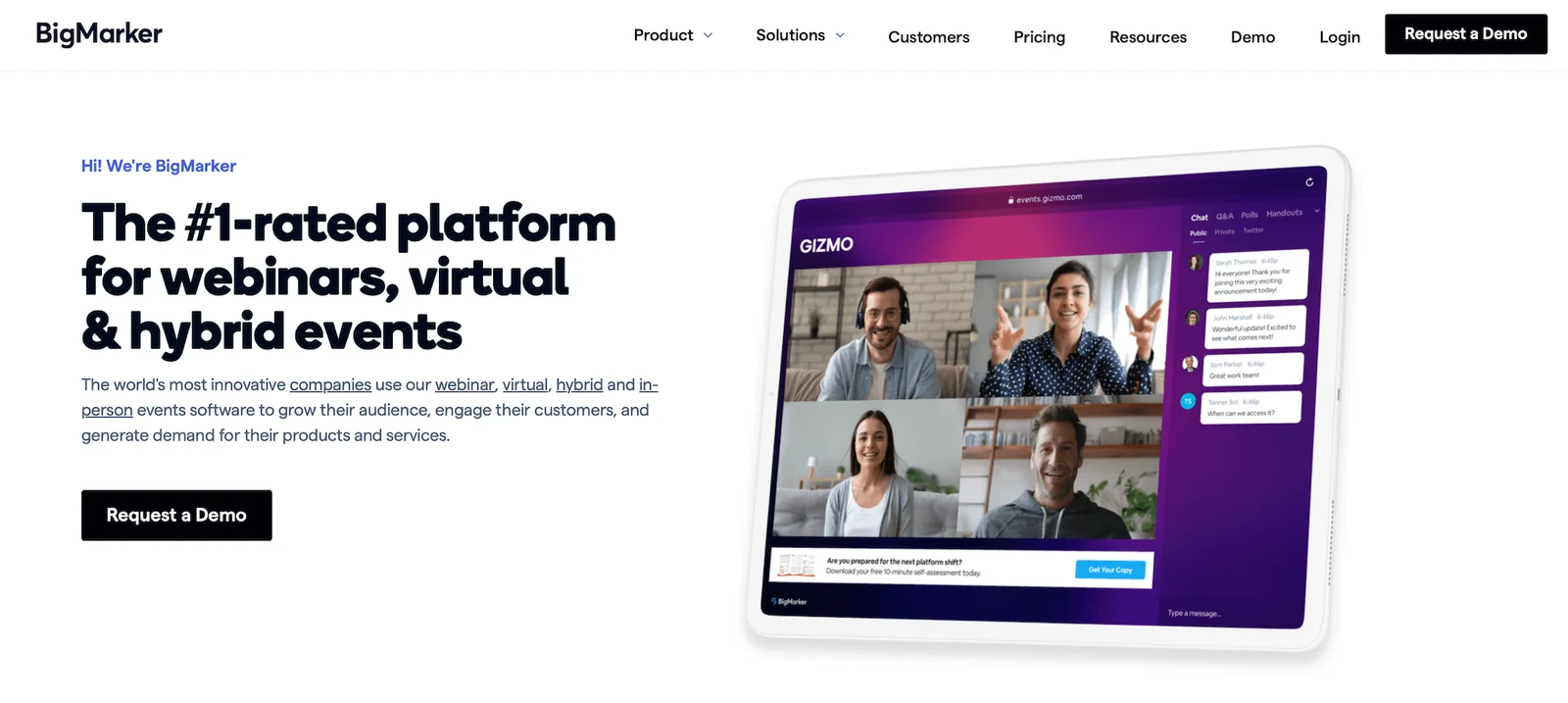
BigMarker is a more advanced automated webinar software, supporting teams running repeat webinars and large multi-day summits. It earns positive reviews (and a 4.8-star rating) for its:
- Extensive selection of interactions, such as polls, Q&A, offers, handouts, surveys, and public/private chat
- Variety of supported session types, including automated, on-demand, evergreen, breakout sessions, series/multi-session events, and 24/7 live streaming
- Advanced scheduling tools, time zone adjustments, and options to display only relevant sessions to attendees based on their registration forms
- Flexible chat tools and the ability to respond within chat windows via SMS or Slack
- Impressive marketing automation tools
- Customizable branding options
- Paid webinar support (with built-in event ticketing and payment processing)
- Comprehensive event lifecycle management — from registration through follow-ups
- Detailed analytics to understand where you’re performing well and identify areas of improvement
However, BigMarker comes with an expensive price tag and a steep learning curve. It’s best suited for enterprises, as many smaller businesses are priced out during initial sales conversations.
Features
- Live, automated, on-demand, and hybrid webinar hosting
- Multi-presenter support with video and screen sharing
- Restreaming to multiple social media platforms like YouTube and Facebook
- Custom branding: Registration pages, email templates, event room customization, and virtual backgrounds
- Engagement tools: Chat, polls, Q&A, offers, handouts, surveys, and file sharing
- Breakout rooms and roundtables
- Scheduling: One-time, recurring, just-in-time, on-demand
- Automated email sequences: Registration confirmations, reminders, and follow-ups
- Analytics dashboards with detailed reporting on attendance, engagement, and conversion funnels
- Integrations with CRM, marketing, automation tools, Zapier, and API access
- Ticketing and payment processing for paid webinars
- Security features: SOC 2 Type 2 certification, TLS encryption, GDPR-compliance, role-based permissions
- Multi-language support, dial-in options, and AI-powered networking tools
Pros:
- Extensive interaction library including polls, Q&A, surveys
- Supports a wide variety of session and event types
- Advanced scheduling with time zone adjustments built in
- Impressive marketing automation tools for event promotion
- Paid webinar support with built-in ticketing and payments
Cons:
- Expensive pricing excludes most small businesses
- Steep learning curve for new users
- Best suited for enterprises not smaller teams
- Custom quotes make budget planning difficult upfront
- Feature complexity can overwhelm less technical users
Capterra Rating
⭐ 4.8
Pricing
BigMarker offers custom quotes for all packages.
4. Demio
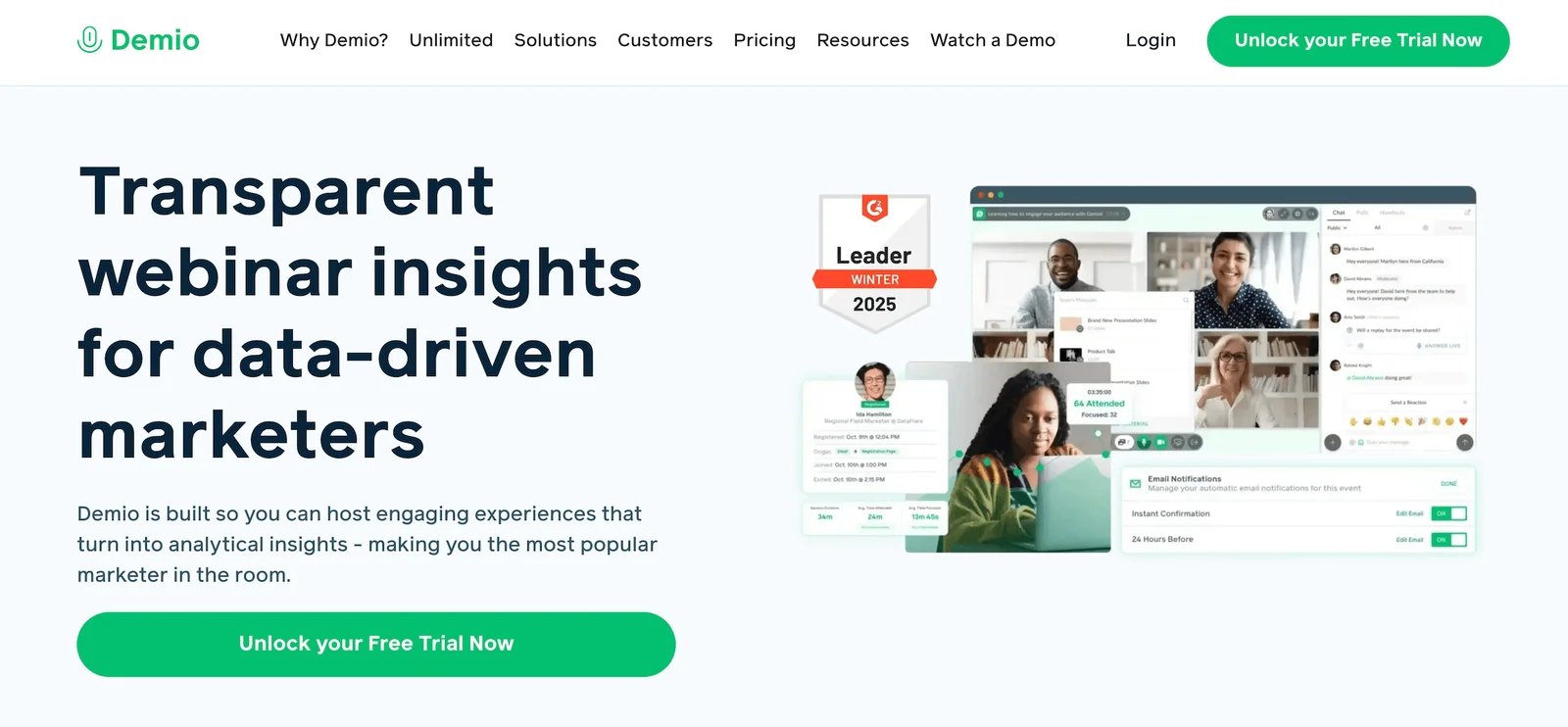
Demio is a highly-rated automated webinar solution built specifically for marketers and sales teams.
- It’s easy to use and requires virtually zero training; you don’t need developers or designers to assist.
- It offers strong lead gen tools that collect each person’s name and email when they sign up for a webinar — powering all communications (like reminders before webinars and follow-ups) and retargeting campaigns.
- It integrates with popular tools like Mailchimp and HubSpot to build contact lists easily and fuel email marketing initiatives.
While Demio offers handy tools to support sales and marketing processes, there are a few things to note when determining if it’s the best tool for automated webinars:
- It only supports a few preset interactions, such as polls, Q&A, and CTAs.
- Scheduling rules are a little inflexible; like WebinarGeek above, it doesn’t let you combine rules and offer both one-time or recurring schedules and on-demand access together (if you want both, you must create two webinar listings: one event for recurring times, and one separate event for on-demand).
- It doesn’t support automatic time zone adjustments.
Another thing to note here is that Demio’s chat only allows you to interact with attendees while webinars are running. It isn’t available for on-demand sessions — which, as we explained above, doesn’t lend itself to true webinar automation.
If on-demand availability is your priority, see our roundup of the best on-demand webinar software.
The last note here is that Demio’s pricing can be expensive as you add moderators and participants. The most popular plan, Growth, costs between $117 and $855 per host per month — so you could wind up paying thousands just to support a handful of hosts.
Read verified Demio reviews here.
Not sold on it? Here are the best Demio alternatives worth a look.
Features
- Live, automated, and on-demand webinars
- Replays and recordings
- Customization options and branding tools
- Interactions — chat (public/private), Q&A, polls, offers, links, CTAs, and attendee participation (where they can use mics and cameras to interact with webinar moderators)
- Scheduling tools (single or recurring events, time zone adjustments)
- Marketing tools like automated email reminders
- Analytics dashboards
- Integrations with marketing and CRM software
- Mobile apps (for iOS and Android)
Pros:
- Clean interface requires virtually zero training
- Strong lead generation tools built into platform
- Integrates seamlessly with Mailchimp and HubSpot
- Solid analytics dashboard for marketing performance tracking
- Mobile apps available for iOS and Android
Cons:
- Limited preset interactions: polls, Q&A, and CTAs only
- Can’t combine scheduling rules in one webinar
- No automatic time zone adjustments available
- Chat unavailable for on-demand sessions
- Pricing scales exponentially with hosts and attendees
Capterra Rating
⭐ 4.7
Pricing
Demio offers a 14-day free trial and three paid packages:
- The Starter plan ($63/month) supports a single host and 50 attendees.
- The Growth plan ($117 to $855 per host per month) supports multiple hosts and up to 3k attendees.
- The Premium plan (starting at $196 per host per month, paid yearly) includes everything in the Growth plan plus dedicated account support.
Read more: Best Demio Alternatives
5. EasyWebinar
EasyWebinar is another top-rated automated webinar software that holds an impressive 4.4-star rating for its ease of use, helpful customer support, and flexible scheduling options.
EasyWebinar is a popular contender in this space because it lets you pre-record webinars and set them on a recurring schedule, enable just-in-time sessions, provide replay links, and adjust webinar times to attendees’ local time zones.
We include EasyWebinar in our list of automated webinar software because it’s a name you’re bound to run into, but it’s not a top choice for a few reasons:
- Interactions are limited to polls and special offers — not super impressive — and placing them is a tedious process (you have to enter the timestamp manually for when you want it to appear).
- EasyWebinar doesn’t support chat for pre-recorded sessions unless you integrate a third-party chat tool; otherwise, attendees must contact you via email to ask questions or learn more.
- It doesn’t offer the best value for money. EasyWebinar is just as expensive (if not more expensive) than other automated systems, but doesn’t include even half of the conveniences.
Find EasyWebinar reviews here.
Features
- Live, automated, and on-demand webinar hosting
- EasyCast streaming (to broadcast your webinar simultaneously on platforms like YouTube and Facebook Live)
- Automatic replays and session recordings
- Branding customization options
- Engagement tools: Public and private chat, emoji reactions, Q&A, polls, special offers, clickable links, CTAs, monetization tools like "Buy Now" buttons, and attendee participation with mic and camera controls
- Breakout rooms for smaller group discussions within webinars
- Contact box for automated webinars, allowing attendees to leave messages
- Scheduling tools, including one-time, recurring, just-in-time, or on-demand webinars, plus automatic time zone adjustment
- Marketing automation features like scheduled email reminders and customizable follow-up sequences
- Comprehensive analytics dashboards
- Integrations with CRM, marketing software, LMS, and more
- Mobile-friendly attendee experience
Pros:
- Flexible scheduling with just-in-time and on-demand options
- Automatic time zone adjustments for global audiences
- EasyCast streams simultaneously to YouTube and Facebook
- Comprehensive feature set across live and automated formats
- Strong integrations with CRM and email marketing platforms
Cons:
- Interactions limited to polls and special offers only
- Placing interactions requires manual timestamp entry
- No native chat for pre-recorded automated sessions
- Expensive relative to features
- Built-in CRM and paid webinar support cost extra
Capterra Rating
⭐ 4.4
Pricing
EasyWebinar offers three plans, but you need the Pro or Growth plan to access automated webinar features.
- The Pro plan ($116/month) supports 200 live and 1,000 automated attendees.
- The Growth plan ($198/month) supports 500 live and 2,500 automated attendees.
Both plans include the full EasyWebinar feature set, with optional add-ons for their built-in CRM or paid webinar support at $49/month each.
Read more:
EasyWebinar vs Demio vs eWebinar: Detailed Comparison Guide
6. EverWebinar
EverWebinar automated webinar software (the sister product to WebinarJam live webinar software) is another name you’re likely to encounter while researching webinar automation.
While the webinar platform is easy to use, provides quick support, and offers some advanced tools for sales teams running product demos (like the ability to provide discounts and simple checkout links), we suggest avoiding this brand because it’s bloated with disingenuous features to trick webinar attendees into thinking they’re attending a live experience.
After you pre-record your webinar and set a schedule, the platform incorporates fake attendee counts, chats, interaction responses, and more to make automated webinars look like live events.
User reviews also warn against this software, saying you’re better off being upfront about offering automated webinars vs. faking people out.
Read EverWebinar reviews here.
Features
- Automated webinar scheduling with recurring, specific dates, or just-in-time options
- Time zone adjustments for global audiences
- Replica Replay feature to convert WebinarJam live events into automated webinars
- Engagement tools, including real-time chat, polls, surveys, Q&A sessions, special offers, handouts, and clickable CTAs
- Countdown timers for offers
- Pre-scheduled chat messages and simulated attendee interaction
- Customizable, branded registration and thank you pages
- Email and SMS reminder notifications
- Integration with major email marketing platforms and CRMs via Zapier
- Analytics and reporting dashboards
- Payment integration with PayPal and Stripe for paid webinars
- Mobile-friendly experience
Pros:
- Easy to use with minimal setup required
- Advanced scheduling, including just-in-time options
- Automatic time zone adjustments for global audiences
- Useful tools for sales teams running product demos
- Integrates with major email marketing platforms via Zapier
Cons:
- Simulated chat and fake attendee counts mislead audiences
- No genuine two-way chat with real attendees
- Expensive with no flexible monthly pricing option
- Limited interactions compared to modern competitors
- The platform hasn’t introduced significant new features recently
Capterra Rating
⭐ 3.9
Pricing
EverWebinar offers three billing options, all of which include full access to its features:
- $199/month (monthly plan)
- $1,188/year (annual plan)
- $1,896 every two years (biennial plan)
7. ProProfs WebinarNinja
ProProfs WebinarNinja is a popular platform for both live and automated webinars, used by sales teams, marketers, HR teams, and online educators.
It earns solid marks for flexibility and ease of use — teams can spin up a webinar quickly, run both live and pre-recorded content from the same account, and lean on 24/7 customer support via phone, chat, and email whenever they need it.
It's also one of the few platforms that let you charge attendees for access directly through Stripe, making it a natural fit for coaches and course creators who want to monetize their content.
Here's the catch: the automation features are thinner than they look.
Interactions in automated webinars are limited to polls, Q&A, handouts, and sales offers — and there's no interaction timeline where you can choreograph moments of engagement throughout your presentation the way you can in eWebinar.
Live sessions get full public and private chat, but automated webinars don't support real-time chat at all. Attendees can submit questions, but you reply via email after the session, which significantly undercuts the feeling of a live experience.
And while the per-attendee pricing ($0.60 per attendee per month) looks affordable at a glance, it can add up quickly depending on your volume — so it's worth running the math against a flat-rate platform before committing.
Find WebinarNinja reviews here.
Features
- Automated and on-demand webinar hosting with unlimited automated attendees
- Customizable registration and thank-you pages, fully branded
- Interactive polls, Q&A (with upvoting), sales offers, handouts, and emoji reactions for pre-recorded content
- Public and private chat during live sessions only
- Automated email sequences for reminders, follow-ups, and thank-yous
- Integrations with Stripe, Zapier, Mailchimp, HubSpot, and others
- Ability to charge for paid webinars with seamless payment processing
- Unlimited webinar recording storage with replay playback controls
- Analytics on registrations, attendance, engagement, and sales
- 24/7 customer support via chat, email, and phone
Pros:
- Supports both live and pre-recorded content seamlessly
- Built-in Stripe integration for paid webinar access
- 24/7 customer support via phone, chat, and email
- Unlimited automated attendees across all plans
- Full feature access available on every plan
Cons:
- Automation features are thinner than they initially appear
- No real-time chat support for automated webinars
- Interactions limited to polls, Q&A, handouts, and offers
- Per-attendee pricing adds up quickly at volume
- No interaction timeline for choreographing engagement moments
Capterra Rating
⭐ 4.2
Pricing
WebinarNinja charges $0.60 per attendee per month.
All users get access to the full feature set. WebinarNinja also offers custom enterprise plans for larger teams.
8. StealthSeminar
StealthSeminar is one of the oldest automated webinar platforms on the market — it's been around since 2010 — and it's built squarely for marketers running evergreen sales funnels. If you're looking for scheduling flexibility, it's genuinely impressive: you can run recurring sessions, just-in-time starts, and on-demand replays all at the same time for a single webinar, which is a combination that a lot of platforms still won't let you do.
That said, the platform is built around simulation in a way that's worth understanding before you commit. You can preload chat messages to create the appearance of live audience activity, display simulated attendee counts, and run what they call a "hybrid" mode — where the webinar plays automatically while you or a team member joins to run live chat.
That last feature sounds convenient, but it means someone still has to show up to every session for chat to feel real, which undercuts the whole point of automation. If no one joins, you're left with preloaded messages and no authentic back-and-forth.
Interaction options are fairly limited (polls, CTAs, some custom HTML), and pricing is somewhat steep — starting at $69.95/month for the most basic package (supporting only 100 attendees) and going up to $175/month for plans that support only a couple of hundred attendees.
Find more StealthSeminar reviews here.
Features
- Live, automated, and hybrid webinar hosting
- Recording and replay capabilities
- Custom branding for registration pages, thank you pages, countdown pages, and webinar rooms
- Engagement tools — chat (live or simulated), polls, surveys, Q&A, offers, handouts, CTAs
- Multi-presenter support with screen sharing
- Scheduling — one-time, recurring, just-in-time, and on-demand events
- Time zone adjustments for global audiences
- Automated email sequences — registration confirmations, reminders, and follow-ups
- Analytics dashboard tracking attendance, engagement, and revenue
- Integrations with CRM and email marketing platforms (additional fees may apply for some integrations)
- Split testing for registration pages and webinar funnels
- Custom HTML interaction builder with WYSIWYG editor
- Simulated chat messages and attendee counts
- Mobile-friendly attendee experiences
Pros:
- Combines recurring, just-in-time, and on-demand simultaneously
- Hybrid mode allows live chat during automated sessions
- Split testing available for registration pages and funnels
- Custom HTML interaction builder with WYSIWYG editor
- Detailed analytics tracking attendance, engagement, and revenue
Cons:
- Built around audience simulation and fake engagement
- Someone must join every session for authentic chat
- Interaction options fairly limited beyond polls and CTAs
- Steep pricing for relatively low attendee caps
- Platform built around deceptive live-mimicking features
Capterra Rating
⭐ 5.0
Pricing
StealthSeminar offers four paid plans:
- Starter ($69.95/month): This plan supports 100 attendees, live and automated webinars, interactive features, and analytics.
- Professional ($99.95/month): This plan also supports 100 attendees and includes additional advanced features, such as customizable registration forms, white-label custom domains, and white-label custom emails.
- Growth ($175 to $280 per month): This plan supports 300 to 500 attendees and includes white-glove support.
- Plus (Custom Quote): This is StealthSeminar’s enterprise plan that supports over 25k attendees.
9. GoTo Webinar
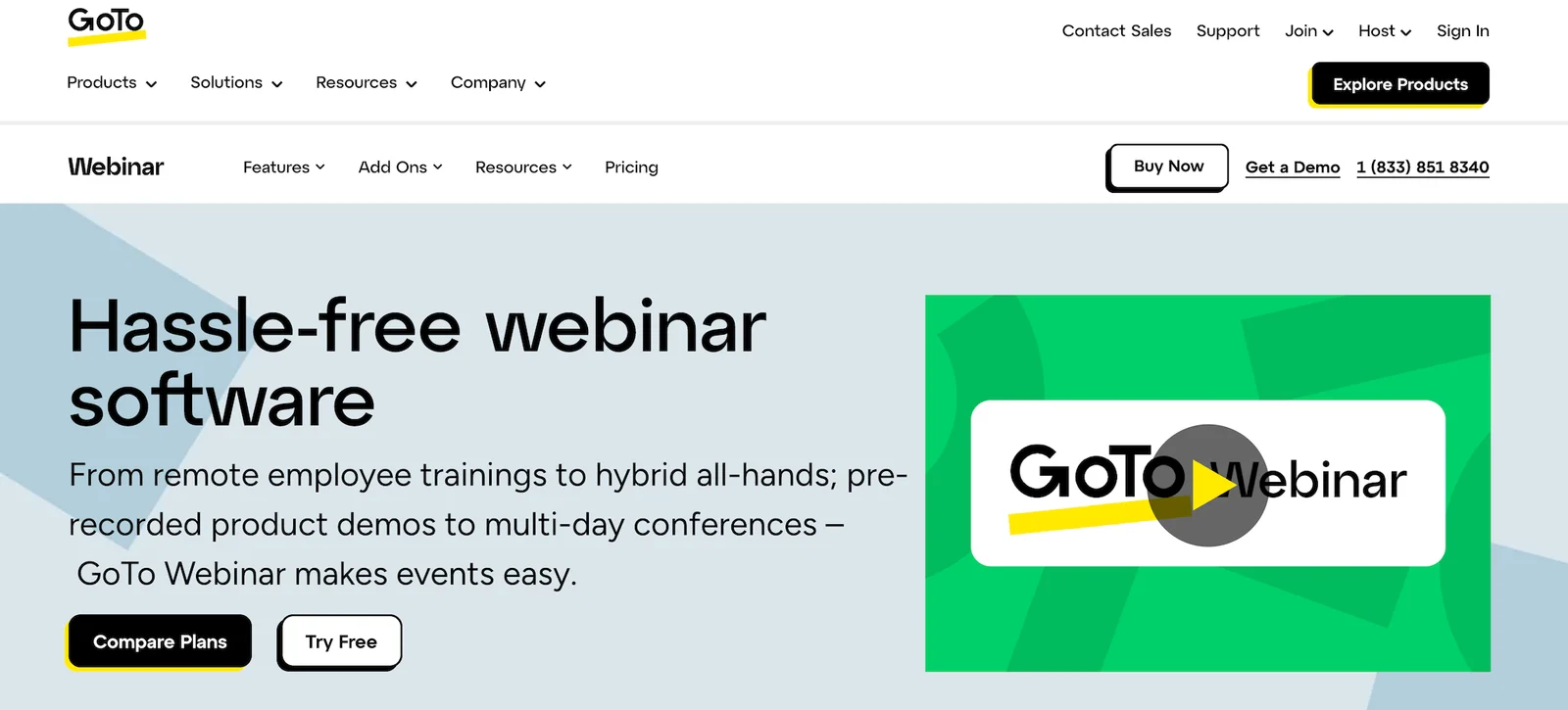
GoTo Webinar is one of the most recognizable names in the webinar space — it's been around for over two decades, and that longevity shows in the product. It's polished, reliable, and deeply integrated with the broader GoTo suite of business tools, which makes it a natural fit for enterprise teams already invested in that ecosystem. Its security credentials (end-to-end encryption, GDPR compliance, SSO) also make it a common choice for larger organizations in regulated industries where those things aren't optional.
For automated webinars specifically, though, the product shows its live-first roots pretty clearly.
- They only support a simple recurring schedule (one session per day, week, or month) and an on-demand (“Watch Now”) option, but there's no just-in-time option, and you can't combine viewing formats as some dedicated automation platforms allow.
- Interactions are limited to polls, Q&A, handouts, and surveys, and you can’t set the timing for when they appear. They appear from the very start of the webinar.
- There's no live chat for automated sessions; attendees get a post-session email report instead, which isn't exactly the engagement experience most teams are after.
Read more GoTo Webinar reviews here.
Features
- Live, automated, on-demand, and hybrid webinar hosting
- Unlimited cloud recordings and automatic replays
- GoToStage for post-event on-demand webinar hosting
- Custom branding and registration page customization
- Engagement tools — chat, public/private Q&A, polls, handouts, automatic surveys, and attendee participation (raise hand, emoji reactions)
- Breakout rooms
- Multi-presenter support (up to 6 presenters/video feeds)
- Scheduling — one-time events, recurring series, and on-demand webinars
- Analytics dashboards
- Source tracking links for campaign attribution
- Integrations with CRM, marketing, and workflow tools (including Salesforce, HubSpot, Marketo)
- Robust security — end-to-end encryption, GDPR compliance, SSO options
- Mobile apps for iOS & Android (hosting & participation)
Pros:
- Polished, reliable platform with two decades of experience
- Deep integration with broader GoTo business suite
- Strong security credentials, including end-to-end encryption
- Solid analytics with source tracking for campaign attribution
- Mobile apps available for both hosting and participation
Cons:
- Simple recurring schedule with no just-in-time option
- Can’t combine scheduling formats in one webinar
- No real-time chat for automated webinar sessions
- Interactions appear from session start without timing control
- Live-first roots limit true automation capabilities
Capterra Rating
⭐ 4.5
Pricing
GoTo Webinar offers three plans based on webinar room capacities:
- The Reach plan ($69/month) supports 1 organizer and up to 500 participants.
- The Elevate plan ($299/month) supports 3 organizers and up to 1k participants.
- The Enterprise plan (custom quote) supports unlimited participants.
10. ClickMeeting
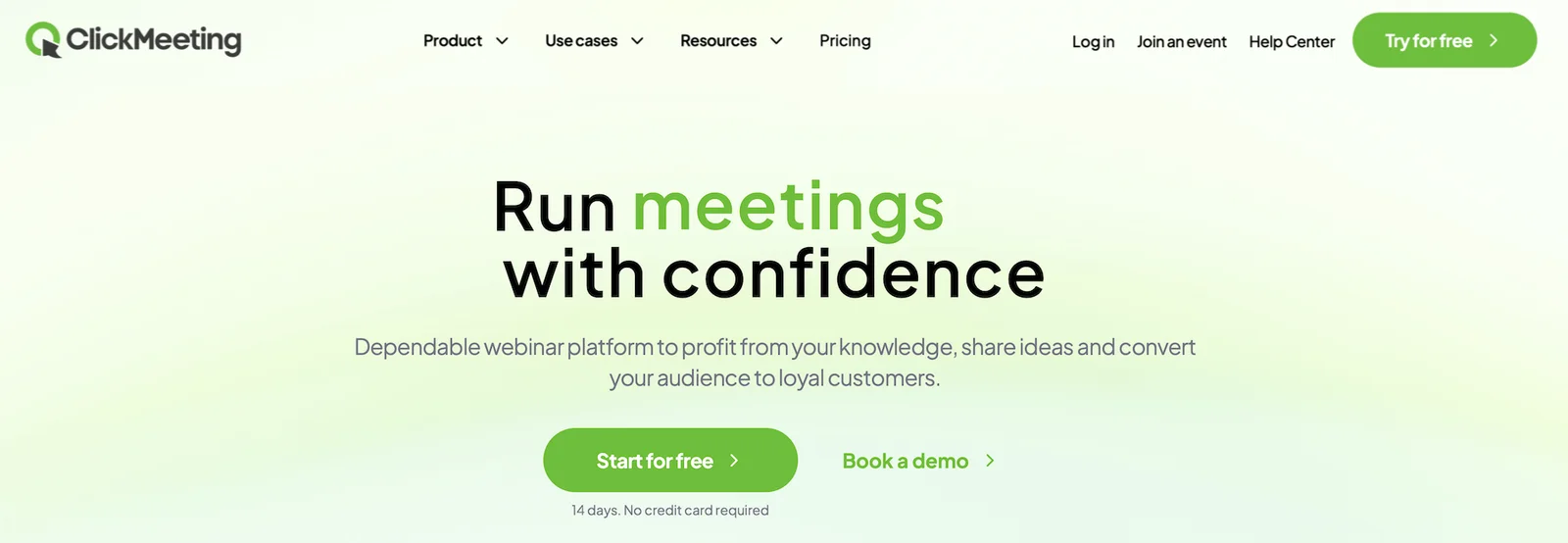
ClickMeeting is a browser-based webinar platform that covers a lot of ground — live webinars, automated webinars, online meetings, and large-scale virtual events up to 10,000 attendees. It's popular with educators, trainers, and corporate teams, and earns solid marks for ease of use, reliable performance, and a clean interface that doesn't require a learning curve to get started.
As for its automated webinars specifically, this solution is functional but lean.
You can build an automated webinar timeline with your video, CTAs, polls, and surveys, and the platform will run it on a (simple) recurring schedule (once a day, week, or month — with up to 30 recurrences).
What you can't do is combine that recurring schedule with on-demand viewing in the same webinar — the two options are separate, which means more setup if you want both. There's no just-in-time scheduling either.
Chat in automated sessions works. You may join sessions to chat live with attendees or send post-webinar email replies, but you cannot enable both options for the same webinar.
There’s one genuinely useful feature, though: ClickMeeting lets you upload multiple videos into a single automated webinar timeline, which most platforms don't support.
Find more ClickMeeting reviews here.
Features
- Live, automated, and on-demand webinar hosting
- Recording and automatic transcription services
- Custom branding for registration pages, waiting rooms, and webinar rooms
- Engagement tools — chat, Q&A, polls, surveys, whiteboard
- Screen sharing and presentation tools
- Breakout rooms for smaller group discussions
- Scheduled webinars with recurring event options
- Automated email reminders and follow-ups
- Monetization with paid webinar support and payment processing
- Analytics dashboard tracking attendance and basic engagement metrics
- Integrations with CRM and marketing platforms via Zapier
- Security features — password protection, waiting rooms
- Mobile apps for iOS and Android
- Multi-language support
Pros:
- Browser-based with no downloads required for attendees
- Supports multiple videos in single automated webinar timeline
- Clean interface with minimal learning curve to start
- Paid webinar support with built-in payment processing
- Reliable performance across live and automated formats
Cons:
- Can’t combine recurring schedule with on-demand viewing
- No just-in-time scheduling option available
- Can’t enable chat and email replies simultaneously
- Recurring schedule limited to 30 recurrences maximum
- Basic engagement metrics compared to dedicated platforms
Capterra Rating
⭐ 4.5
Pricing
ClickMeeting offers a free trial with up to 25 attendees and basic features. After the trial, you can choose from three paid plans: Live, Automated, or Enterprise.
- The Live plan ($48 to $335 per month)supports live webinars and 50 to 1,000 attendees.
- The Automated plan ($58 to $385 per month)supports automated and on-demand webinars for 50 to 1,000 attendees.
- The Enterprise plan (custom quotes)supports all webinar types and up to 10,000 attendees.
11. Livestorm
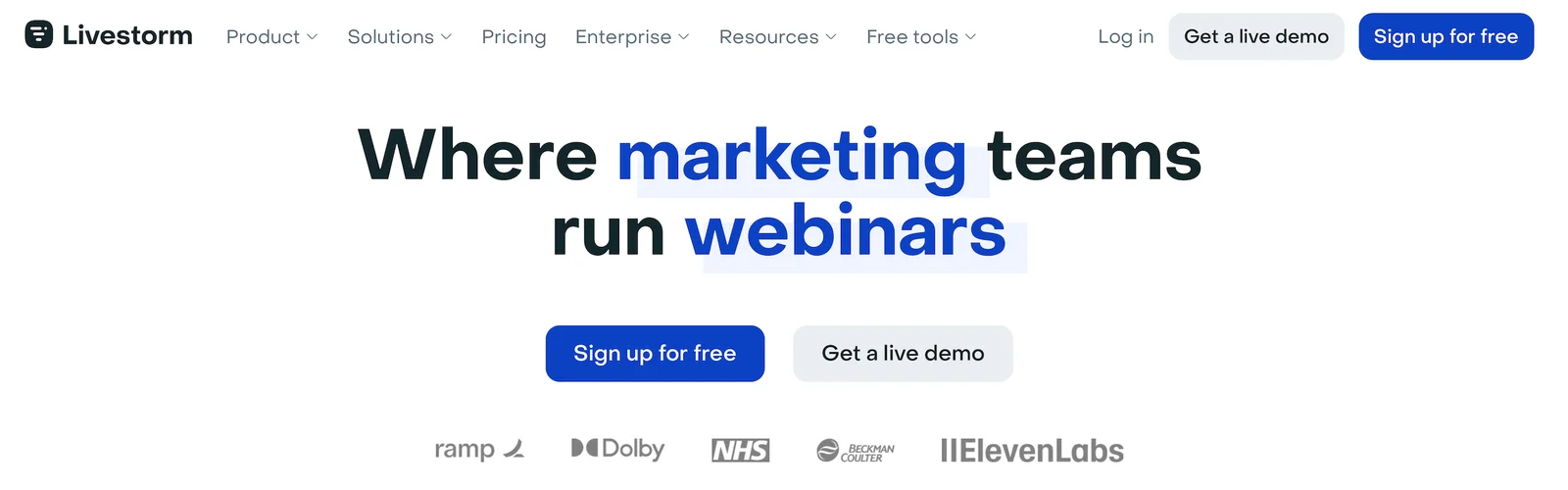
Livestorm is a polished, browser-based platform that's found a loyal audience among B2B marketing and customer success teams — companies like Sony, Dolby, and Verizon use it for product demos, training programs, and internal events. It's genuinely well-designed: clean interface, strong integrations with HubSpot, Salesforce, and Marketo, detailed engagement analytics, and no downloads required for attendees. If your priority is live webinars with a professional look and deep CRM connectivity, it's a strong option.
However, Livestorm only allows you to use automation features during a live webinar (and run what we call “hybrid webinars”).
You can upload a pre-recorded video and schedule it to run, but Livestorm doesn't support automatic audience interactions. Polls and questions can only be triggered manually by a host who's actively present during the session. Which means if no one shows up to run it, attendees are watching a video with no interactive layer at all. That's a pretty fundamental limitation.
It’s also worth pointing out:
- They don't have a recurring schedule option, but you can add as many individual sessions as you'd like.
- You can only chat live with attendees by joining sessions. (For greater chat capabilities, they offer integrations with chat software, like Intercom and Drift.)
- They support two types of interactions: questions and polls.
The pricing model is also worth understanding before you get too far in. Livestorm charges based on "active contacts" — anyone who registers for or watches a replay of an event in a given month. For teams running multiple webinars with consistent audiences, that contact cap can become a meaningful constraint.
Find more Livestorm reviews here.
Features
- Live, automated, on-demand, and hybrid webinar hosting
- Multi-presenter support with video and screen sharing
- Restreaming to multiple social media platforms like YouTube and Facebook
- Custom branding — registration pages, email templates, and event room customization
- Engagement tools — chat, polls, Q&A, file sharing, calls-to-action
- Breakout rooms
- Scheduling — one-time, recurring, just-in-time, and on-demand events
- Automated email sequences — registration confirmations, reminders, and follow-ups
- Analytics dashboards
- Integrations with CRM, marketing, automation tools, and Zapier
- Security features — TLS encryption, GDPR-compliance
- Multi-language support and dial-in options for global audiences
Pros:
- Polished browser-based platform requiring no downloads
- Strong integrations with HubSpot, Salesforce, and Marketo
- Detailed engagement analytics for B2B marketing teams
- Used by enterprise brands including Sony and Verizon
- Clean interface well-suited for professional presentations
Cons:
- Automated interactions require active host presence during sessions
- No recurring schedule option available
- Chat is only available by joining sessions manually
- Active contacts pricing model becomes expensive at scale
- Only two interaction types: questions and polls
Capterra Rating
⭐ 4.7
Pricing
Livestorm offers a free trial, the Pro plan, and custom enterprise plans.
The Pro plan is attendee-based, starting at $3/attendee for up to 400 attendees — and the per-attendee rate drops as your audience grows. For example, Livestorm charges:
- $2.90 per attendee up to 1,000 attendees
- $2.75 per attendee up to 1,500 attendees
- $2.60 per attendee up to 2,500 attendees
- $2.40 per attendee up to 4,000 attendees
After 4,000 attendees, you need to opt for an enterprise package.
Read more: Best Livestorm Alternatives
12. Zoom Webinars
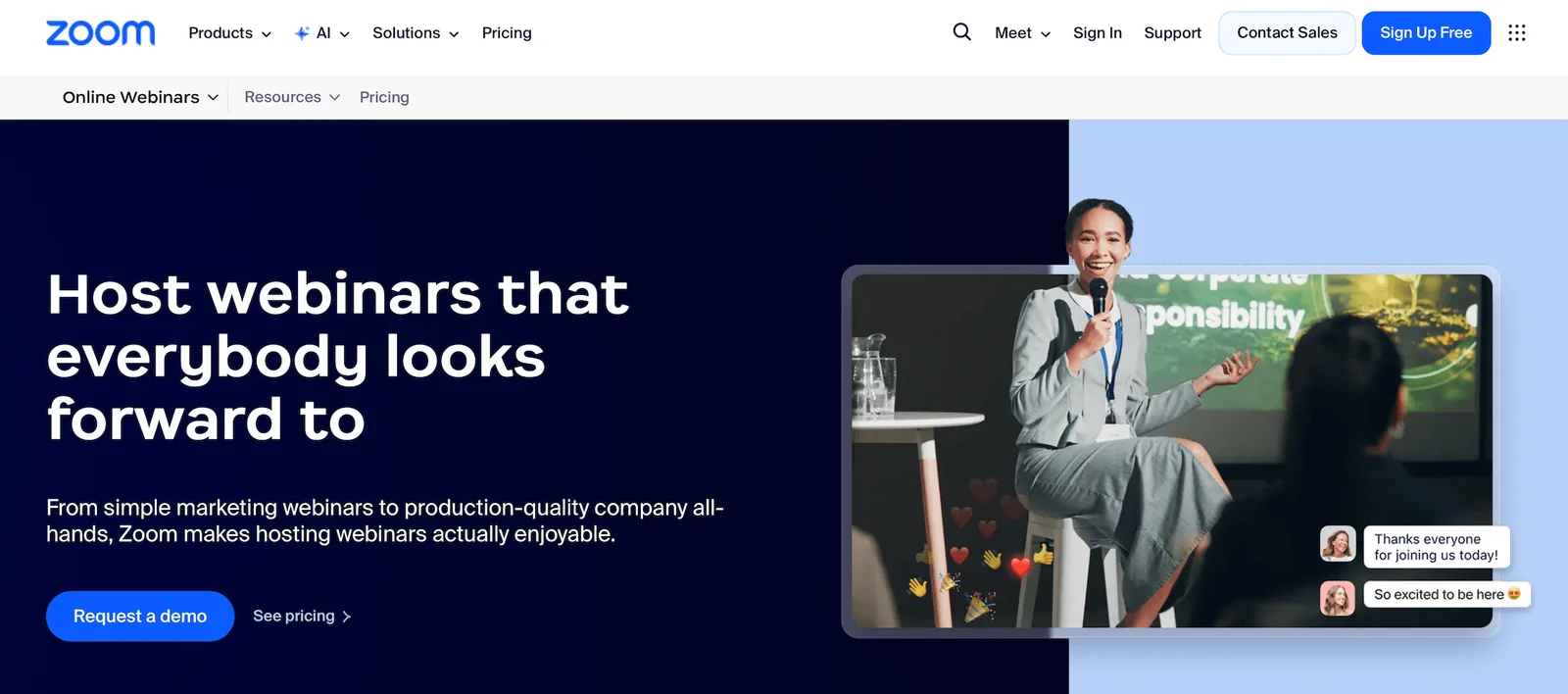
Zoom is the most recognizable name on this list, and for most teams it's already in the tech stack — which is exactly why it ends up in conversations about automated webinars even though it wasn't really built for them. Its live webinar product is robust, reliable, and capable of scaling to massive audiences, and its deep integration with the rest of Zoom's ecosystem makes it a natural fit for enterprises already invested in there.
The automation story is a different matter. Zoom's basic on-demand webinar feature is really just a gated cloud recording — attendees register, get a link, and watch a video. There are no interactions, no chat, nothing that creates a genuine webinar experience.
A closer option is Simulive, which broadcasts a pre-recorded session at a scheduled time and allows a moderator to run live chat and Q&A during playback. But it comes with a significant list of constraints: the video must be a Zoom cloud recording (you can't upload an external file), moderators can't appear on camera during the session, and attendees have to join from a desktop — no mobile support. Once the session ends, the ability to respond to chat disappears with it.
If your team is already running live webinars on Zoom and wants a lightweight way to repurpose recordings, the on-demand option is easy enough to set up. But if you're evaluating platforms specifically for automated webinar functionality, Zoom requires significant workarounds to get there — and the attendee experience reflects that.
Find more Zoom Webinar reviews here.
Features
- Live webinars and Simulive (pre-recorded content broadcast at scheduled times with live host participation)
- Multi-presenter support with video and screen sharing
- Recording and replay capabilities
- Custom branding for registration pages and emails
- Engagement tools — chat, Q&A, polls, hand raising, reactions
- Breakout rooms for smaller group discussions
- Scheduled webinars with calendar integrations
- Automated email reminders for registrants
- Analytics dashboard tracking registrations, attendance, and poll engagement
- Integrations with CRM and marketing platforms via Zapier
- Security features — waiting rooms, passcodes, encryption
- Mobile apps for iOS and Android
- Multi-language support and closed captioning
Pros:
- Most recognizable and widely used platform globally
- Robust live webinar product scaling to massive audiences
- Deep integration with broader Zoom ecosystem
- Strong security with encryption and GDPR compliance
- Mobile apps available for both iOS and Android
Cons:
- On-demand feature is essentially just a gated recording
- Simulive requires Zoom cloud recordings only, no uploads
- No mobile support for Simulive attendees
- Significant workarounds needed for true automation functionality
- Chat disappears entirely once automated session ends
Capterra Rating
⭐ 4.6
Pricing
Zoom offers three packages: Webinars, Webinars Plus, and Events. You need the Webinars Plus plan to access Simulive sessions.
- The Zoom Webinars plan is $89 to $2,490 per month and supports up to 5,000 attendees. You can choose between a monthly and an annual subscription here.
- The Zoom Webinars Plus plan starts at $99/month for 100 attendees. To accommodate more viewers, you have to opt for an annual plan. These range from $82.50 to $1665.83 per month and support 100 to 3,000 attendees. They also offer the option to pay per attendee.
- The Zoom Events plan starts at $149/month for 100 attendees. As with Webinars Plus above, you just choose an annual plan to unlock more seats. Annual plans range from $124.17 to $2,207.50 and support 100 to 3,000 attendees. They also offer a pay-per-attendee option here.
Read more: Zoom Alternatives for Engaging, Interactive Automated Webinars
You can also compare more of the best webinar software in our guide here.
How to Choose the Right Automated Webinar Software
With twelve platforms on this list, the decision comes down to what your program actually needs to deliver.
- Full automation with real engagement: If scheduling flexibility, genuine two-way chat, and deep interactivity are non-negotiable, eWebinar is the only platform built exclusively for this
- Live and automated under one roof: BigMarker, Demio, or EasyWebinar handle both formats without requiring a second platform
- Enterprise scale and advanced events: BigMarker is the strongest fit for large audiences, multi-day summits, and white-label requirements
- Simplicity and ease of setup: ClickMeeting or WebinarNinja get you live fastest with the least technical overhead
- Deep CRM and marketing integration: Livestorm or Demio are the strongest fits for B2B marketing teams needing tight CRM connectivity
How to Create an Automated Webinar
The process of creating an automated webinar is similar to developing the content for a live webinar, but with a different mindset.
Automated webinars can require more upfront planning and preparation, but the payoff is that you get an evergreen webinar that can effectively and consistently deliver results for a long time over hundreds, if not thousands, of webinar sessions.
Step 1: Choose an automated webinar platform
Like eWebinar or another name from our list above.
Step 2: Plan your webinar script
Automated webinars are a two-way conversation. They can be as interactive as you wish since everything is preprogrammed. If you weave interactivity throughout your webinar script, you will keep your audience engaged until the end of your presentation and gain valuable insights about them.
This requires planning, which can be made easier by following a customizable webinar template and a few simple scripting instructions.
Try our free AI script generator if you’re planning to automate your sales demo, and build a script in minutes.
Step 3: Record your webinar presentation
Before you record your webinar, you’ll need to figure out your recording setup, including what you plan to use for lighting, a mic, a camera, and recording software. (Here are some recommendations.)
Your automated webinar is only as good as the footage behind it. See the best tools for creating training videos before you record.
Practice your webinar a few times in front of a live audience to see how well it works and make improvements. Since your webinar will run on autopilot, you want it as optimized as possible.
When it’s time to record, test your camera setup by recording yourself speaking, and play back the video to make sure it's clear and easy to understand.
Then, present your webinar as if you were doing it live. If you mess up a little, correct yourself and keep going. No one expects a webinar to be perfect. It is the content itself that matters.
Step 4: Customize your automated webinar
Aside from a pre-recorded video, an automated webinar has other components that you will need to create and customize within your software of choice, such as:
- Email notifications: reminders and follow-ups
- Copy for the registration page
- Interactions (including your special offer or primary CTA)
- The webinar’s schedule
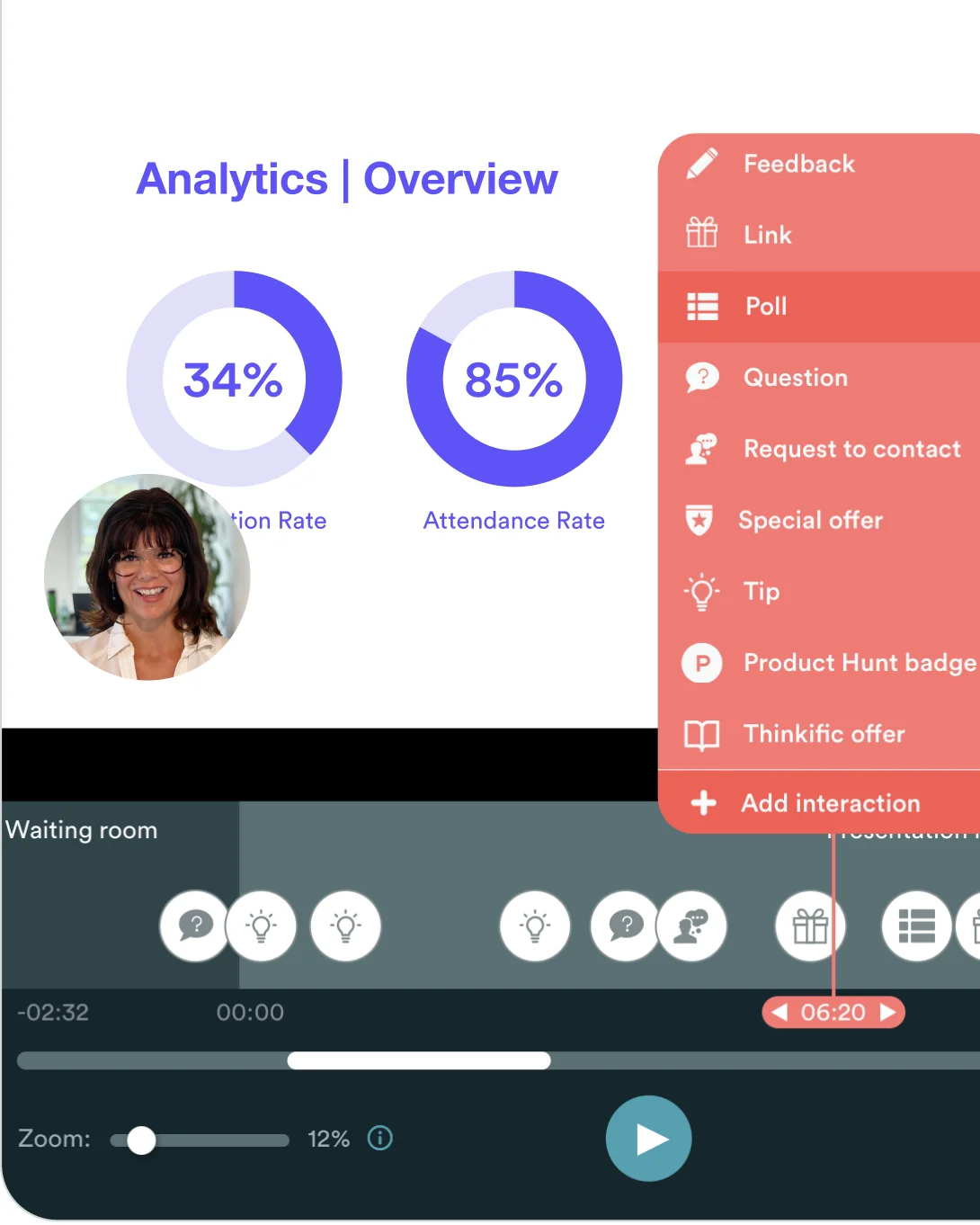
eWebinar has a straightforward, step-by-step method for creating an automated webinar (outlined above). The process typically takes less than 10 minutes and requires no special instructions.
Step 5: Publish and market your webinar
The final step is to publish and promote your webinar to your target audience through various channels, such as online communities, social media, organic content, or paid advertisements.
Regardless of your level of marketing expertise, one easy thing you can do to drive sign-ups is to install a webinar marketing widget on your website or blog.
(If you want to see what that would look like, go to our homepage and look in the bottom left corner for the pop-up promoting our demo.)
Automated Webinar FAQs
1. What can automated webinars be used for?
Automated webinars are best suited for the types of presentations you give repeatedly — where the content remains largely the same every time. This is especially helpful if you’ve hit the limit of how often you can provide those presentations or of the size and type of audience you can reach.
Some examples here include sales pitches, product demos, onboarding webinars, training sessions, info sessions, and company overviews.
Automated webinars are also great for presentations you wish you could deliver repeatedly, but can’t, due to resource constraints or the nature of the webinar (e.g., one with a special guest). This includes activities such as content marketing, webinars, top-of-the-funnel lead generation, and thought leadership.
Some companies simply convert recordings of their live online events into automated webinars to recreate their interactivity and engagement, but as evergreen content.
2. What are the primary use cases for automated webinars?
- Onboarding and training by SaaS customer success teams
- Self-service product demos by SaaS sales teams
- As part of an evergreen sales funnel for online course creators, coaches, and solo entrepreneurs
Use case 1 — Onboarding & training by SaaS teams
Read more about the use case for SaaS customer success teams on our website, or read the mini case studies below:

Later, the 1 Instagram marketing platform, automated their customer success webinars for onboarding and training and experienced these results:
- 10 hours saved per week per automated webinar
- 100+ webinar sessions are now hosted per month
- 600% increase in attendance
- More and better content created with the time saved
- Stress dramatically reduced for their team
“We used to host 2-4 live webinars a month at capacity. Now we host 100+ a month and only spend about an hour a day responding to chat messages. Attendance has gone up 6x!”
– Anett Vándor, Customer Engagement Manager
Use case 2 — Self-service product demos by SaaS sales teams

The Sales team at visitor management system, The Receptionist, started using eWebinar to automate the live weekly sales demos they were doing for prospects that didn't warrant an immediate one-on-one demo and experienced the following:
- Demo attendance rates jumped from between 40% – 50% to 80% – 90%
- The fear of not being able to interact effectively with leads vanished instantly
- Saving hours from not having to prep for and host live demos
- Their automated webinars have outperformed the live webinars in both engagement and conversions
“We're running between 80% and 90%, with multiple weeks of 100% attendance. It's pretty extraordinary to be quite frank with you. It has outperformed our traditional format in not only engagement, but also participation and conversions to paying customers. To say our sales team loves eWebinar is a bit of an understatement.”
– Tom Foster, Director of Sales
Watch Tom’s full testimonial or read a transcript of it here instead.
Use case 3 — Solo entrepreneurs, course creators, and coaches

Shayna Oliveira of Espresso English uses eWebinar to offer a free workshop teaching English as a second language that generates leads for her paid program, and has seen the following benefits:
- eWebinar is easy to use and simple to set up
- >Can offer sessions at any time while preserving her own freedom and flexibility
- Has created an interactive experience on a large scale that her students love
- Able to gather valuable data about her audience
“We see nearly a hundred percent retention rate in terms of people watching the whole webinar from start to finish. I think one of the reasons is eWebinar's built-in interactive features. Students can respond to questions, take polls, and click on links. And that really keeps it moving, keeps it interesting so that the student is actually interacting with the training and not just sitting there and watching it passively. And it helps students stay all the way through the end, which I am thrilled to see.”
— Shayna Oliveira, Founder and CEO
Read the Espresso English case study →
Not every automated webinar tool suits a classroom. We ranked the best webinar platforms for education separately.
3. How does live chat work in an automated webinar if no one is there to host it?
Other software providers avoid this question altogether because it is not possible to do so using their software. They either require you to:
- Attend every session to chat live with attendees, which means someone always has to be there
- Or turn off chat entirely and have attendees submit questions by email
It’s one or the other, but not both.
75% of consumers feel that automated experiences are impersonal.
eWebinar's proprietary chat system lets you address that sentiment while balancing it against the need to deliver webinars at scale. It lets you chat live with attendees 1-on-1 when you can, and respond to messages personally later via email when you can't.
4. What are the benefits of automated webinars (over live webinars)?
There are five key benefits to automated webinars over live webinars:
- Amount of content delivered (time gained, not just time saved)
- Higher attendance rates
- Increased audience engagement
- Direct 1-on-1 communication anytime
- Consistently the same high-quality
Benefit 1: Time gained (not just time saved)
The most significant and most obvious benefit of automated webinars is how much time they save you, since no one needs to present them live.
Although our customers are always astonished by the sheer number of hours they save, they are even more amazed by what they can accomplish with the time they regain.
But it goes much further than that…
An automated webinar essentially lets you clone yourself, which means you can do as many webinar sessions as you need. Our customers have been able to scale their time in ways they previously thought impossible.
For example, one of our larger customers was doing two to four live webinars a month before they started using eWebinar. Now they host 100+ webinar sessions per month and spend only an hour or so each day responding to chat messages. It’s as if they conjured hundreds of hours out of thin air.
Benefit #2: Higher attendance rates
The average attendance rate for live webinars across the industry is only 40% to 50%. Meanwhile, average attendance rates across all eWebinar customers are 15 to 25 percentage points higher — at 65%. The average on-demand attendance rate across all eWebinar sessions is 83%.
At the time of writing, the attendance rate of our own 20-minute product demo is 87%. And we have customers regularly report weeks of 90% to 100% attendance!
The primary reason for the higher attendance rates is convenience and accessibility. Because they are pre-recorded, they can be made available as often as necessary, including on demand, to reach the largest possible audience.
Webinar attendees can either find a time in their own time zone that fits their schedule or join a webinar immediately after finding it, at the peak moment of high interest.
With live webinars, people may sign up with every intention of attending, but then their schedule changes, they lose interest, or they just plain forget. Live webinars can only be done as often as the host can present them, which is never going to be convenient for every potential attendee.
With the advent of Netflix and other streaming services, consumers' expectations have changed. People expect to be able to access their video content when they want it, without having to wait. Automated webinars let you do just that.
Benefit 3: Increased audience engagement
While it may seem counterintuitive, automated webinars can be more interactive than live webinars — when planned and created with the right software. Our customers often report significant increases in engagement and watch time after transitioning from live to automated content.
Live webinars are pretty passive. They generally don’t have much audience participation outside of Q&A at the end. The presenter might take a poll or ask the audience a question, but it’s too distracting to do that more than once or twice because those actions have to be triggered manually. Creating an interactive audience experience requires planning and scripting, which is generally not worth the time spent on a one-time event.
It’s the opposite with automated webinars. Since they can run indefinitely, it is worth spending a little extra time scripting them in a way that makes the experience more interactive for the audience. You can incorporate elements such as polls, questions, tips, contact forms, handouts, and links directly into the presentation.
Since these interactions are preprogrammed, you can add as many as you want. Everything is automated.
Having interactions appear every few minutes throughout your webinar gives the audience something to do, keeps them engaged, and helps maintain their focus so they stay until the end. eWebinar offers more interaction types than any other webinar software, giving you more tools to keep your audience engaged.
We also offer a unique interaction editor, inspired by video editing software, that makes it easy to add, edit, duplicate, and move interactions around on your video’s timeline.
Benefit #4: Direct 1-on-1 communication
There’s an aspect of engagement in automated webinars that gets overlooked: live chat.
Live chat is the most interactive aspect of any webinar. Yet other automated webinar software providers only let you chat live with attendees if you show up for every single session (and we don’t count that as an automated webinar, since someone must be there).
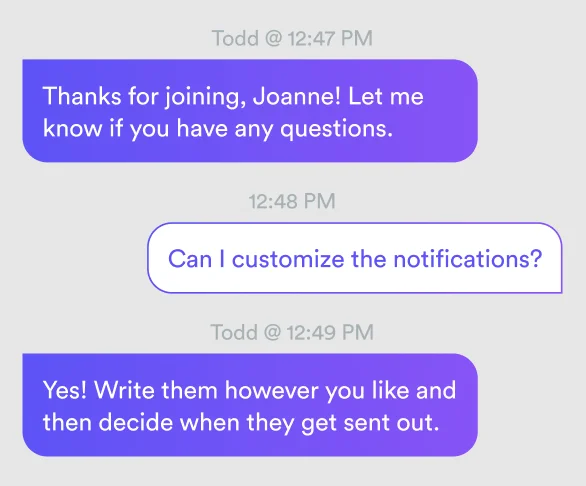
As explained above, eWebinar is the only platform that's solved the live chat problem in webinar automation.
Every inquiry gets a response. Nothing falls through the cracks. If attendees can’t get an answer from you during their session, they know their message was received and that they will hear back from you later.
Meanwhile, you can run your webinars around the clock without sacrificing the opportunity to chat live with attendees when you are able.
Benefit 5: Consistently high-quality
Live webinars don’t always come off smoothly. The presenter might have an off day or accidentally leave something out.
Or maybe they’re burned out from having to give the same presentation over and over.
Or maybe technical difficulties ruin the event for everyone.
If you’ve run live webinars before, you know that things go wrong. But with automated webinars, these problems go away.
You can perfect and record the best version of your presentation, so it always goes exactly as planned. Automated webinars are less prone to the tech problems common to live webinars. You can always show the best version of yourself.
The result is a reliably consistent attendee experience that ensures you always make a great impression.
eWebinar is the only automated webinar solution that offers all of these benefits.
Direct 1-on-1 communication is 100% unique to our platform. Our robust chat system is the key to sustainably scaling your presentations while also maintaining a high-touch experience for attendees.
5. Isn't it better to use software that handles both live and automated webinars?
The short answer is no — and this is actually one of the biggest traps buyers fall into. The needs of live and automated webinars are fundamentally different, and tools that try to do both end up compromising on both.
Think about it: the features that make automated webinars great — async chat, a wide variety of preprogrammed interactions, flexible scheduling options that run 24/7 — aren't things a live webinar platform is designed around. And vice versa. When a platform tries to serve both use cases, automation ends up as an afterthought.
Every eWebinar customer we know still uses separate software for their live webinars (we do too!) — not because they have to, but because they've learned firsthand that a dedicated tool always outperforms a jack-of-all-trades. A wrench will never be a hammer.
Our advice: don't evaluate automated webinar software based on whether it also does live. Evaluate it on the features that actually matter for automation — chat, interactions, and scheduling. Then test it yourself. Every platform on this list offers a free trial, so you can find out what's actually true rather than taking anyone's word for it (ours included).
Common Misconceptions About Automated Webinars
Misconception 1: Automated webinars are a bad practice because they are deceptive
Automated webinars have a bad reputation, and not without reason. Other automated webinar tools (like EverWebinar above) have features that were specifically designed to deceive attendees.
Our frustration with these types of webinar features was a driving force behind our decision to build eWebinar.
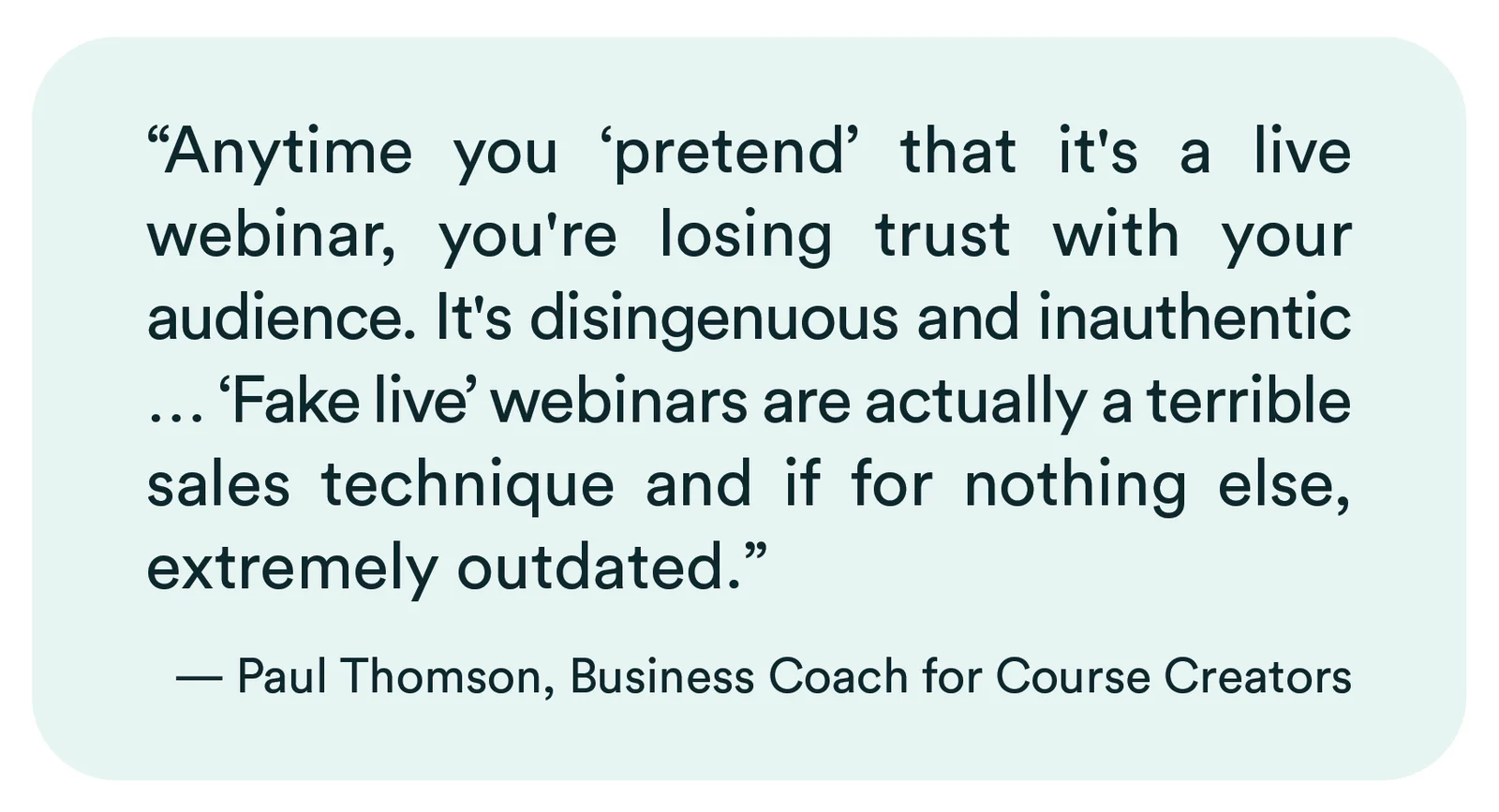
eWebinar customer, Paul Thomson, had this to say on the topic:
To illustrate the kinds of features other software platforms offer that are designed to trick attendees, imagine the following scenario:
- You discover a webinar that looks interesting. The landing page warns you to register quickly because of “limited space.”
- When you join the webinar, you see a “LIVE” indicator, making you think that you’re watching a live event.
- As the webinar starts, you see other (fake) attendees slowly join. The attendee count slowly climbs until it reaches the hundreds.
- Audience members start posting comments in chat: Jan says, “Sounds good to me!” Alexis adds, “That’s a great point!” followed by Marcus, “God, I love that!”
- The host takes an audience poll that pops up for you to answer. When the results of the poll are shared, you are surprised how different they are from what you thought they’d be.
- Later in the presentation, the host makes a sales offer. Shortly after the offer is made, you start to see alerts pop up, “Sally just signed up!” “Mahesh just signed up!” They just keep coming.
If you have been in a similar situation and felt like something was off, your instincts were right. It was all BS. The webinar was, in fact, designed to trick you.
Everything about the experience is fake: the “limited space,” that it is being done “LIVE,” new attendees joining, the chat messages, the poll results, the sales notifications — all of it.
The creator of the webinar made everything up to manipulate their audience, which was only possible because of the software they used.
Of all these features, we think fake chat is the most problematic. It leads attendees to believe they will receive answers to their questions when, in fact, their messages either go into a void — never to be seen by anyone — or there is no mechanism in the software for the host to send a response.
It is all smoke and mirrors.
To be fair, no single platform has all of these deceptive features, but they do exist, and many platforms have most of them.
These are flawed marketing and communication tactics for businesses seeking to maintain their credibility and build long-term customer relationships. Modern consumers are savvy, and once trust is lost, it's nearly impossible to regain.
eWebinar was built for authenticity and transparency
Our philosophy at eWebinar is that if the experience is engaging and authentic — and attendees have a way to connect with you — it shouldn’t matter that the webinar is pre-recorded, nor should that fact need to be hidden.
We encourage our customers never to lie in their videos and claim their webinars are live. In our own webinars, we always make it clear that they are pre-recorded, but the chat is live for those with questions.
We do more than just preach authenticity and transparency to our customers; we built it into our platform. Here are five examples of how we did that:
Real live chat: Attendees are amazed when they get a real response from someone during one of our pre-recorded webinars. Private, 1-on-1 communication creates an immediate connection with attendees that is more personal than could ever happen in a live webinar (where chat is public).
Conversion alerts of actual sales: Our conversion alerts are tied to the tracking code you place on your checkout confirmation page. Only people who converted as a direct result of attending your webinar will appear in conversion alerts to future attendees. If you have no conversions, there will be no alerts.
Actual attendee count: We let you show the total number of people who have attended your webinar over time (“Viewed”) or the exact count of those in a current session (“Viewing”). But whatever your choice, you cannot fudge the numbers.
No misleading copy: You will not find any deceptive or misleading copy in any of our customizable webinar templates, including on the webinar registration pages or in the email notifications.
Real accumulated poll results: Poll results are real and accumulate over time, which means they improve with time. You can choose whether to display them, but you can’t make them up.
Misconception #2: Automated webinars should not replace live webinars
When people share this thought with us, our immediate response is, “We agree!” Live webinars are and will continue to be a critical part of any mature webinar strategy. They are essential for special events, guest speakers, panel discussions, and any presentation where it only makes sense to give it once or twice (i.e., the content loses relevance immediately).
We would never advocate for the elimination of live webinars. Instead, we believe people should automate their repetitive webinars — the ones where they must deliver the same content again and again — so they can free up their time and focus on other things, which could very well be developing new live webinars.
If you read between the lines of this misconception, however, you will find other common misconceptions from this article hiding within it.
People think automated webinars could never replace live ones, because live webinars are “just better” — they are more engaging, authentic, personal, and impactful. And people like them better.
While there's some truth to these statements in the context of — and only in the context of — the kinds of presentations mentioned above that are best suited for live webinars, we believe automated webinars are generally superior to live ones for delivering repetitive content, provided you utilize the right software.
Misconception #3: People won’t engage with a webinar if it is automated
In our experience, the opposite of this statement is true. People actually engage more with automated webinars — at least they do with ours.
Attendees don't just sit there. They get to participate in the experience, which makes it fun and interactive. Each attendee can message you or your team directly via chat at any time. Direct, private communication is the best kind of engagement!
eWebinar was built with the attendee experience in mind first and foremost. With a bit of planning and preparation, our interactions and live chat system create a more personal, engaging, and interactive experience than could ever be achieved in a live webinar.
Misconception 4: People prefer live webinars over automated webinars
People often prefer automated webinars to live webinars without realizing it.
When it comes to things like product demos, onboarding, and training, consumers expect to receive the information they want, when they want it. They don’t want to have to wait a week for a product demo (let alone talk to a salesperson) or wait for the next onboarding webinar a month from now.
The scheduling features of automated webinars (especially just-in-time and on-demand sessions) let consumers watch your webinars at their convenience, which they love!
Another thing people like about automated webinars (created with eWebinar, at least) is that they tend not to be as dull as live webinars, where you simply sit and watch. Real-time interactions and live chat provide people with a way to participate in the experience, making them feel more invested.
Finally, people are happiest in any webinar when they have a forum to get answers to their questions during it. eWebinar is the only webinar platform that supports live chat while keeping your webinars available 24/7.
Misconception #5: An automated webinar is no different than a video
If you’ve considered automated webinars to deliver your video content, you have probably had this same thought. I mean, how different could they really be?
For specific types of video, the difference is enormous, and the benefits of automated webinars are so much greater than what you can get from standard video; you may never go back to video once you have experienced those benefits for yourself.
Join our on-demand demo to see how it works:
Curious to see how eWebinar can help run your demos, onboarding, and training sessions on autopilot?
Watch a one-minute explainer video for a quick overview of the eWebinar platform. Or, better yet, join our on-demand demo to learn more!