Log inSign up free

    Access Control

    Make sure the people you want watching your eWebinars can, and those you don’t can’t.

    Limit who can and cannot access your eWebinars by the email address they use to sign up, such as only allowing work emails or emails on a whitelisted domain.
    Watch our demo now

    How Access Control works

    Only collect valid, business emails in your sign-up forms.

    Detect and block people from signing up for your eWebinars with a personal email, like Gmail or Yahoo, or with a soon-to-be-discarded temporary email.
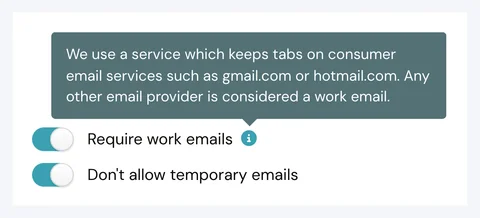
    Work and temporary email access controls

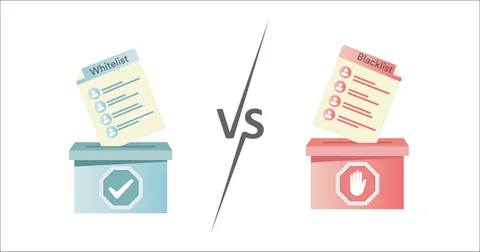
    White or blacklist registrants by email address or domain.

    Gatekeep your eWebinars by allowing certain people to sign up while preventing others (like your competitors) by individual email address or by the email's domain.
    Email and domain allow and deny lists

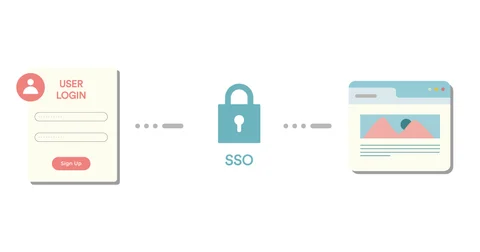
    Enable single sign-on (SSO) for a seamless experience.

    Whether onboarding and training customers, contractors, or team members, use SSO to offer seamless and secure access to your eWebinars, including from inside your SaaS product!
    Single sign-on settings

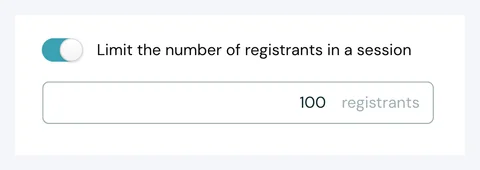
    Limit how many people may register at a time for an eWebinar.

    To make sure everyone gets the attention they deserve in chat, limit the number of people who can register for any session
    Registration limit settings

    Access Control at a glance

    Whitelist by email or domain

    Blacklist by email or domain

    Require work emails

    Block temporary emails

    Single sign-on (SSO)

    Limit registrants per session

    Want to experience eWebinar firsthand?

    We use it to run our demo!

    Watch our demo now