Quick Summary
Asynchronous learning is any learning that happens on the learner's schedule, not the instructor's. Most articles define it for students. This one is for people running training, onboarding, and customer education at work, where the same shift is happening but the playbook is different. At eWebinar, our customers see 83% on-demand attendance compared to the 30 to 40% industry average for live training. The format works. Most companies are just too limited by only doing things live.
Most articles about asynchronous learning aren’t written for people running businesses
Search "asynchronous learning" on Google and you'll get ten articles about students. Online degrees. Course design. How undergraduates can balance Zoom classes with their schedules. All useful, none of it written for you if you're running a business.
The same shift is happening at work. Companies are moving away from only doing live training calls and toward letting people learn on their own time too. It's reshaping how customers get onboarded, how employees get trained, and how knowledge moves through a company.
This article is for the business user. It defines asynchronous learning, walks through the honest pros and cons, and shows where it fits alongside the live training most companies are already doing.
Why Listen to Us
I'm Melissa Kwan, founder of eWebinar. eWebinar turns pre-recorded videos into interactive on-demand experiences with chat, so companies can deliver training, onboarding, and customer education without scheduling a live call for every new user. I've spent six years building it, and in that time I've watched hundreds of companies add asynchronous learning to how they teach at work.
Some companies might choose to keep most training live and ease into recorded content. Some go almost fully async outside of customer 1-on-1 check-ins. Most companies use a mix of both live and async in their overall content strategy. What I’m going to share comes from watching what works in each of those setups.
Here's how one of our customers thinks about it:
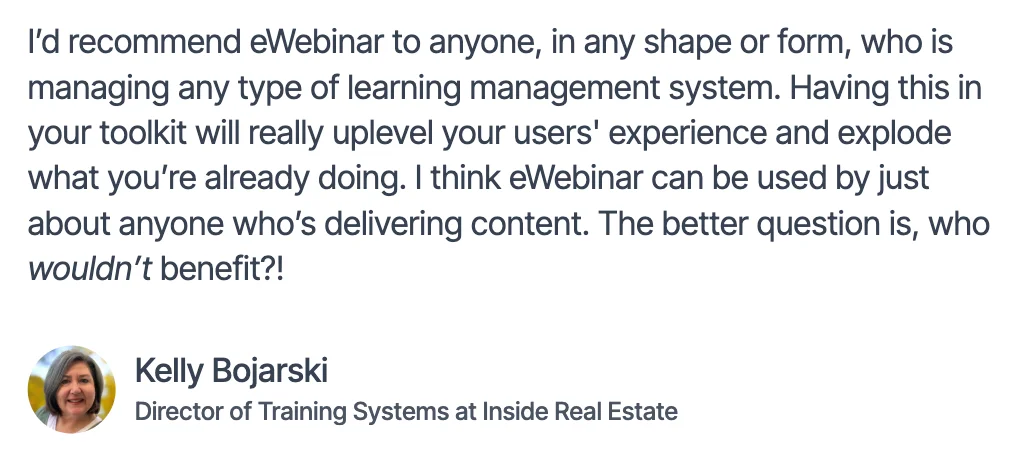
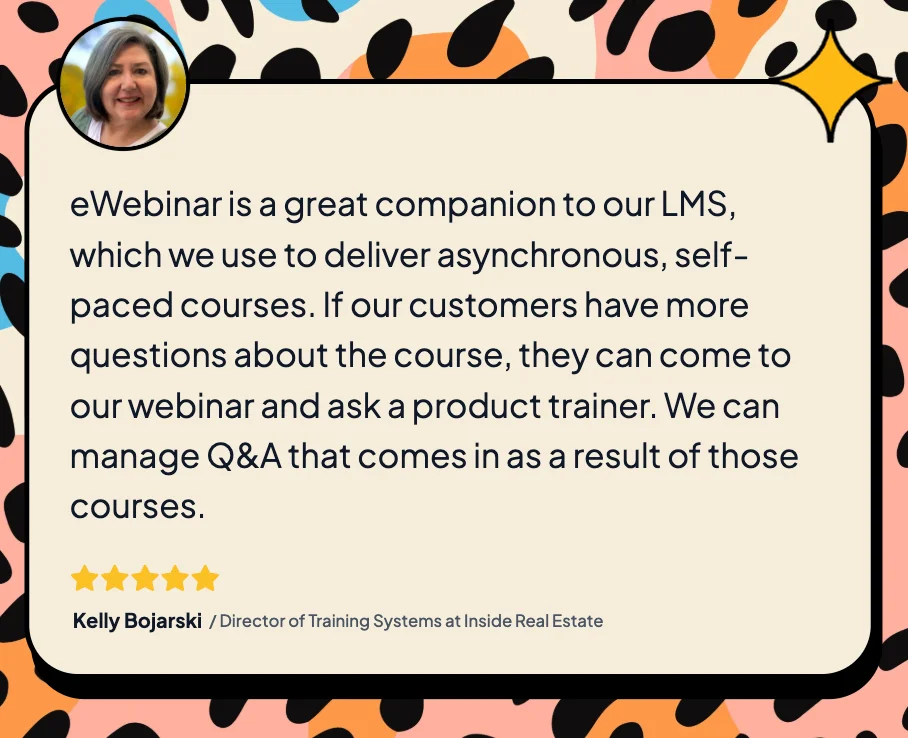
Kelly runs hundreds of onboarding and training sessions a month for one of the largest real estate technology companies in North America. She uses a mix of live sessions, async eWebinars, and their Learning Management System (LMS) to create different learning paths for their customers. The rest of this article comes from watching customers like her find the right mix.
What Is Asynchronous Learning?
Asynchronous learning lets people learn on their own time, without an instructor running the session live. It covers any format the learner controls: a recorded video, a self-paced module, a written guide, a quiz they take at midnight. The term has lived inside higher education for about thirty years, but in the last decade it's moved into the workplace, where it describes something a little different.
In a university, asynchronous learning means a student watching a pre-recorded lecture instead of attending class. The goal is a grade, a credit, a degree.
At work, asynchronous learning means an employee learning how to use a new tool, a customer learning how to get started with a product they just bought, or a partner learning how to sell something they've never sold before. The goal is competence. Time to value, adoption, and retention.
The mechanics overlap. The motivations don't. A student who skips an asynchronous module faces an academic consequence. An employee or customer who skips one doesn't get the information they need to get up to speed, and that gap is the company's problem, not the learner's. That's why workplace asynchronous learning is its own thing. The stakes are different, and so are the incentives.
| Medium | At School | At Work |
|---|---|---|
| Who is the learner? | A student | An employee, customer, or partner |
| What's the goal? | A grade, credit, or degree | Competence, ramp time, time to value |
| Who pays the cost when they skip? | The learner (lower grade) | The company (slower adoption, more support tickets) |
| What does success look like? | Finishing the course | Using the product, doing the job |
| What's the format? | Self-paced course, recorded lecture, discussion board | On-demand training video, onboarding webinar, async product walkthrough |
Asynchronous Learning vs. Synchronous Learning
The simplest way to tell them apart: synchronous learning means everyone shows up at the same time. Asynchronous learning means people show up when it works for them.
Synchronous | Asynchronous | |
When learning happens | Set time, real-time | Anytime the learner chooses |
Who controls the pace | The instructor | The learner |
Real-time interaction | Yes, built in | Depends on the format |
Attendance ceiling | Capped by schedule conflicts | No ceiling |
Scaling cost | Linear (more people = more sessions) | Flat (one recording serves everyone) |
Best for | One-time events, named-guest Q&A, genuine 1:1 conversations | Repeatable content delivered the same way every time |
Live training earns its place. It works for content that has to happen in the moment: a one-time event with a guest expert, a small group going deep on a topic that's specific to them, a session on something time-sensitive that hasn't been answered anywhere else yet. These are the moments where live is the format and nothing else will do.
Asynchronous earns its place for the rest. If the same content gets delivered the same way over and over, somebody on your team is repeating themselves every week. That's the kind of work asynchronous learning was built for.
You don't have to choose between the two. Most companies need both depending on what they’re trying to achieve.
Pros and Cons of Asynchronous Learning at Work
Most articles on this topic list five benefits and skip the drawbacks. That’s only part of the honest answer. Asynchronous learning has upsides and downsides, and the way to figure out where it fits in your business is to look at both.
The pros
Pro 1: It scales without scaling your team.
The biggest reason companies add asynchronous learning is that the live version has a ceiling. Every new customer is a new training call. Every new employee is a new onboarding session. The calendar fills up, and at some point you can't add another session without adding another person to deliver it.
When some of that training becomes asynchronous, that math changes. One recording serves a thousand learners. The team reclaims time to focus on work that needs their attention.
Pro 2: Attendance goes up, not down.
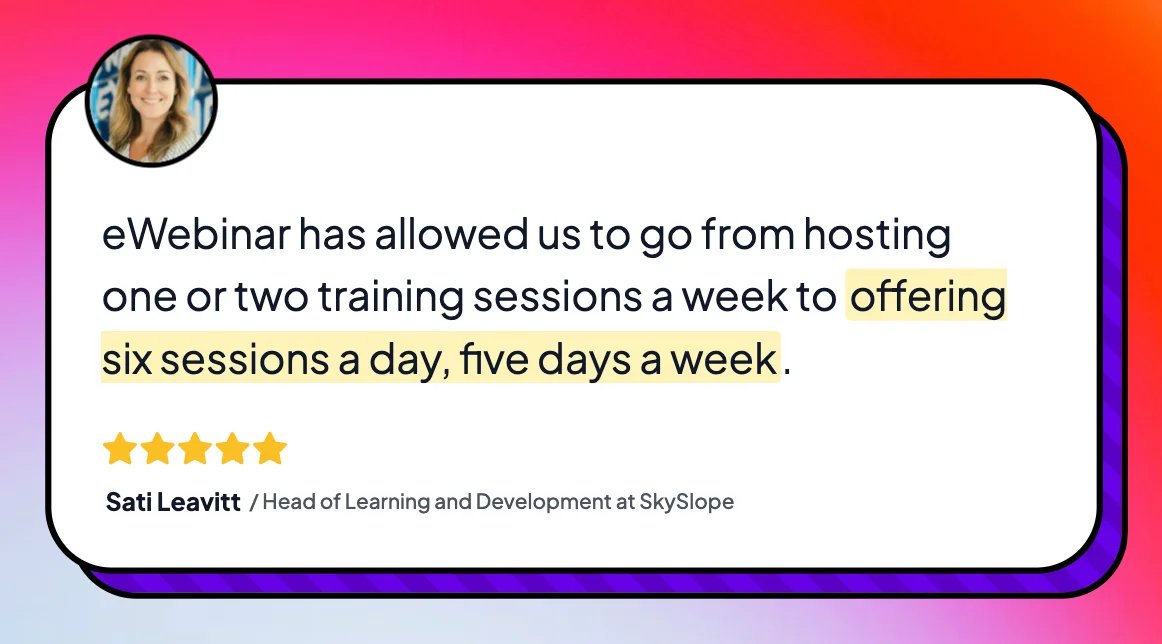
Most people who have never tried to deliver content async assume live training has higher engagement because someone is "there." The data says otherwise. Live webinars and training calls average 30 to 40% attendance. eWebinars run by our customers average 83%. Some of our customers see an even higher attendance rate.
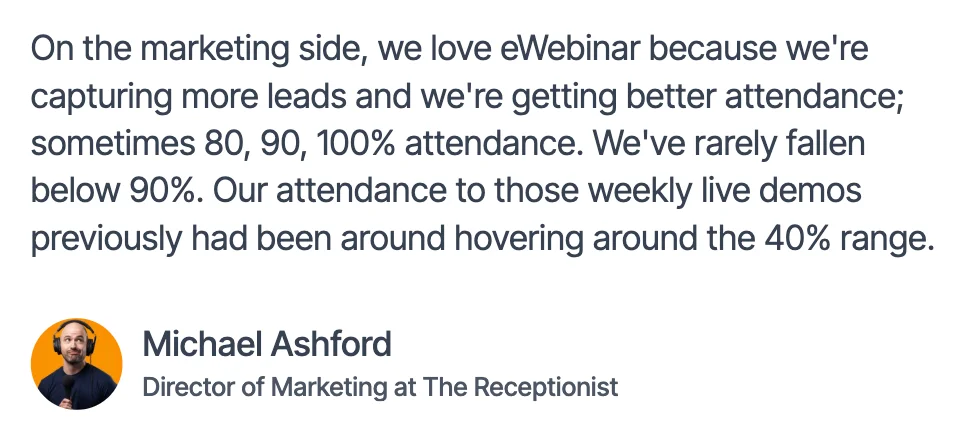
The reason is obvious. People can watch asynchronous training when they actually have time, not only when your calendars match up. They show up because their schedule says they can, not because they put it on the calendar three weeks ago and now have to cancel a meeting. Consumers, like me and you, are already doing this in other prominent parts of our lives like watching tv on Netflix or stories on Instagram.
Pro 3: The experience is consistent every time.
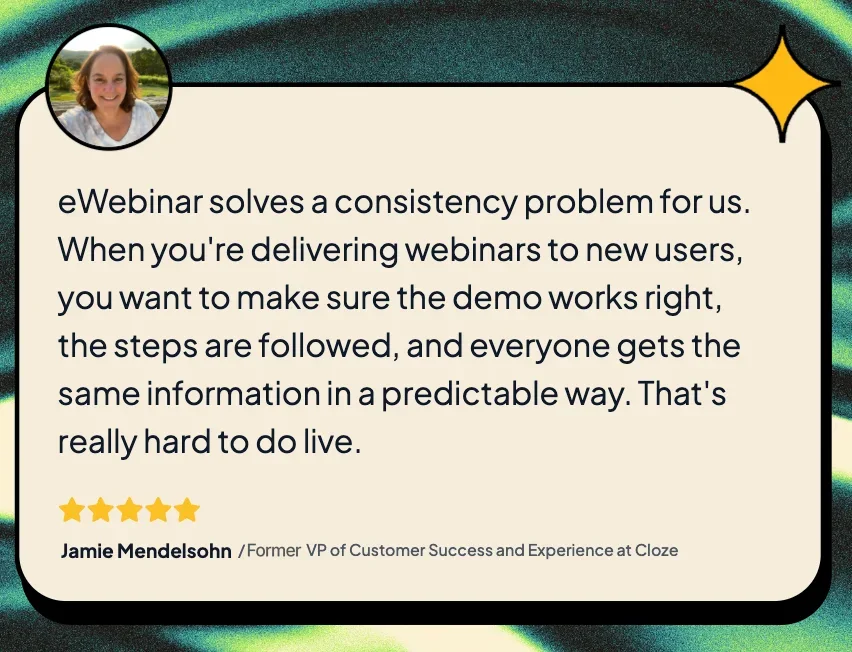
When training is live, the quality depends on who's delivering it, how they're feeling that day, and whether they have a strong connection. When it's asynchronous, the same training reaches everyone exactly the same way. That matters for customer onboarding, where the first impression should be the best impression. It matters for compliance training, where consistency is the point. And it matters for any company with customers or employees in multiple time zones, because the alternative to asynchronous is "Aaron in Sydney didn’t get the same training as Lisa in New York, and Julie in Singapore couldn’t attend."
The cons
Here’s the flip side of the coin. They're not reasons to avoid asynchronous learning. They're things to know about going in.
Con 1: It can feel impersonal.
The biggest, most common complaint. People who try asynchronous training without thinking about how it's delivered can feel like they're watching a video at someone, not learning with them. There's no warmth. No nod when the learner gets it. No "good question" when they ask one. Live training doesn't have this problem because a person is on the other end.
Every article you find on this topic flags this. It's a real consideration. The fix isn't to skip asynchronous, it's to build it in a way that brings the human back in. (More on that below👇.)
Con 2: It's passive by default.
A recorded video on a landing page is a one-way experience. Press play, sit back, scroll Slack in another tab, check Instagram, maybe finish. If the only thing happening on screen is a person talking, there's less reason to stay than there would be in a live session where the trainer might call your name. It’s boring and not engaging.
Live training has the opposite advantage: presence keeps attention. With asynchronous, you have to design attention in.
Con 3: It's one-sided, unless you design it otherwise.
When a learner has a question during live training, they ask it and they get an answer. With asynchronous training in its simplest form, there's nowhere to put the question. The question never gets asked. The learner stays uninformed.
These three cons are real, and they're some of the reasons a lot of companies stop short of asynchronous and stick with what they know works live. That's a defensible choice. But it's worth knowing what you trade for it.
The average live training session has a 40% attendance rate. The other 60% wanted to be there, but the timing didn't work, and most of those people will never see the content. That's a real cost. It shows up in slower (or no) customer onboarding, slower employee ramp time, and a customer success team that's burnt out repeating themselves. The upside of solving these cons isn't just better training. It's faster productivity, happier customers, and more revenue. That's the reward worth chasing, and the next section is how to get there.
How to Get the Most Out of Asynchronous Learning at Work
The companies that get the most out of asynchronous learning at work do four things differently. Here they are.
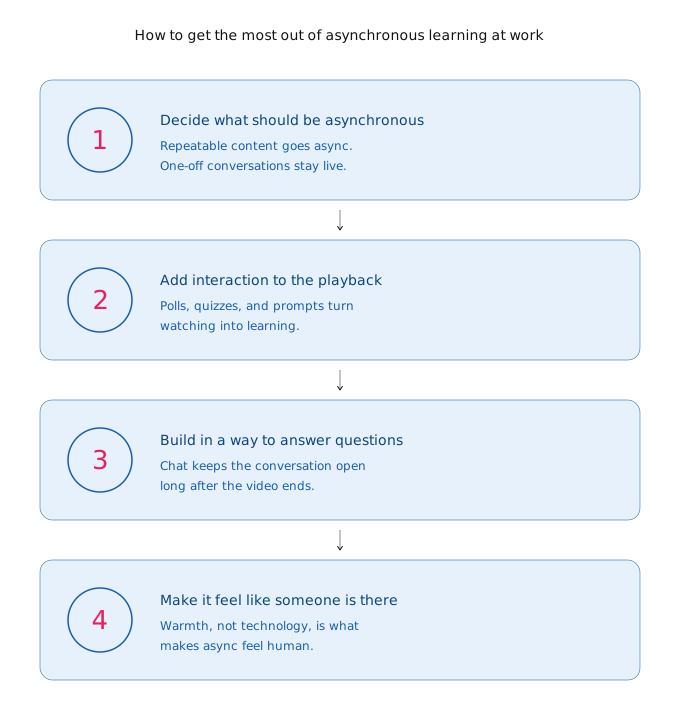
Step 1: Decide what should be asynchronous in the first place
Not everything should. Live training has a place, and trying to automate the wrong things is how companies end up with cold, generic experiences nobody wants to attend.
The test is simple: is this content delivered the same way every time? If you're saying the same thing to every new customer, every new hire, or every new partner, that content is a candidate for asynchronous. If the conversation is genuinely different every time, it should stay live.
A kickoff session for a new enterprise customer you want to build a strong relationship with? Live. A product walkthrough for new users that's been the same for two years? Asynchronous. An expert-led Q&A on a topic that's still evolving? Live. A compliance training that has to reach every employee in seventeen offices? Asynchronous.
You don't have to choose between live and automated. You need the right tool for each job.
(More on this in our piece on whether you should do live or automated webinars.)
Step 2: Don't just upload a recording, add interaction
A Zoom recording uploaded to a landing page is the simplest form of “asynchronous training.” It works fine for some content, like an internal reference video or a replay of an event for people who missed it. A live recording is also usually full of interruptions and side conversations that aren't relevant to the person rewatching later, which is why most viewers bounce. But when companies want asynchronous to replace what live used to do, the recording alone isn't enough.
What makes asynchronous training feel like training is interaction built into the playback. Polls that survey the audience. Quizzes that test what the learner just heard. Calls to action that show up at the moment they're relevant. Resources that drop in when the learner needs them. The experience starts to feel like something is happening with the learner, not just to them. Rather than watching a video passively, they get to participate actively.
That's the difference between content that gets watched and content that gets finished. (We dig deeper into what good on-demand video looks like in our guide to the best on-demand webinar software.)
See how eWebinar makes pre-recorded videos interactive on this 1-minute video:
Step 3: Build in a way for learners to ask questions, and actually answer them
Typical videos are one-sided. You press play, and that's it (think YouTube videos). eWebinar changes that. Just because the video is pre-recorded doesn't mean the conversation has to stop. Your audience can chat, ask questions, and get real answers while the video plays.
The companies that get the most out of asynchronous learning have a chat layer built into the experience. Someone on the team can answer when a learner asks a question, even if the video itself was recorded six months ago. The learner doesn't care that the video isn't live. They care that the content is high quality and relevant to them, and that their question got answered.
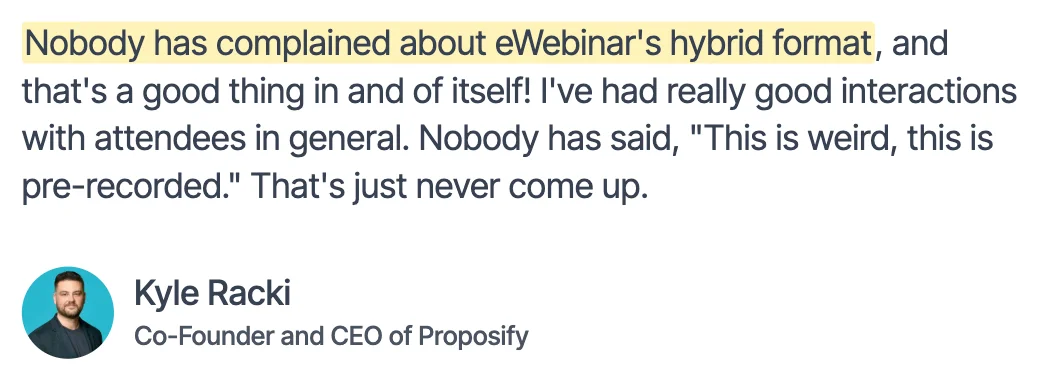
A conversation doesn't have to be synchronous, it just has to be a conversation. Like texting a friend: they reply when they can, right away or later. That's how eWebinar works. Your customer can ask a question during a session, and your team can answer right away if they're around. If not, they follow up later by email. Either way, every question gets an answer. No one gets ignored.
Step 4: Create a great experience, with integrity
This isn't just about technology, it's about an approach. The best asynchronous sessions don't pretend to be live. They're honest about what they are, and they're better for it.
Start by recording a short intro that sets the experience up. Welcome people in, let them know how it works: yes, this session is pre-recorded, and it's interactive. There'll be polls, quizzes, and questions along the way, so take a moment to answer those as they come up. (Need a starting point? Here's our standard housekeeping script to make this easy.)
Then tell them the most important part: if they have a question, they can ask it right in the chat. Someone will answer, right away if the team's around, or later by email if not. Either way, they're not shouting into the void. Someone's on the other end.
Here's the thing we feel strongly about: don't pretend to be live when you're not. It's the fastest way to lose someone's trust. A lot of evergreen webinar platforms actually lead with this as a feature — fake attendee counters, simulated conversations, fake scarcity, telling people "we're live!" when nobody's there. We made a deliberate choice not to build any of that into eWebinar, because we don't think tricking your audience is a strategy. It's a liability.
People are smart. They know when you’re not presenting live. Nobody is hosting a live session with 147 other people at 11pm. Truth is, they don't care whether you're live. They care whether the content is good and whether it's relevant to them. So put your energy where it counts: make a genuinely great video, build interactions right into the script, give people a heads-up when a poll's coming, and design the whole thing with care. That's what drives real engagement, not smoke and mirrors.
The rule of thumb: create the experience you'd want if you were the one sitting through it.
And if you want help with your script, our Free AI Script Generator can get you started. You can even "eWebinarize" it, and we'll suggest where to drop in your interactions and weave them naturally into your content. Check it out →
Where Asynchronous Learning Fits Alongside the Tools You Already Use
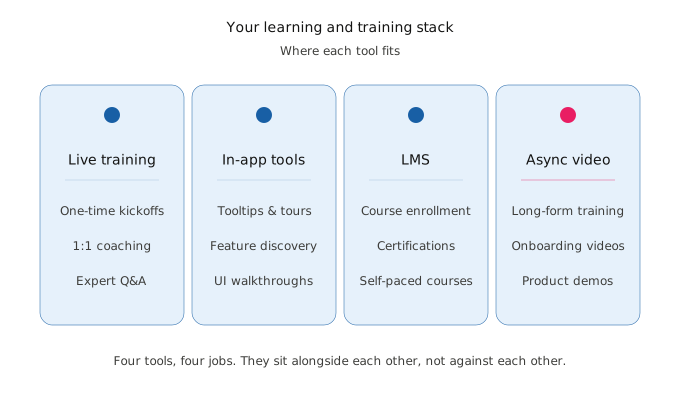
A quick note before the close. Asynchronous learning doesn't replace the tools you already have, including the live training. It sits alongside them.
If you have an LMS, asynchronous video training works as a companion to it. The LMS handles enrollment, certification, and self-paced courses. Asynchronous training handles the parts that need a person walking the learner through it: the demo, the story, the long-form explanation, the moment where you'd normally schedule a call.
If you have an in-app onboarding tool, the same logic applies. The tool handles the small UI nudges. Asynchronous training handles the parts that actually need teaching.
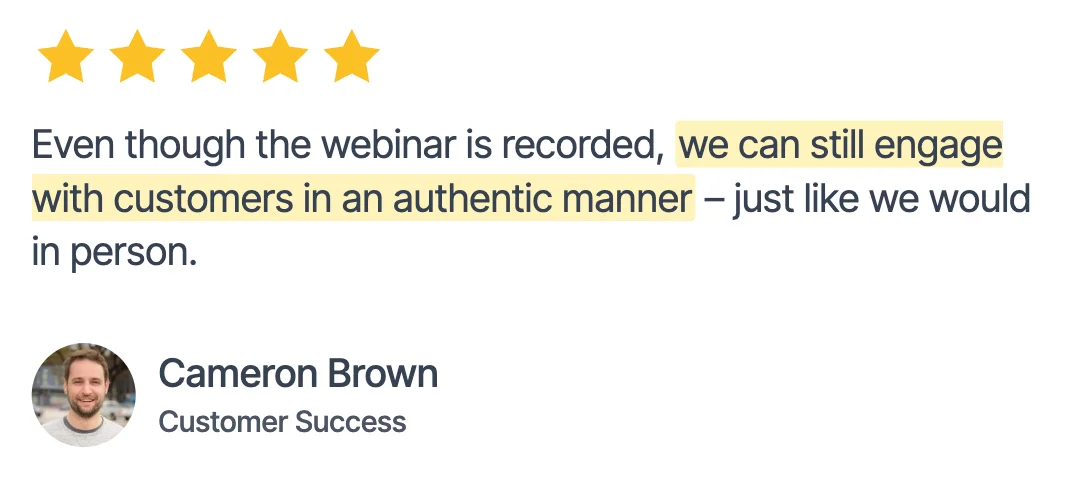
You're not choosing between asynchronous learning and the rest of your stack. You're filling a gap most stacks leave open: the long-form, narrative, person-shaped part of teaching that doesn't fit inside a tooltip or a course module, and that doesn't always need to be delivered live, but still needs a way for people to ask questions and get answers. That's the part most tools miss. They'll let you host the video, but the moment someone has a question, they're on their own. With eWebinar, the chat is right there. The teaching is asynchronous, and the communication never closes.
For the customer onboarding side of this, our guide to automating customer onboarding goes deeper. For the LMS side, we wrote about the best LMSs for customer training and how to think about which one fits.
The Direction This Is Heading
Asynchronous learning at work isn't a fad. It's the same shift that happened to entertainment twenty years ago, finally reaching the part of life where we work.
Netflix joined scheduled TV. Podcasts joined the radio. Spotify joined "what's on right now." Live content didn't disappear (we still watch the Super Bowl live, we still go to concerts, we still tune in for breaking news). But we got the option to consume content on our own time too, and we took it.
The workplace is the last holdout on this shift. We still get on calls to learn things. We still schedule training webinars. We still ask a roomful of people to show up at 2pm on a Tuesday to hear something one person could have recorded once.
The companies that figure out the right mix of live and asynchronous get something the rest of the market doesn't have yet. They onboard customers faster. They train employees consistently. They scale knowledge in ways that just doing it live can't support on its own.
Asynchronous learning, built with intention, is one of the highest-leverage moves a company can make. The format works. You just have to be willing to build it the way it deserves to be built.
That's it.
If you want to see what asynchronous training looks like when interaction is built into the playback and chat is built in alongside, you can see how it works on eWebinar. Or just take this article as one founder's read on where the next decade of workplace learning is going.
Either way, the question isn't whether asynchronous works. It's where it fits in how you teach.
— Melissa