Quick Summary
Most customers churn not because the product failed but because onboarding did. The fix comes down to five things. You need a clear activation milestone, a strong first 48 hours, a behavioral email sequence, the right education layer, and consistent measurement.
Want to Onboard Your Customers Faster and Better?
When someone signs up for your product, their excitement is at an all-time high. But that momentum is a finite resource. The clock starts ticking immediately, and every clunky setup step, empty dashboard, or long training video drains their energy.
Fast onboarding is simply about beating that clock. It means stripping away the unnecessary hurdles between signup and that first win, so your customers see the actual value of your software before they lose steam.
This guide walks through five practical steps to remove that friction and accelerate your time-to-value.
Why Listen to Us
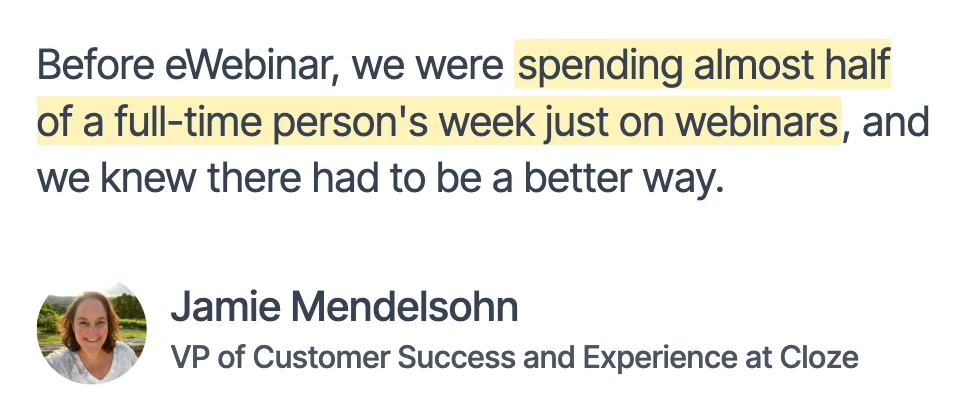
We built eWebinar after hitting the same limits every growing SaaS team hits. The onboarding sessions worked well, but delivering them live meant the customer success team had to show up personally for every single new customer, and that only scales so far. That reality drove us to build eWebinar, and it drives everything in this guide.
Five Steps to a Faster, Scalable Onboarding Process
Here is how to build an onboarding process that removes friction, gets customers to value faster, and actually holds up for products that need more than a tooltip.
Step 1: Define What “Onboarded” Actually Means
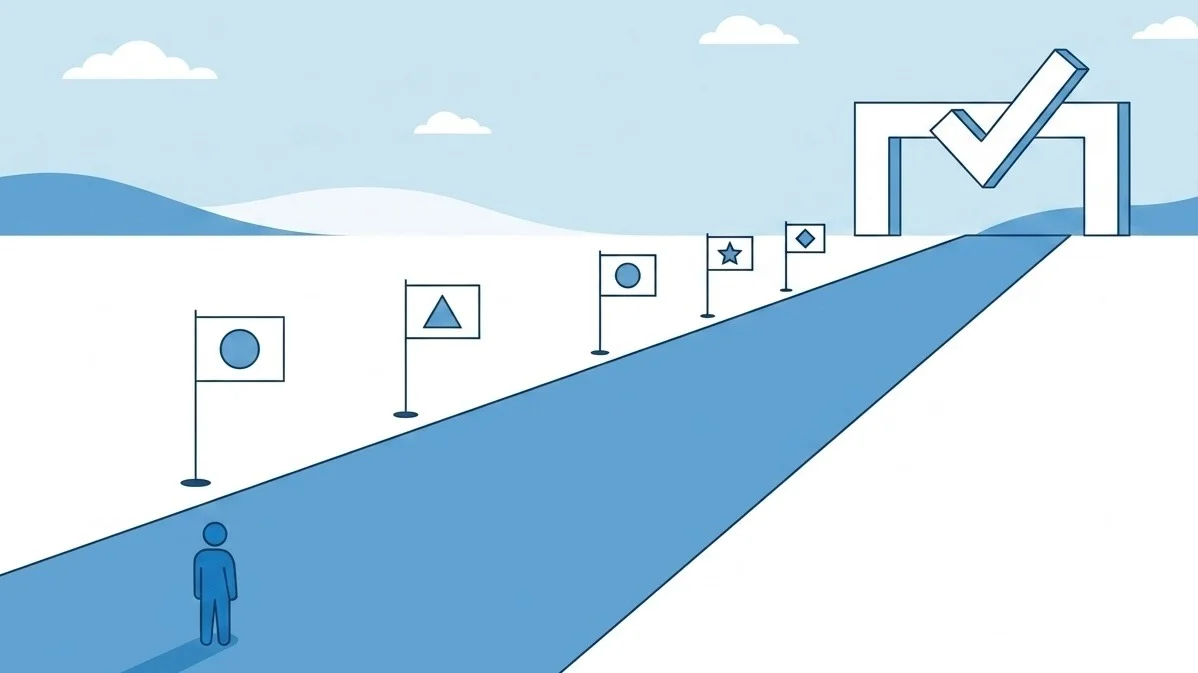
Before you can onboard customers faster, you need to establish what the finish line looks like.
That finish line is your activation milestone. This is the specific action or set of actions that shows a customer has moved beyond exploring the product and started using it the way you designed it to be used. It is different for every product and has to be specific enough to actually predict retention.
The key is distinguishing between actions that look like progress and actions that actually indicate value. A few examples of what that distinction looks like in practice:
- For a project management tool: the customer has created a project, assigned at least three tasks to team members, and started using the product the way a real team would. That is activation. Signing up and poking around is not.
- For a training platform: a learner has gone through their first course and passed the quiz at the end. That shows the content landed. Simply watching the first video is not enough.
Your data already contains this information. Find the customers who renewed at the highest rates and look at what they did in their first 30 days that your churned customers did not. The pattern that emerges is your activation milestone.
Once you have defined it, build your entire onboarding process around getting customers there as quickly as possible. Every email, every session, and every tooltip should move them closer to that specific outcome, not toward a feature tour or a webinar recording, but toward the moment where the product becomes real for them.
Step 2: Audit Your First 48 Hours
The first 48 hours after signup are the highest-stakes window in the customer relationship. Interest is at its peak, and the customer has just chosen your product..
Most onboarding processes waste this window. Welcome emails go out, get opened, and lead nowhere useful. Engagement drops sharply after the first message and never recovers to that level again. The window of maximum attention closes fast, and most teams do not use it well.
Audit what happens to a new customer in the first 48 hours by asking these questions:
- What does the first email ask the customer to do? If it is a generic welcome with a link to the knowledge base, it is wasting the highest-engagement moment you will get. The first email should do one thing: direct the customer to the single action that matters most for activation.
- How many clicks stand between registration and value? Every extra step is an opportunity to lose a customer. The fastest-activating products have almost no distance between signup and the first meaningful experience.
- What happens if they do not click? Most onboarding sequences send the same next email regardless of what the customer did in the product. A customer who has not completed setup after 48 hours needs a different email than someone who has already started. One needs a nudge back to the activation step. The other needs guidance on what comes next.
- Is there a live touchpoint in the first 48 hours? For complex products, a short check-in call or a prompt to attend an onboarding session in the first two days can make the difference between a customer who engages and one who drifts.
The answers to these questions tell you exactly where your first 48 hours are leaking. Most teams are surprised by how much attention they are losing before the second email even goes out.
Step 3: Fix Your Email Sequence
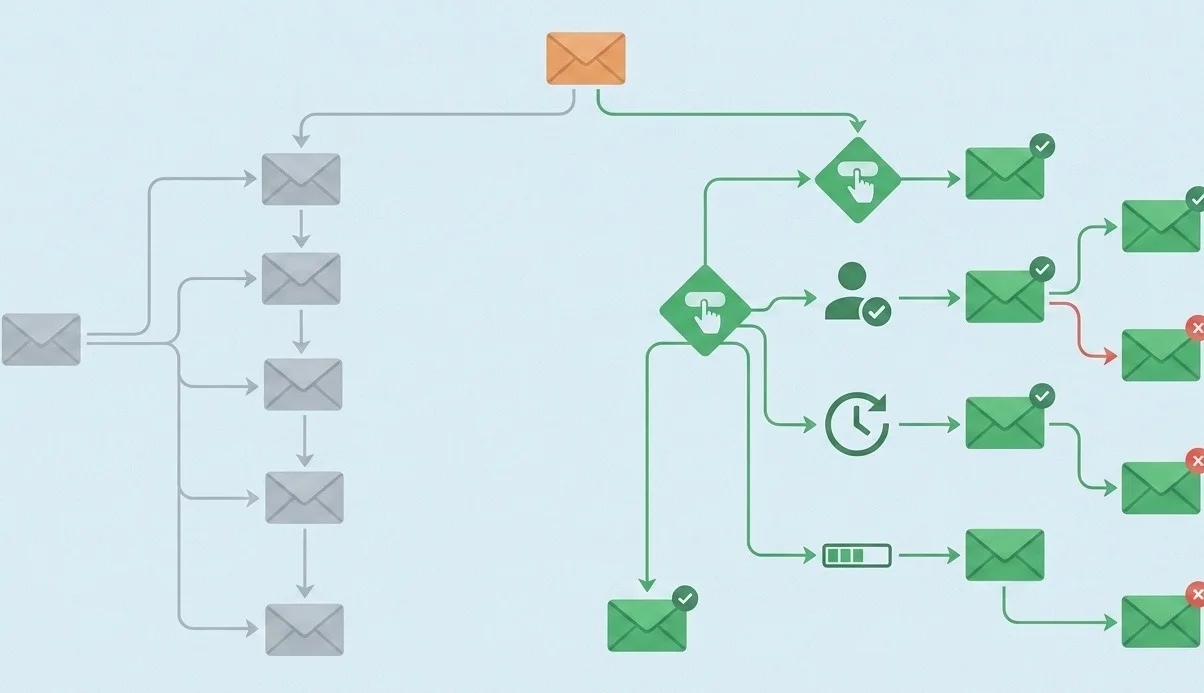
Onboarding emails have a shelf life that most teams underestimate. Every email in your sequence competes with over a hundred others in the same inbox, and unlike a follow-up sales email, there is no second chance. A missed onboarding email stays missed. The customer moves on without the information, and your process has no way of knowing.
The same dynamic applies to tooltips and in-app prompts. A customer who dismisses a tooltip on day one will not see it again. The window closes and the information is lost.
Here are three changes that consistently improve onboarding email performance:
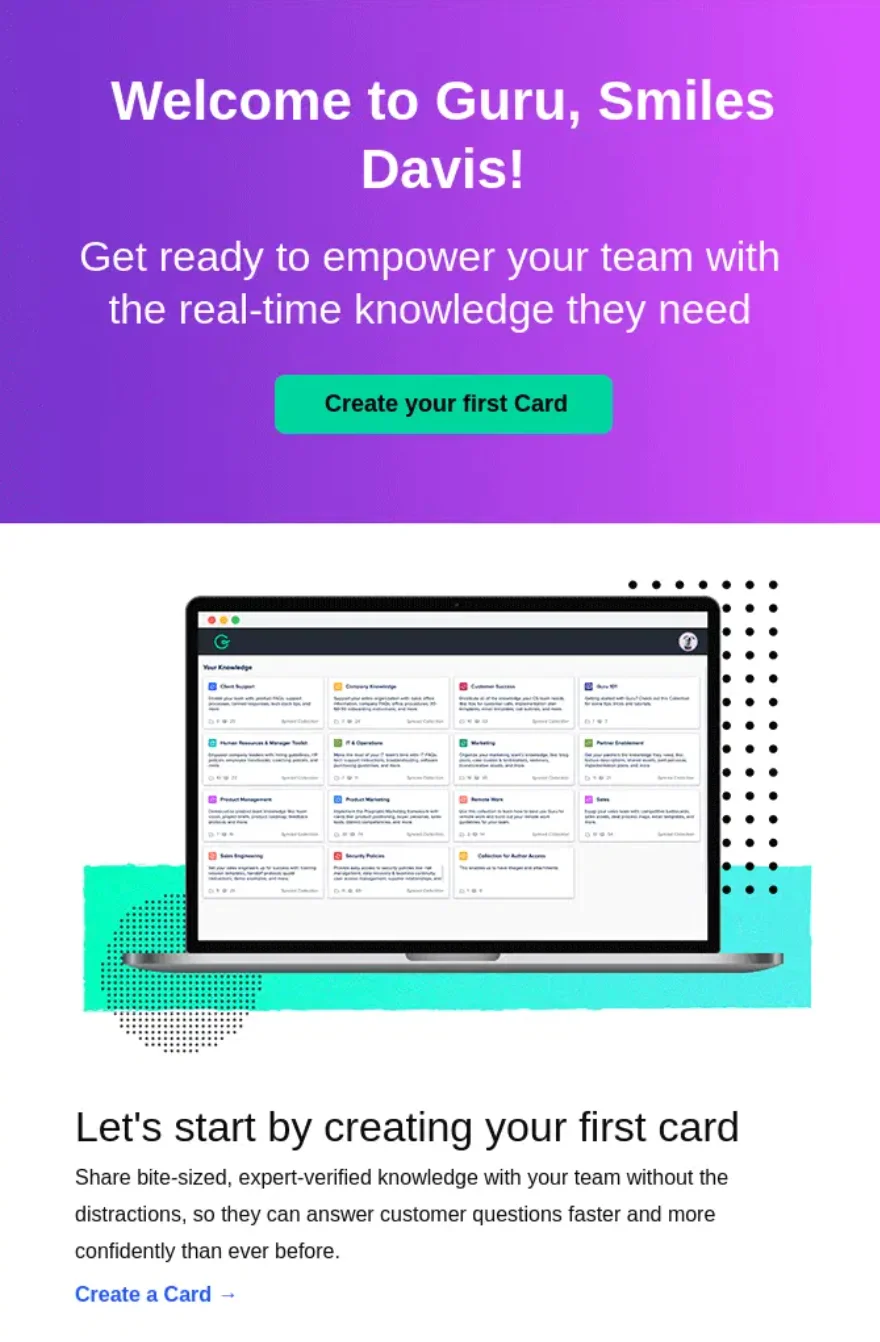
- Write for one action per email: Multi-step onboarding emails ask customers to do too many things and ultimately get none of them done. Every email in the sequence should have exactly one call to action pointing to exactly one action that moves the customer closer to activation. Here is a good example of this done right.
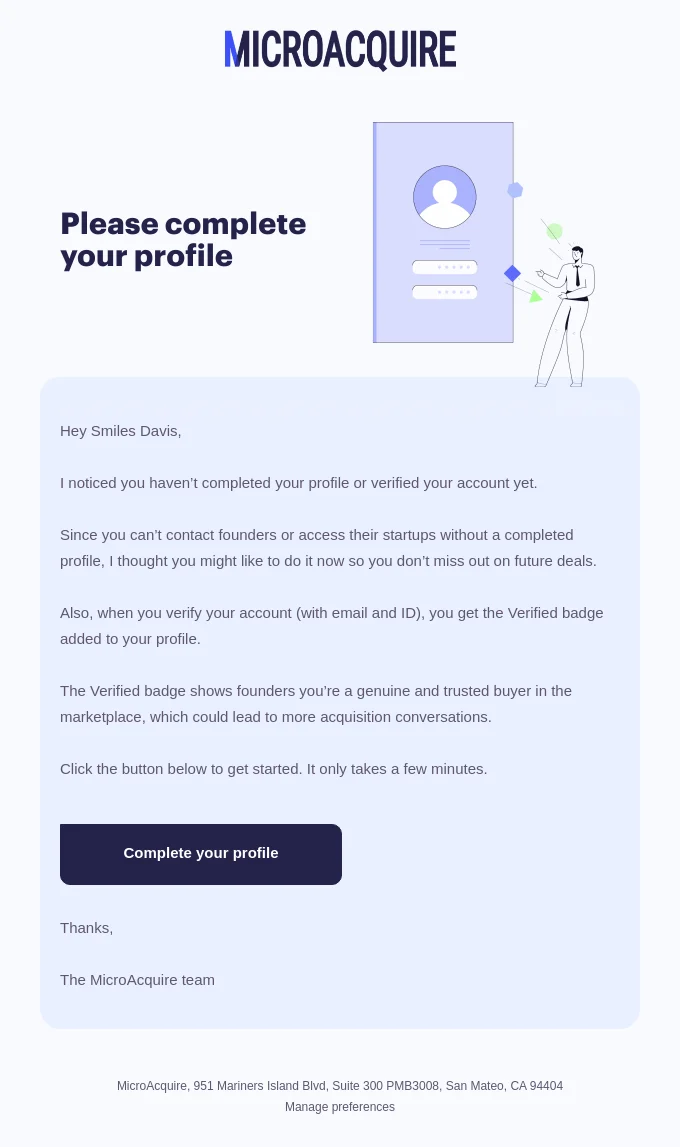
- Use behavioral triggers instead of timed sequences: Most onboarding sequences still send emails based on arbitrary delays instead of what the customer actually did inside the product. A user who completed setup on day one needs a completely different message than someone who abandoned onboarding halfway through. This MicroAcquire email is a strong example because it fires when a user hasn’t completed their profile, explains exactly what they’re missing out on as a result, and gives them a direct path to pick up where they left off.
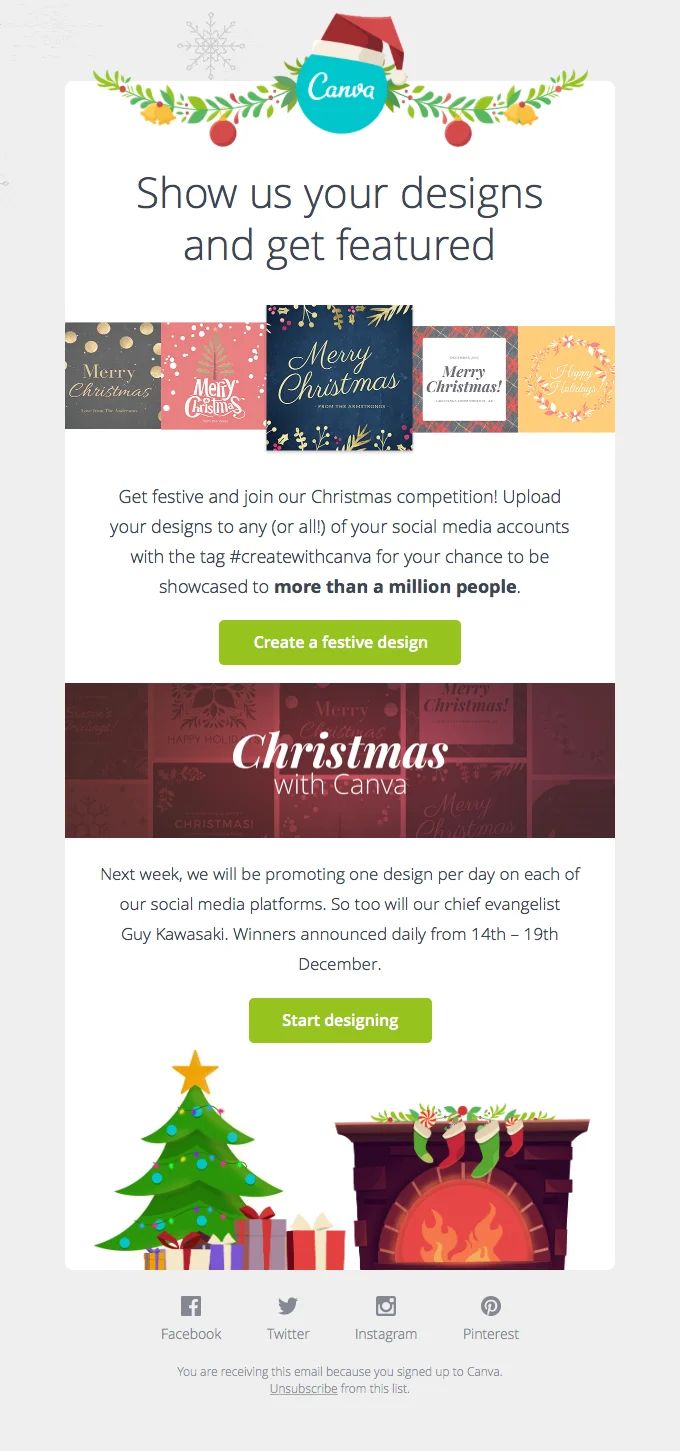
- Segment by progress, not by time: By day 14, some customers are fully activated while others have barely touched the product. Sending the same email to both ignores where they actually are in the journey. This Canva email is a strong example of progress-based segmentation because it targets users already creating designs and encourages deeper engagement, rather than treating every signup the same regardless of activity level.
Getting the email sequence right buys you time. But emails only reach customers in their inboxes. Once they are inside the product, you need a different layer to guide them through it.
Step 4: Add In-App Guidance and Video Education for Complex Products
Once a customer is inside the product, in-app guidance handles the basic navigation: tooltips that point out where key features live, pop-ups that introduce new capabilities, and checklists that track progress through setup steps.
For simple, self-explanatory products, this is often enough. Tools like Appcues, Intercom Product Tours, and Userflow handle this well. They let you build guided walkthroughs without engineering support, show the right guidance based on what the user does in the product, and track completion rates for each step.
The limitation shows up with complex products. A customer who clicks through a tooltip sequence has seen the feature. That is not the same as understanding why it matters or how to apply it to their specific situation. When a product requires data setup, multi-step workflows, or context before it does anything meaningful, tooltips show the customer where things are but cannot explain why they matter.
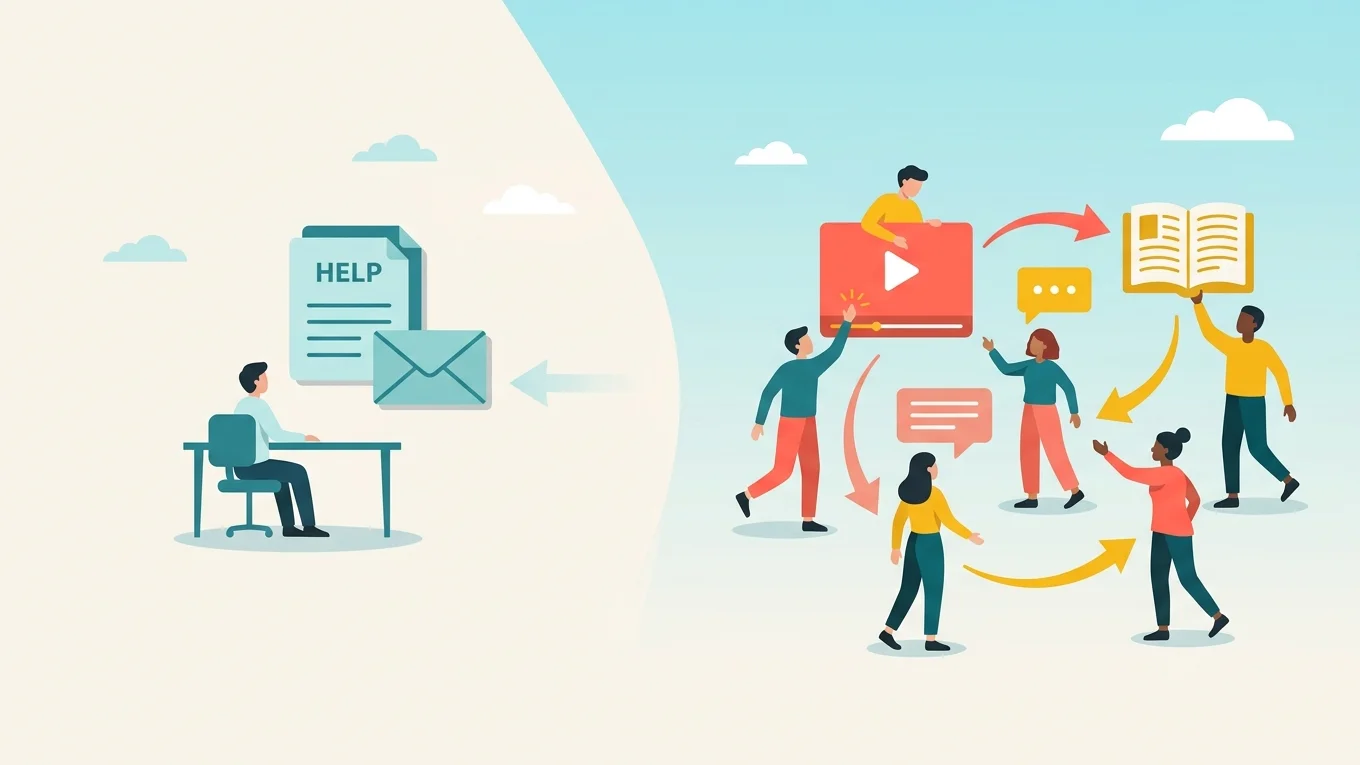
That requires human explanation, and that is where most onboarding processes hit a scaling wall.
Customer onboarding covers three distinct components. In-app tools like Appcues and Userpilot handle tooltips and checklists inside the product. Implementation tools like Rocketlane coordinate the project work around it. eWebinar handles the third: foundational sessions, product walkthroughs, and feature explanations too complicated for a tooltip and too labor intensive to keep delivering live for every new customer.
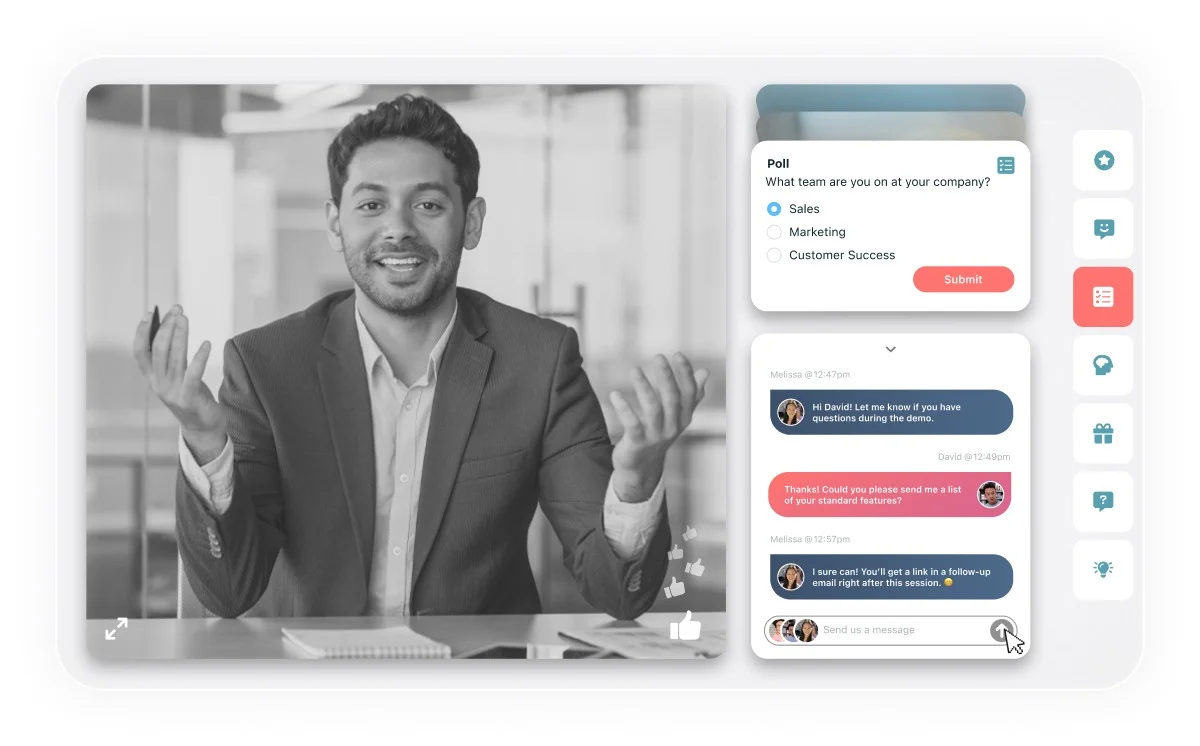
In-app onboarding handles the small UI nudges while eWebinar handles the parts that actually need teaching. A CS team records their best session once, makes it available around the clock, and customers watch on their schedule with chat open for questions. Every question gets a real answer without anyone hosting live.
Two things make eWebinar particularly relevant for onboarding:
- Tech touch that feels high touch: eWebinar embeds directly inside your product so customers can watch in-depth walkthroughs exactly when they need them, with chat open throughout so your team can respond during the session if available, or follow up by mail afterward. It delivers the depth and personal feel of a live session without anyone on your team having to show up for it. eWebinar lets your customers ask questions and connect during a time they need it most while learning your product. Completely scalable delivery, unlike live onboarding sessions.
- Webinar Series: Multiple sessions sequenced into a structured onboarding journey with gated controls during sessions, including watch time requirements and quizzes, so customers actually engage with the content rather than skip through it. Completion certificates reward customers who finish, and the system tracks every customer’s progress so your CS team always knows who is on track and who needs a nudge.
eWebinar does not replace the tools your team already runs. It handles the component they were never built for.
To see how eWebinar works, watch our on-demand demo here:
Step 5: Measure What Actually Matters and Iterate
Once the onboarding process is running, most teams shift their attention to other metrics like pipeline, revenue, and aggregate churn. Nobody goes back to look at the onboarding sequence. Outdated emails stay in rotation. Video sessions that no longer reflect the product keep playing. And customers keep dropping off at the same points for the same reasons that nobody investigated.
Here are three metrics to track consistently:
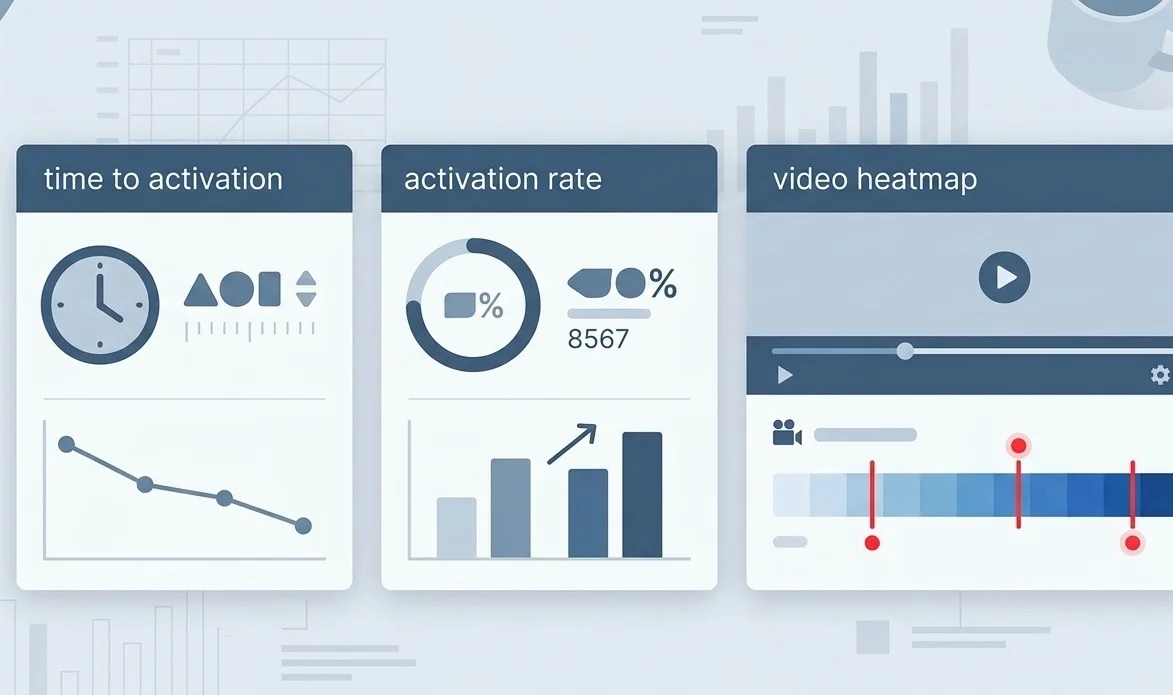
- Time to activation: How long does it take the average customer to reach your activation milestone from signup? This is the time your onboarding process is directly trying to reduce. Track it over time and by cohort so you can see whether changes to the sequence are making a difference.
- Activation rate by channel: What percentage of customers who went through the email sequence activated? What percentage of the onboarding session attendees activated? What percentage of customers who used the in-app checklist reached their activation milestone? These numbers tell you which parts of your onboarding process are doing work and which are being skipped.
- Engagement depth in video sessions: If you are using eWebinar for product education, the per-attendee analytics and heatmaps show you exactly where customers dropped off, which interactions they engaged with, and what questions they asked. That information is more useful than session completion rates because it tells you what is landing and what is not. A consistent drop-off at the same point in the session usually means either the content is losing them or the value is not clear enough at that moment.
Build a quarterly review into the onboarding process. Look at activation rates by cohort, check where customers are consistently dropping off in the email sequence and the video sessions, and update the content that is underperforming. Onboarding is not a one-time project. It is a system that degrades without maintenance.
Putting It Together
Fast onboarding does not require a large CS team. It requires a process that meets customers where they are, removes friction at every step, and ensures the education they need is there when they need it, not when your team can find time to schedule it.
The teams that onboard customers fastest run all five layers in combination:
- A clearly defined activation milestone
- A first-48-hour experience built around that milestone
- Behavioral email triggers that respond to what customers actually do
- In-app guidance and on-demand video for complex product education
- Consistent measurement that drives iteration
None of these requires significant headcount. They require building once and running continuously. That is what scalable onboarding looks like.
To see how eWebinar handles the on-demand video and chat layer, watch the demo at ewebinar.com. The demo itself runs on eWebinar, so you will experience exactly what we are describing while you watch it.
FAQ
What is the difference between onboarding and activation?
Onboarding is the process of guiding a new customer through your product. Activation is the specific moment they reach their first meaningful outcome. Onboarding exists to get customers to activation as fast as possible. One is the journey, the other is the destination.
How long should a customer onboarding process take
It depends on the complexity of the product. Simple tools can activate customers in hours. Complex B2B products may take days or weeks. The goal is not to rush customers through a timeline but to remove every barrier standing between signup and their first meaningful outcome.
When should I use on-demand video for onboarding instead of a live call?
When your CS team is running the same session repeatedly for every new customer. Live calls work well for high-stakes accounts that need a 1-on-1 conversation. On-demand video handles the repeatable education layer at scale without requiring anyone to show up every time.
How do I know if my onboarding process is actually working?
Track time to activation and activation rate by channel, not just logins and email opens. If customers are completing onboarding steps but still churning within 90 days, the process is moving them through activity rather than driving them toward genuine product value.
Can eWebinar replace my existing onboarding emails and in-app tools?
No, and it was not designed to. eWebinar works alongside your email sequence and in-app guidance to handle the explanation layer, the part where a customer needs more context than tooltips and checklists can provide. The three tools work better together than any one does alone.
Curious to see how eWebinar can help run your demos, onboarding, and training sessions on autopilot?
Watch a one-minute explainer video for a quick overview of the eWebinar platform. Or, better yet, join our on-demand demo to learn more!