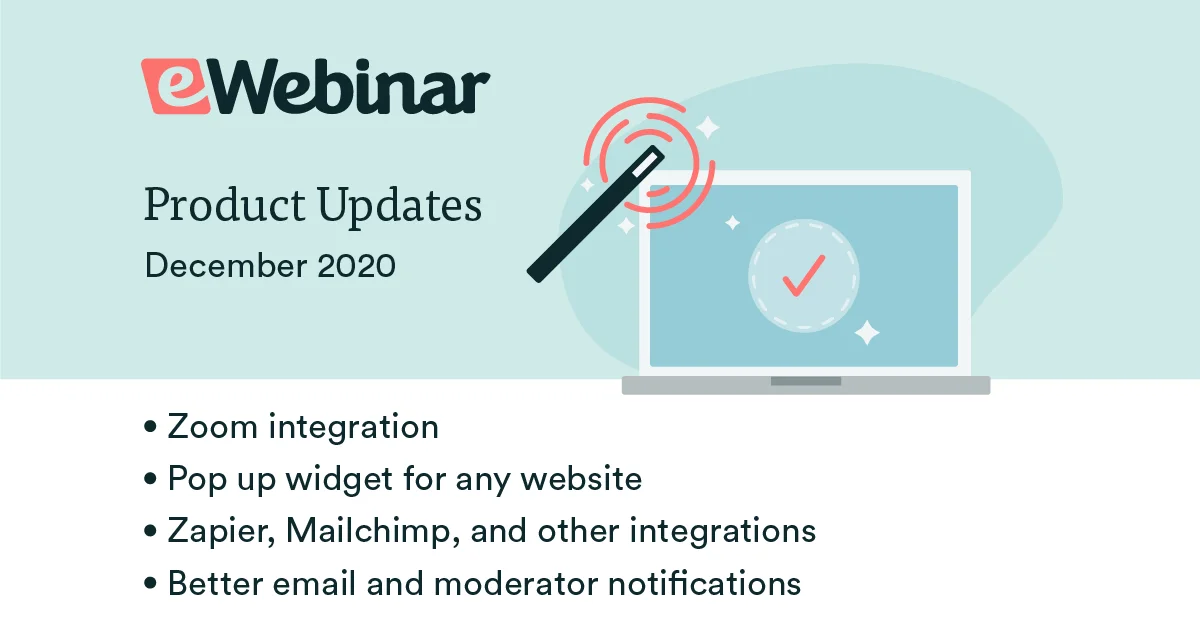
We are excited to announce two new features that let you send email notifications to attendees from the email platform of your choice, like SendGrid or MailChimp.
These two features open the door to a third: the ability to auto-register people for your eWebinars via Zapier using names and email addresses collected from Facebook Ads, ManyChat, and other form-based software.
In short, you can now:
- Send out emails from your own domain
- Automatically register leads from outside sources for your webinars
Use a third-party email platform to send notifications
The two options you now have to send emails via a third-party platform are to:
- Integrate with any email platform via their SMTP service.
- Integrate directly with SendGrid – the most popular software that companies use as a behind-the-scenes email delivery service.
Whichever option you choose, it means you can send out emails from your own domain and no longer need to show "via eWebinar" in conjunction with the email's sender, helping you create a more branded experience.

Auto-register leads from outside sources
Once you integrate with a third-party email platform, you can then auto-register leads for your webinars (via Zapier) that were captured in other applications.
To learn how this works, check out this article on our Help Center:
Or watch the 10-minute instructional video below to see how to set things up: