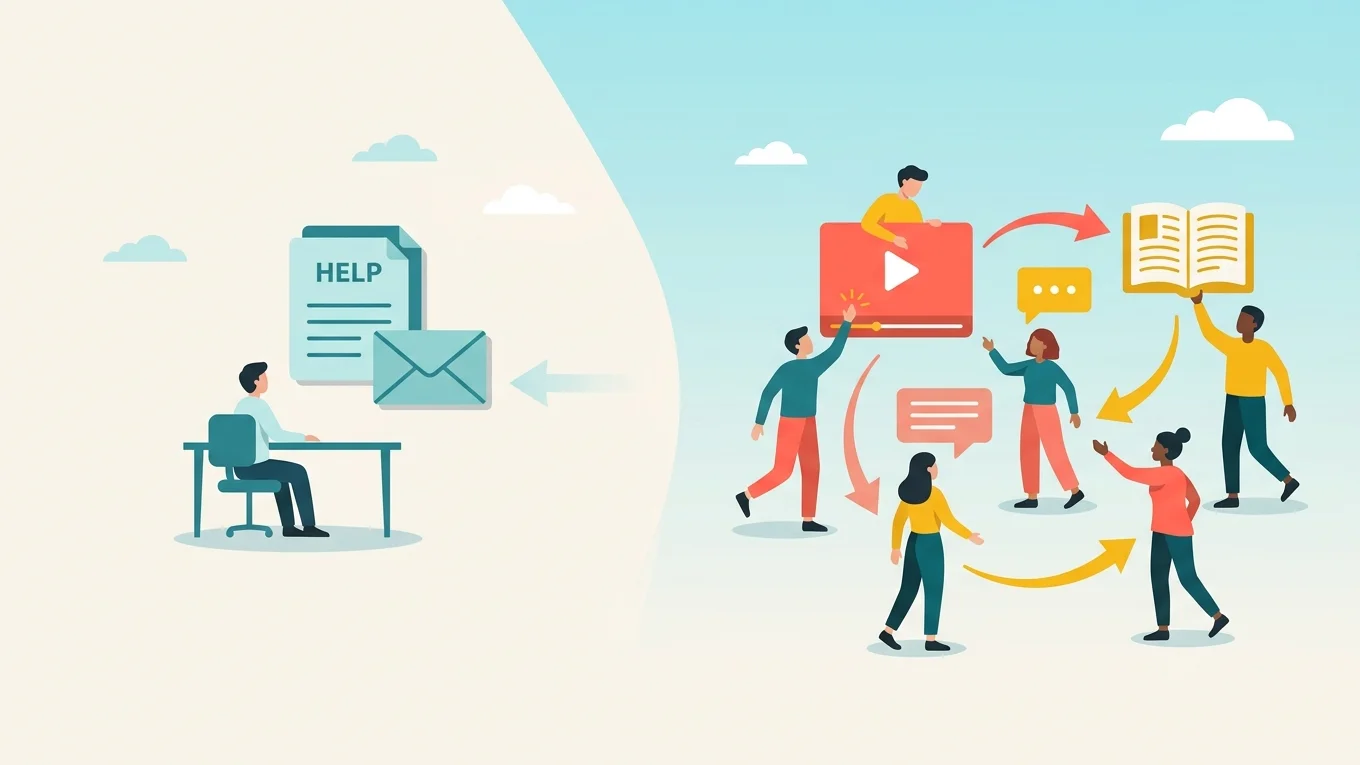
Customer enablement is how a company makes sure every user, not only every account, learns to get value from its product. It covers onboarding, product training, help content, in-app guidance and community, plus the people who answer questions along the way.
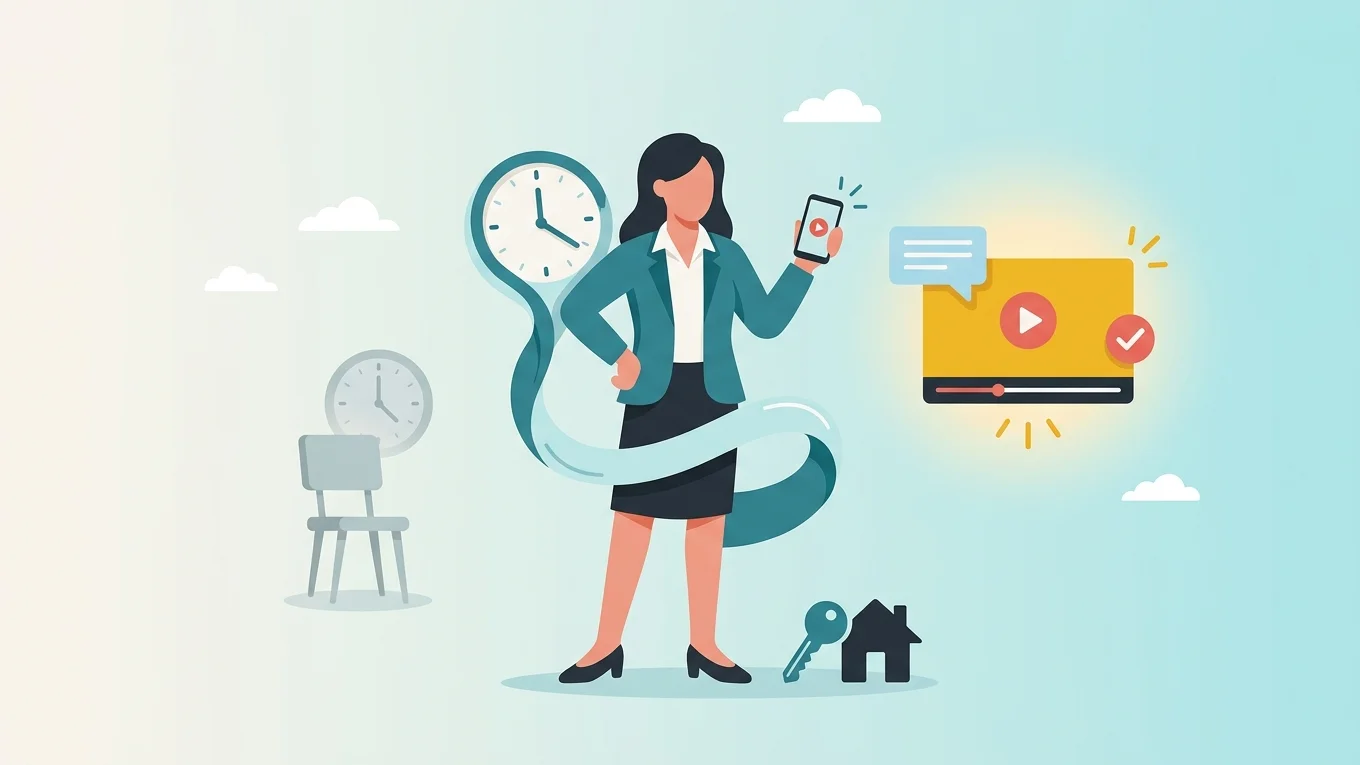
It matters because adoption drives renewal, and few teams can hire their way to it. The programs that scale put repeat onboarding and training on demand, keep a person available to answer questions, and save live time for the conversations that need it. That’s the model eWebinar is built for, and it’s how we run our own customer onboarding.
Build a program in five steps:
- Define what an enabled customer can do.
- Map who needs training and when.
- Move recurring onboarding and training on demand, with chat.
- Keep live time for the conversations that need it.
- Measure what customers do after training.
What is customer enablement?
Customer enablement is the training, guidance, resources and support that help every user of a product, not only every account, use it confidently and get value from it. It starts at onboarding and continues as customers adopt new features, change roles and bring on new colleagues.
That last part is where most programs leak. An account can be fully onboarded while the user who joined last week has never been trained.
Customer enablement vs. onboarding, education and customer success
The four overlap, but each has a different job.
Function | Main goal | Typical activities | How to measure it |
Customer onboarding | Get new customers set up and to their first useful result | Kickoff calls, setup guidance, initial training | Time to first value |
Customer education | Teach the knowledge and skills to use the product | Courses, product training, certifications | Completion and behavior after training |
Customer enablement | Make training and help available to every user, whenever they need it | Education, in-app guidance, help content, office hours, community | Adoption across users and features |
Customer success | Help accounts reach their business goals | Success plans, account reviews, strategic guidance | Retention, expansion, customer outcomes |
Onboarding gets an account started, and customer education teaches the skills. Enablement makes sure every user can find that training and help whenever they need it. Customer success owns the account relationship and the business results the customer bought the product for.
Why customer enablement matters to the business
The business case comes down to three points:
- Growth has to come without matching headcount. Gartner found CFOs expect headcount to grow 2% in 2026, down from 6% in 2025, while 75% plan to raise technology budgets.
- Self-service costs a fraction of assisted help. Gartner puts the median cost per contact at $1.84 for self-service and $13.50 for assisted channels.
- Customer success is one-to-one. Enablement is one-to-many. As Intellum puts it, a CSM walks one account through a workflow, while an enablement program delivers the same knowledge to every customer who needs it.
The catch is that one-to-many usually means one-way: articles, courses and videos with no one to ask. The programs that work best keep a person in the conversation even when the training runs on its own. That’s the gap eWebinar fills.
Who owns customer enablement?
Ownership usually follows the company stage.
- Early on, the head of customer success owns it alongside everything else, using the onboarding and support material the team already has.
- As the customer base grows, a dedicated enablement or customer education lead coordinates onboarding, training, help content and the CS team.
- At scale, a team runs an academy, help center and community, with one person accountable for how customers learn across departments.
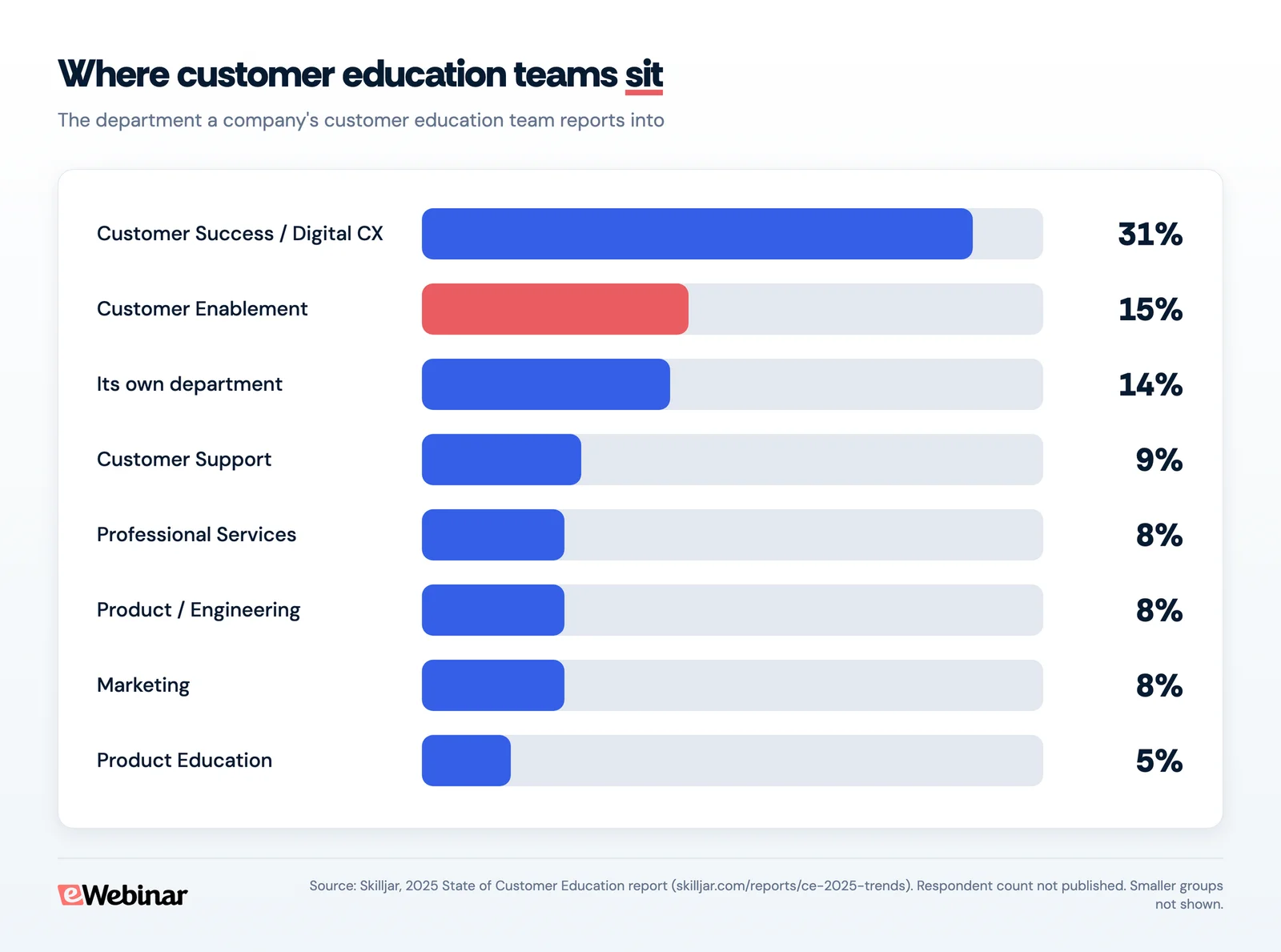
Whatever the stage, one person should set the priorities, coordinate delivery and check whether customers use what they learn.
The main ways teams enable customers
Most programs combine several of these. Each does one job well and leaves gaps another one fills.
Onboarding sessions
Onboarding gets new customers, and new users on existing accounts, to their first result. One-to-one calls suit complex setups, and group sessions cover everyone else. The limit is availability: live sessions only reach the people who are free at that hour, and every new user adds to the queue.
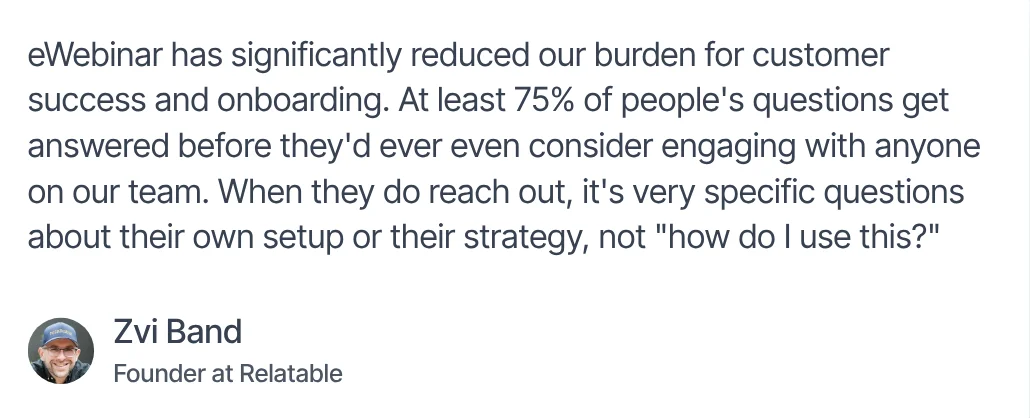
On-demand onboarding with chat removes that limit. With eWebinar, customers join when it suits them, follow the same guided walkthrough your best trainer would give, and ask your team questions as they go.
Product training
Product training takes customers past the basics: new features, advanced workflows and what changed in the latest release. Short sessions by topic and role work best, so an admin learns permissions and reporting while an everyday user learns the tasks they do daily.
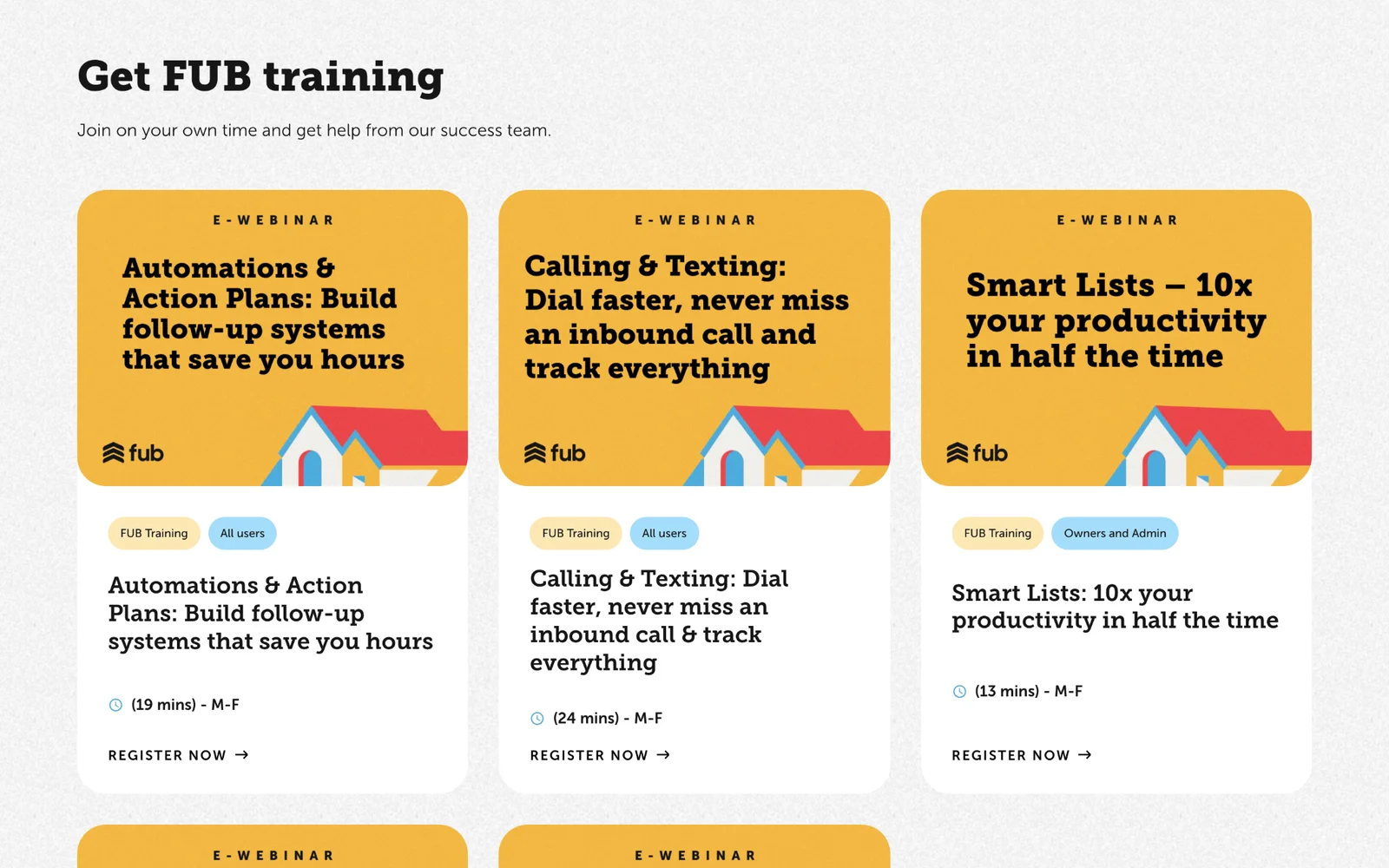
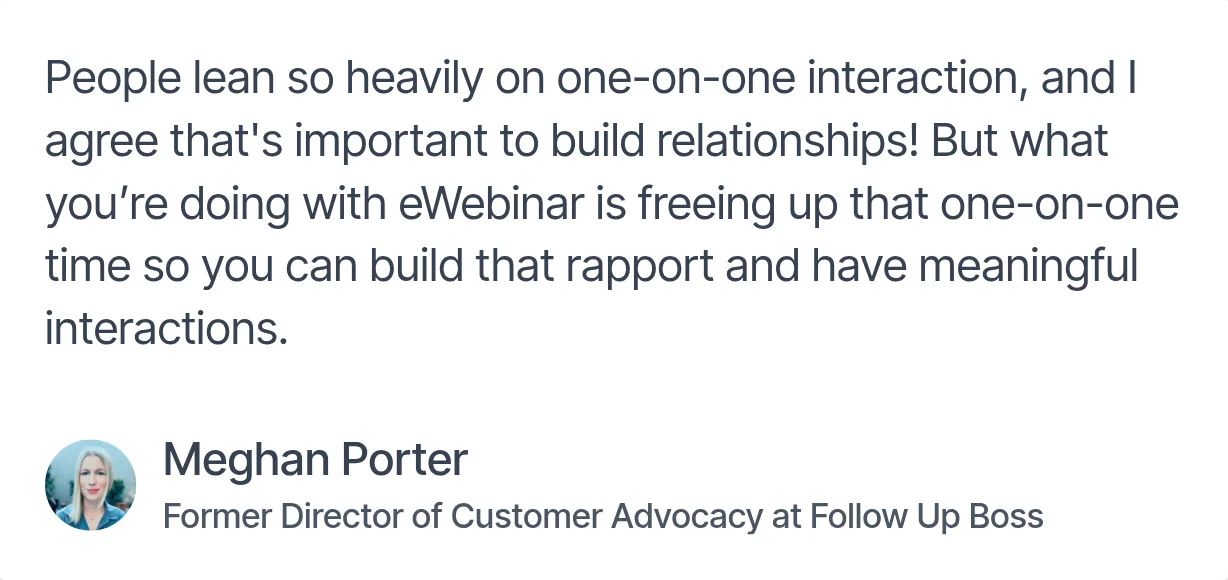
Follow Up Boss runs its product training this way, with short, role-labeled sessions on eWebinar on different topics every weekday.
Learning academy or LMS
A learning management system (LMS) is the home for structured learning: courses, learning paths, assessments and certifications, with progress tracked in one place. It works best for customers who need a curriculum. Because it’s self-paced, an LMS depends on customers coming back to it on their own, and the courses don’t give them anyone to ask when they get stuck.
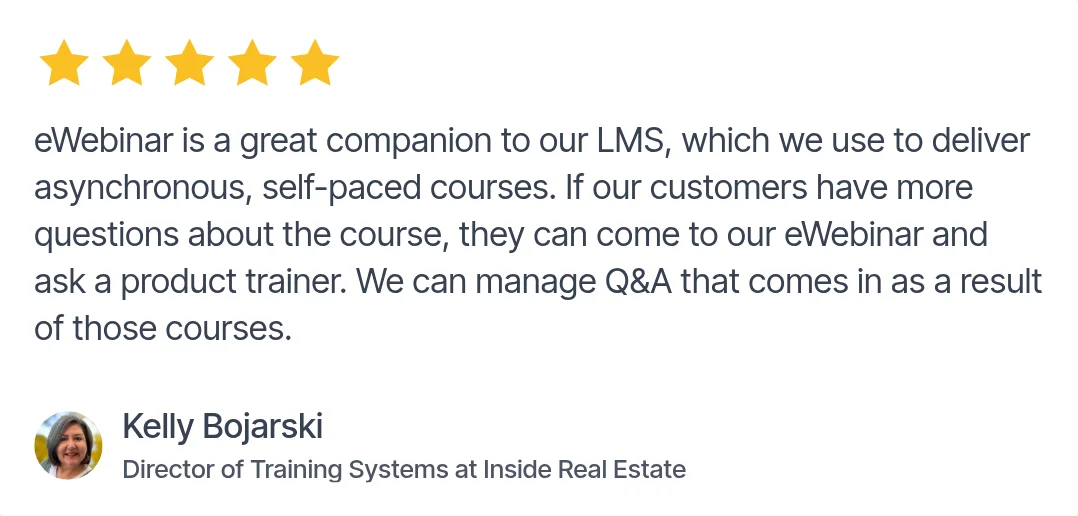
eWebinar isn’t an LMS, and it works well alongside one. Teams add eWebinar sessions to their academy as interactive modules, so learners can ask a trainer questions in the middle of a course. Teams without an LMS can use eWebinar as an LMS-light, grouping sessions into a learning path with Series. Programs that need formal certification records still need a full LMS.
The two feed each other. At Cloze, the hours the team stopped spending on live webinars went into building Cloze University, its self-paced academy.
Help content
A searchable help center answers specific questions, like changing a setting or connecting an integration, without a ticket. It struggles with longer workflows, where customers need to see how the pieces fit together.
Connect the two. Link help articles to the session that walks through the whole workflow, and send customers to that session after a support call, since nobody can rewatch a phone call.
In-app guidance
Checklists, tooltips, product tours and announcements guide customers in the moment, right next to the button they need. They’re strongest for setup steps, feature nudges and help in context, and weaker at teaching a longer workflow or why it matters.
In-app guidance and on-demand training work best together. We use both ourselves: in-app tips for where to click, and eWebinar for walkthroughs customers can join any time, with a person to ask in chat. Our guide to onboarding software covers the in-app tools.
AI assistants
AI assistants now answer repeat questions from your help content and training at any hour, which takes routine questions off your team’s plate. They work best when the answer is already documented. Questions about a customer’s own setup or goals still need a person who knows the account.
In eWebinar, questions asked during a session go to your team in Slack, the browser or by email, and eChat, eWebinar’s AI moderator, can answer them around the clock if you prefer.
Office hours
Office hours are recurring live sessions where customers bring their own questions. Give each one a topic or audience, like reporting for admins, so the right people come. They’re most useful after onboarding, once customers have real questions, and they go further when attendees arrive having covered the basics.
Customer communities
Communities let customers learn from each other, and searchable threads answer the next customer’s question before it reaches your team. They need active moderation to stay useful: someone has to answer what nobody else does and bring in product experts when needed. HubSpot’s community is a good model, linking discussions to HubSpot Academy and its help center so customers can move between peer advice and formal training.
How to build a customer enablement program in 5 steps
You can build on the onboarding, training and support resources you already have. The order matters: define the outcome, find the gaps, then decide what runs on demand and what needs a person.
Step 1: Define what an enabled customer can do
Course completion tells you someone received the training, not that they can use it. For each role, pick three to five actions that prove a customer is enabled. An admin in a CRM might import contacts, set permissions and build a report. A salesperson might add contacts, log activity and move a deal forward.
Measure how many users complete those actions today. If 30% of new admins build their first report in their first month, that’s the number your program has to move.
Step 2: Map who needs training and when
Training needs come from moments, not only from new contracts: a new account, a new user on an existing account, an admin who leaves, a feature launch, the run-up to renewal. Map each moment to what customers need to learn, what exists today and who delivers it.
User | When they need help | What they need to learn | Current delivery | Who delivers it |
New user | First week | Core workflow | Group onboarding | Onboarding specialist |
Administrator | Initial setup | Permissions and reporting | Individual call | Customer success manager |
Existing user | Feature launch | New workflow | Product training | Trainer |
Account owner | Before renewal | Advanced features | Account review | Customer success manager |
The gaps show up fast. If a new admin has no standard way to learn the product after a staff change, build that first. And plan for the customer’s champion, who has to roll your product out to their own colleagues. A session they can share with their team does that work for them.
Step 3: Move recurring onboarding and training on demand, with chat
Live onboarding is where most teams start, and it works. Superhuman’s mandatory 30-minute onboarding call roughly doubled activation compared with self-serve, though the company noted selection bias. But each specialist could run only 8 to 12 calls a day, no-shows averaged 15% and reached 30% on holiday weeks, and time zones and weekends kept demand and capacity out of sync. When the call became optional, about 15% of customers attended.
Group sessions help, but customers still have to show up at your time. As your customer base grows, your team’s calendar becomes the ceiling on how many customers you can enable.
Start with the sessions your team repeats most often whose content rarely changes.
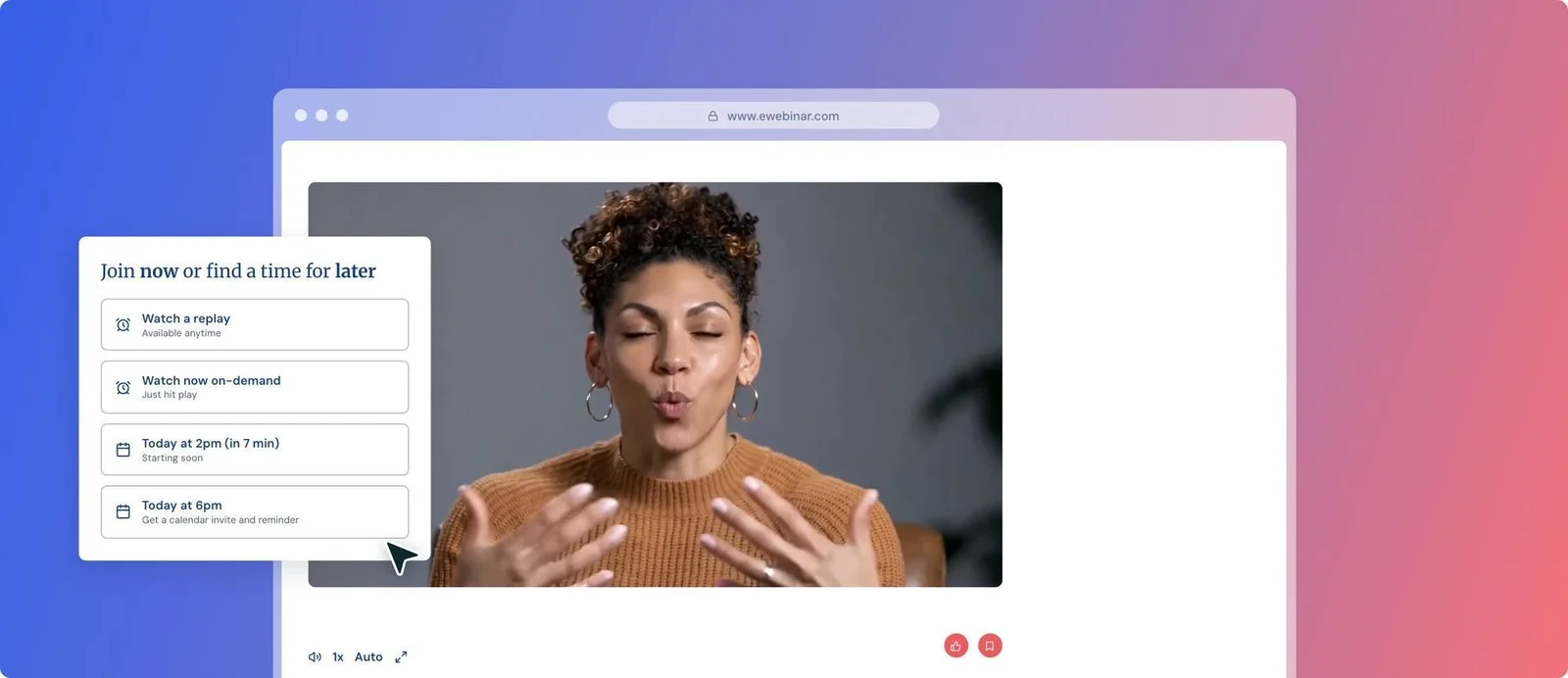
This is what eWebinar is built for. eWebinar is on-demand video software with chat that turns your best onboarding or training session into one customers can join any time, in any time zone, with no one on your team presenting. Customers start right away or pick a time, answer the polls and quizzes your team programs into the session, and ask questions in chat. Your team replies right away from Slack, desktop or phone, or later by email.
Because sessions run on the customer’s schedule, more customers show up. On-demand sessions on eWebinar average 83% attendance, compared with 30 to 40% for an average live session. You can start with recordings you already have, and customer success teams use the same setup for onboarding, product training and release updates.
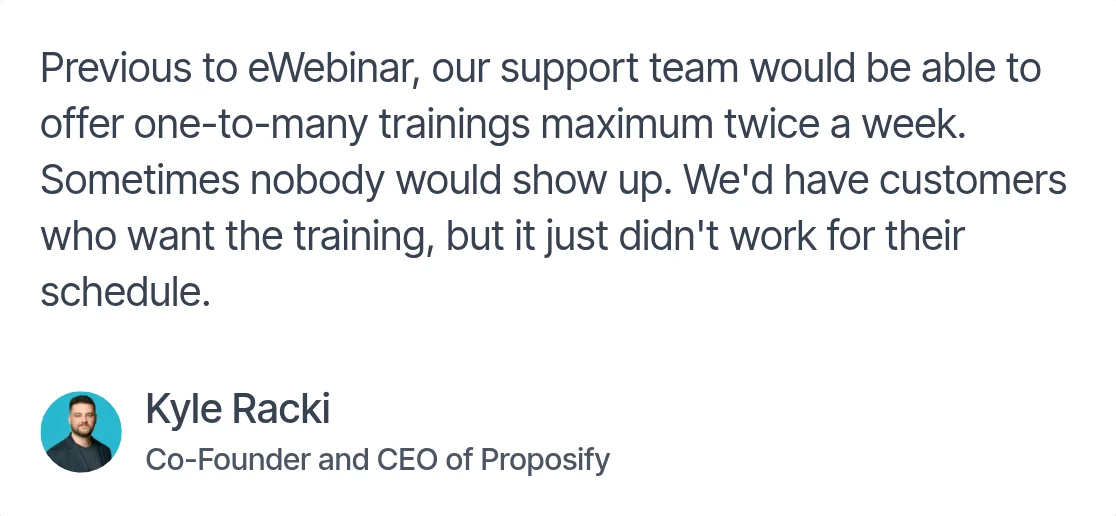
SkySlope’s training team made the same move, going from one or two live sessions a week to six sessions a day, five days a week. Move one session first, compare its attendance with the live version, then move the next.
Step 4: Keep live time for the conversations that need it
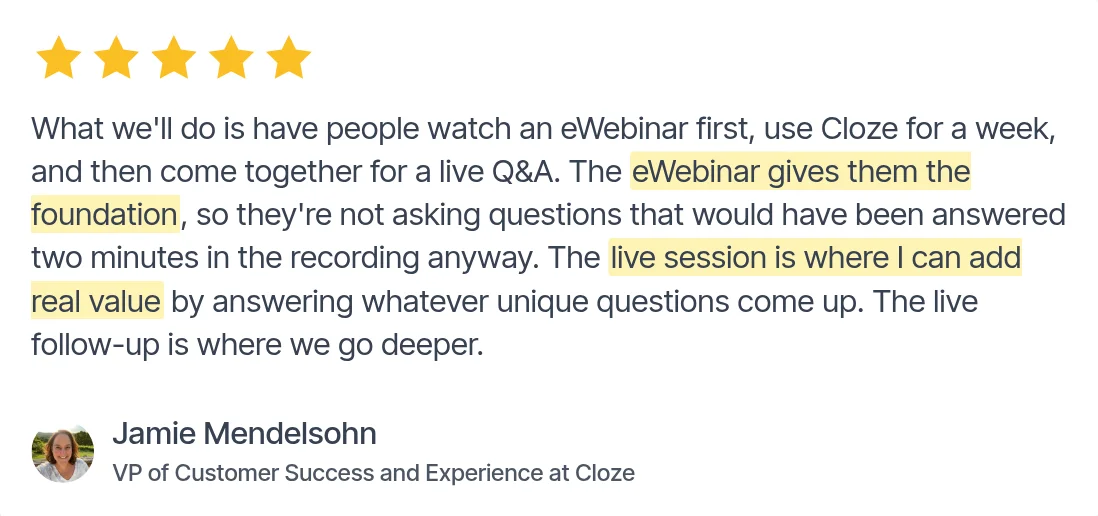
Some moments need a person who knows the account: a complex implementation, an unusual integration, an admin inheriting a struggling account. Protect live time for those by making sure customers arrive with the basics covered. Qualtrics encourages customers to watch two short on-demand videos before its 30-minute onboarding office hours.
Decide which situations get a one-to-one call and which go to topic-based office hours, and give every route an owner, including the questions that come in through chat.
Step 5: Measure what customers do after training
Measure in three layers, from activity to revenue:
- Engagement: who attended, how much they watched, where they dropped off and what they asked. eWebinar’s analytics show all of this for every session, including the questions customers ask in chat.
- Behavior: whether they took the action in the product within a set window. For example, check whether admins create a report within seven days of reporting training.
- Business outcomes: adoption, support volume, renewal and net revenue retention for customers who completed training, compared with similar customers who didn’t.
Review monthly. Keep what leads to action, fix what customers finish but don’t apply, and retire what no longer matters.
Give every customer the same start, however many you have
Customer enablement works when every user can learn what they need, when they need it, without waiting for your team’s calendar. Define what enabled looks like, map the moments that create training needs, move everything you repeat on demand with chat, save live time for the conversations that need a person, and measure what customers do afterward.
To see it from your customers’ side, join our on-demand demo and ask us anything in chat while you watch.
FAQs about customer enablement
What does a customer enablement manager do?
A customer enablement manager makes sure customers can get the training, resources and help they need to succeed with a product. That means planning onboarding and training, working with product and support on what customers need to learn, keeping resources current, and checking whether customers apply what they learn. Many companies start with one person and grow into a team.
Is customer enablement the same as customer success enablement?
No. Customer enablement helps customers use a product. Customer success enablement prepares your customer success managers to do their jobs, with the processes, tools and training they need, which is how ChurnZero defines it. Titles overlap, so be clear about who the training is for.
How is customer enablement different from sales enablement?
Sales enablement equips sellers to win deals. Customer enablement helps the people who bought the product use it. The two meet at the handoff: what the customer bought and wants to achieve should carry into onboarding, so training starts with the reasons they bought.
What software do you need for customer enablement?
Most programs run on a help center, in-app guidance, an LMS or academy for structured courses, a community, and a customer success platform to track adoption and account health. Most of those are self-serve, with no one to ask. For the onboarding and training you repeat, on-demand video software with chat, like eWebinar, lets customers join any time and still ask a person questions.
How do you measure customer enablement?
Track three layers: engagement (who attended, what they watched and what they asked), behavior (whether they took the action in the product afterward) and business outcomes (adoption, support volume, renewal and net revenue retention). Compare customers who completed training with similar customers who didn’t, so you can see what the program changed.
Do you need an LMS for customer enablement?
No. Many teams start with onboarding sessions, a help center and recurring training. An LMS earns its place when customers need structured courses, learning paths and certifications. Until then, on-demand sessions with chat can carry onboarding and training, and they can sit inside an LMS as modules once you add one. Our comparison of the best LMS platforms for customer training covers the options.
How big does a customer enablement team need to be?
It can start with one person who knows the product and how customers learn it, coordinating the trainers and resources you already have. Add specialized roles, like a learning designer or a community manager, as the program grows. Size the team to the work the program needs to deliver.
Curious to see how eWebinar can help run your demos, onboarding, and training sessions on autopilot?
Watch a one-minute explainer video for a quick overview of the eWebinar platform. Or, better yet, join our on-demand demo to learn more!