
1. Edit the webinar, go to the Settings tab, go to Webinar room, and turn on Play intro before main video under Intro.
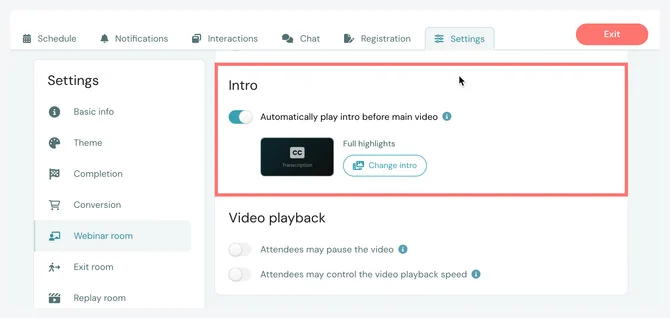
2. Once enabled, Choose an intro. You can choose one of our standard intros or record and upload your own (video or audio), by following (and adapting) the Housekeeping section of our Standard Script Template.
3. Save and publish your changes.
Your intro will now automatically play before the main video of your webinar when someone joins.