Quick Summary
We reviewed seven demo automation tools to see how well they scale your sales pitch, qualify incoming leads, and fit into different sales motions.
Short on time? Here are our top three picks at a glance:
# | Platform | Best For |
1 | eWebinar | Scaling the guided sales pitch and qualifying leads on demand |
2 | Consensus | Enterprise sales teams managing multi-stakeholder buying committees |
3 | Navattic | Marketing teams embedding always-on product tours on the website |
Looking for The Best Demo Automation Software For Your B2B Sales Team?
Demo automation software is any tool that lets prospects experience your product without a live salesperson walking them through it. The best demo automation software would remove the scheduling bottleneck and the rep-hours cost without losing the quality of the experience.
The category has grown fast over the past few years, and it now includes meaningfully different types of tools, serving different stages of the funnel:
- Guided video demos deliver the full sales pitch as a structured video with built-in interactions, qualifying questions, and chat. Top-of-funnel tools. They tell the story, qualify the lead, and either convert the prospect directly or get them warmed up for a sales call.
- Click-through HTML tours capture your actual product UI and let prospects navigate it at their own pace. No video, no narration, no chat. They work best in the middle and bottom of the funnel, after a prospect has already been introduced to the product and wants to explore the interface in detail.
- Code-clone sandboxes replicate the full application so prospects can test real workflows and actual integrations. Enterprise-level option, always bottom-of-funnel, and always best used alongside a solutions engineer.
Most sales teams end up using more than one type. You can run guided video demos at the very top of your funnel, send interactive tours to qualified prospects who want to explore on their own, and save sandboxes for your enterprise accounts. Knowing where each belongs keeps you from making a wrong investment decision.
Why Listen to Us
eWebinar is an on-demand video platform with chat used by B2B sales teams to run automated product demos. We've spent six years watching companies run their entire top-of-funnel sales motion through our platform. Today, over 350 prospects join an eWebinar demo every month, and more than 15% of them sign up for a trial without ever speaking to a salesperson. We live inside this category, which means we've evaluated every tool in it firsthand.
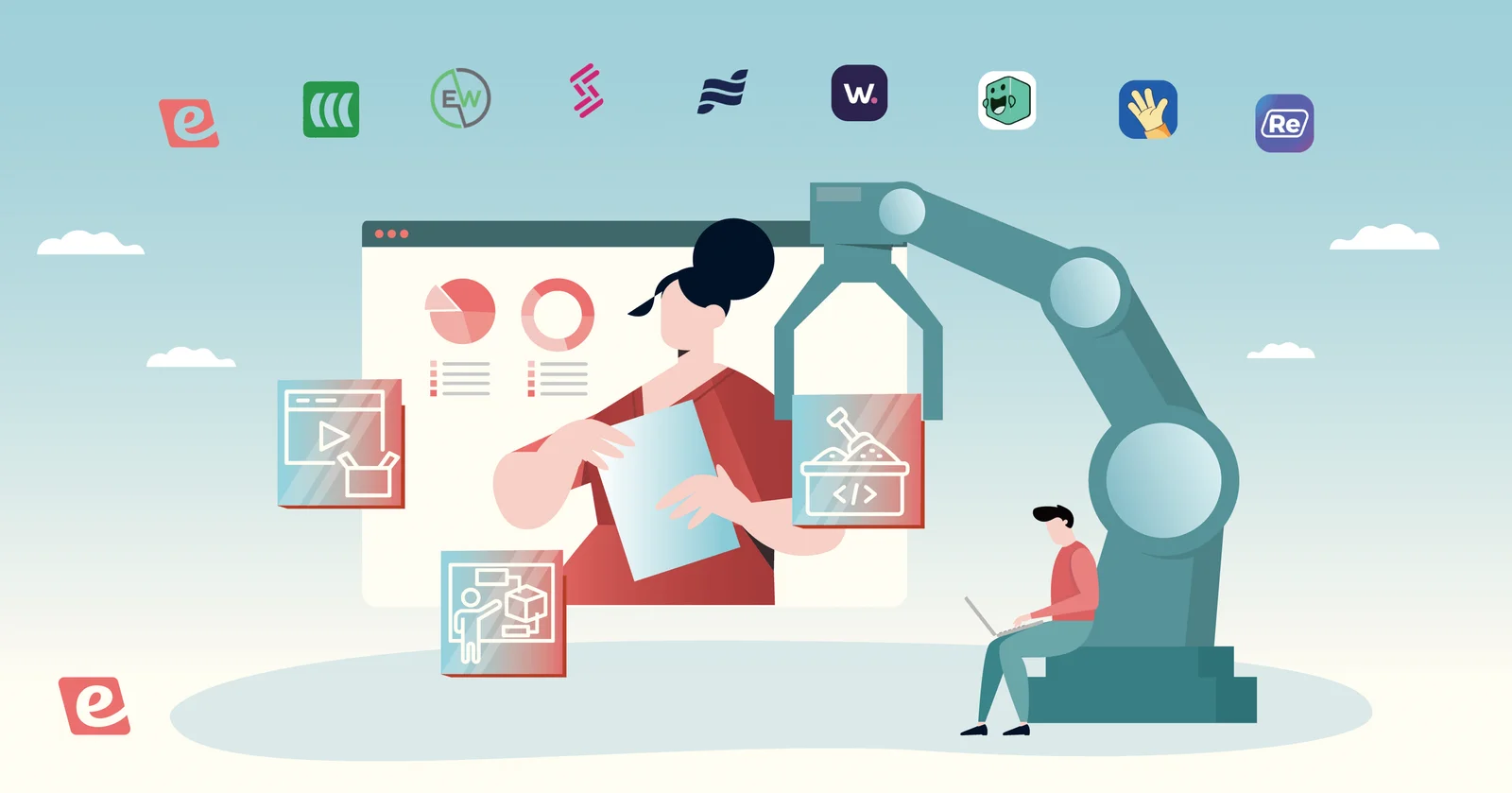
Top 7 Demo Automation Software: Full Comparison Table
# | Tool | Best For | Demo Type | Primary Funnel Stage | Native CRM Integrations | Capterra Rating | Starting Price |
1 | eWebinar | Scaling the guided sales pitch and qualifying leads on demand | Guided Video | Top of funnel | HubSpot, Salesforce, Marketo, Zapier | ⭐ 4.9/5 | $99/mo (Free trial available) |
2 | Consensus | Enterprise sales teams managing multi-stakeholder buying committees | Guided Video & Tours | Mid to bottom of funnel | Salesforce, HubSpot, Marketo | ⭐ 4.9/5 | $600/mo (Billed annually) |
3 | Navattic | Marketing teams embedding always-on product tours on the website | Click-Through (HTML) | Top to mid funnel | HubSpot, Salesforce, Marketo | ⭐ 4.5/5 | $500/mo (Billed annually) |
4 | Storylane | Fast HTML capture and buyer personalization | Click-Through (HTML/Image) | Top to mid funnel | HubSpot, Salesforce, Marketo, Zapier | N/A | $40/mo per seat (Free tier available) |
5 | Walnut | Creating tailored buyer deal rooms | Click-Through (HTML/Sandbox) | Mid funnel | Salesforce, HubSpot, Marketo | ⭐ 4.5/5 | $750/mo (Billed annually) |
6 | Arcade | Creating quick, multi-media product snippets | Click-Through (Screen Rec) | Top of funnel | HubSpot, Marketo | ⭐ 4.6/5 | $32/mo per user (Free tier available) |
7 | Reprise | Building complex enterprise application clones | Full Sandbox Clone | Mid to bottom of funnel | Salesforce, HubSpot | ⭐ 4.5/5 | Custom |
1. eWebinar

Best for: Scaling the guided sales pitch and qualifying leads on demand
eWebinar is an on-demand video platform with chat. In the sales context, it's how sales teams scale the full pitch to 100% of their prospects without needing a rep on every call. The story, the qualification, and the conversion all happen inside the eWebinar itself.
Here’s how it works: you record your best demo once, upload it, configure a schedule (on-demand, recurring, just-in-time, or all three), and let prospects register and attend on their own timeline.
While they're watching, you can set 25+ built-in interaction types to fire at defined moments. That includes polls, qualifying questions, CTAs, tips, offers.Your team gets notified on email, browser notification, or Slack whenever a prospect engages, meaning you can chat live or reply later. It feels like a 1-on-1 conversation, but without the live presentation burnout.
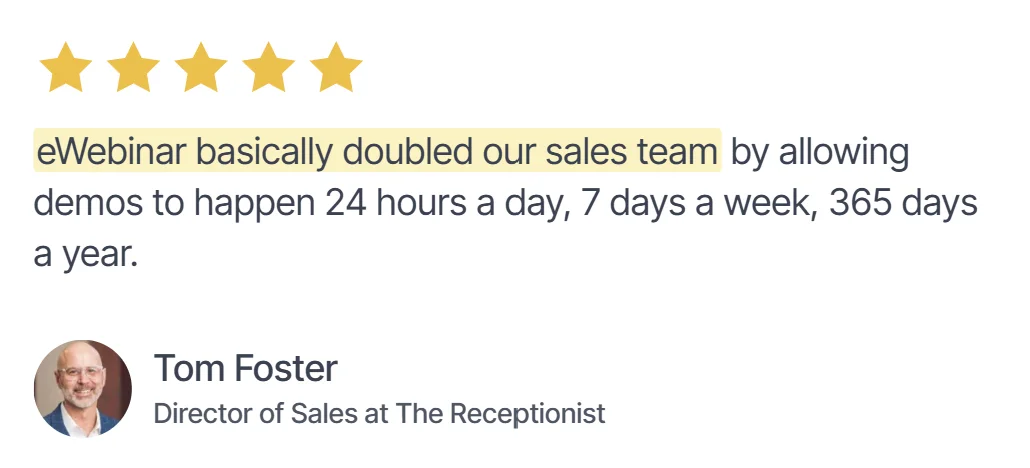
We have results to back this up, of course. The industry average attendance rate for a live event, like a live webinar, sits at around 30-40%. eWebinar's average on-demand attendance rate is 83%, based on internal eWebinar data across all sessions (over 2.5m). Tom Foster, Director of Sales at The Receptionist, moved from 40 to 50% live demo attendance to 80 to 90% on eWebinar, with multiple weeks hitting 100%. His team's close rate on prospects who attend their 12-minute product tour is over 80%.
In Foster’s words: "eWebinar basically doubled our sales team by allowing demos to happen 24 hours a day, 7 days a week, 365 days a year."
Key Features:
- On-demand, recurring, and just-in-time scheduling
- Two-way chat with async response, real-time or email
- Per-attendee analytics and individual engagement tracking
- Direct CRM integrations with HubSpot, Salesforce, and many more
- Built-in interactions, including polls, qualifying questions, quizzes, handouts, and CTAs
Pros:
- Qualifies leads through the demo itself, not just through behavioral tracking
- Only demo automation tool on this list with two-way chat built into the session
- 83% average on-demand attendance rate versus the 30 to 40% typical of live events
- Scales the sales pitch to the long list of prospects a live demo can never reach due to capacity
Cons:
- Does not replicate the product UI, so it is not a substitute for a click-through tool mid-funnel
- Best results come after enough live demos to identify the objections worth building into the script
Capterra Rating
⭐ 4.9
Pricing
Plans start at $99/month and scale to $299/month depending on the number of eWebinars and features needed. A free trial is available.
2. Consensus
Best for: Enterprise sales teams managing multi-stakeholder buying committees
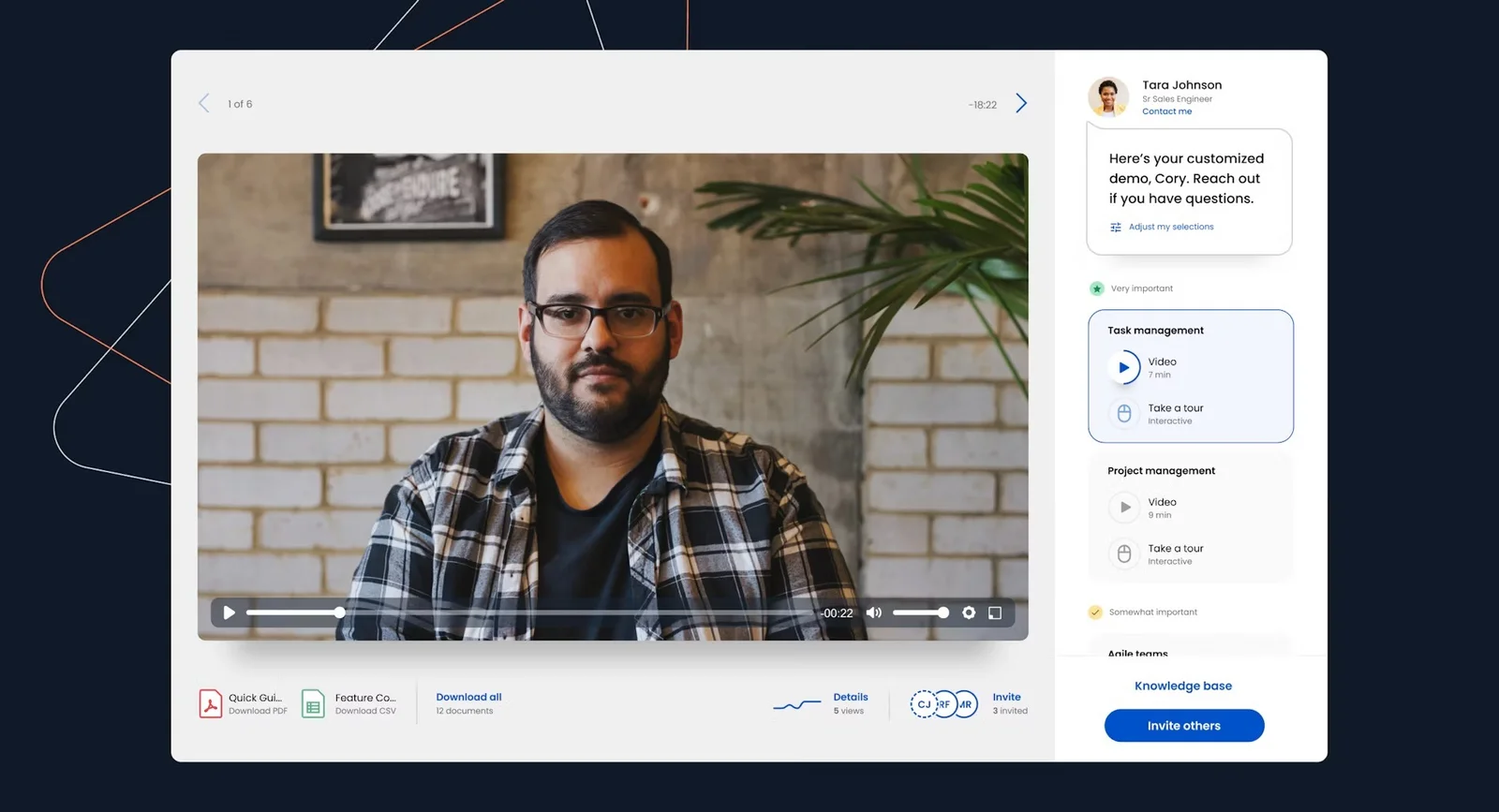
Consensus removes the bottleneck that kills enterprise deals after the first call. Your champion gets a shareable, branching video demo that each stakeholder personalizes based on what matters to them, so your team stops repeating the same discovery conversation to six different people who were never in the room.
Key Features:
- Branching video demo logic
- Stakeholder engagement tracking
- AI-powered demo creation
- Automated product simulations
- Salesforce and HubSpot integrations
Pros:
- Best for multi-stakeholder deal acceleration
- Strong intent data for follow-up
- Reduces repetitive presales demos
Cons:
- No chat or qualification layer
- Complex pricing for smaller teams
- Not built for top-of-funnel pitching
Capterra Rating
⭐ 4.9
Pricing
Consensus starts at $600/month with a mandatory $7,200 annual commitment, scaling up to custom contract pricing for enterprise deployments.
3. Navattic
Best for: Marketing teams embedding always-on product tours on the website
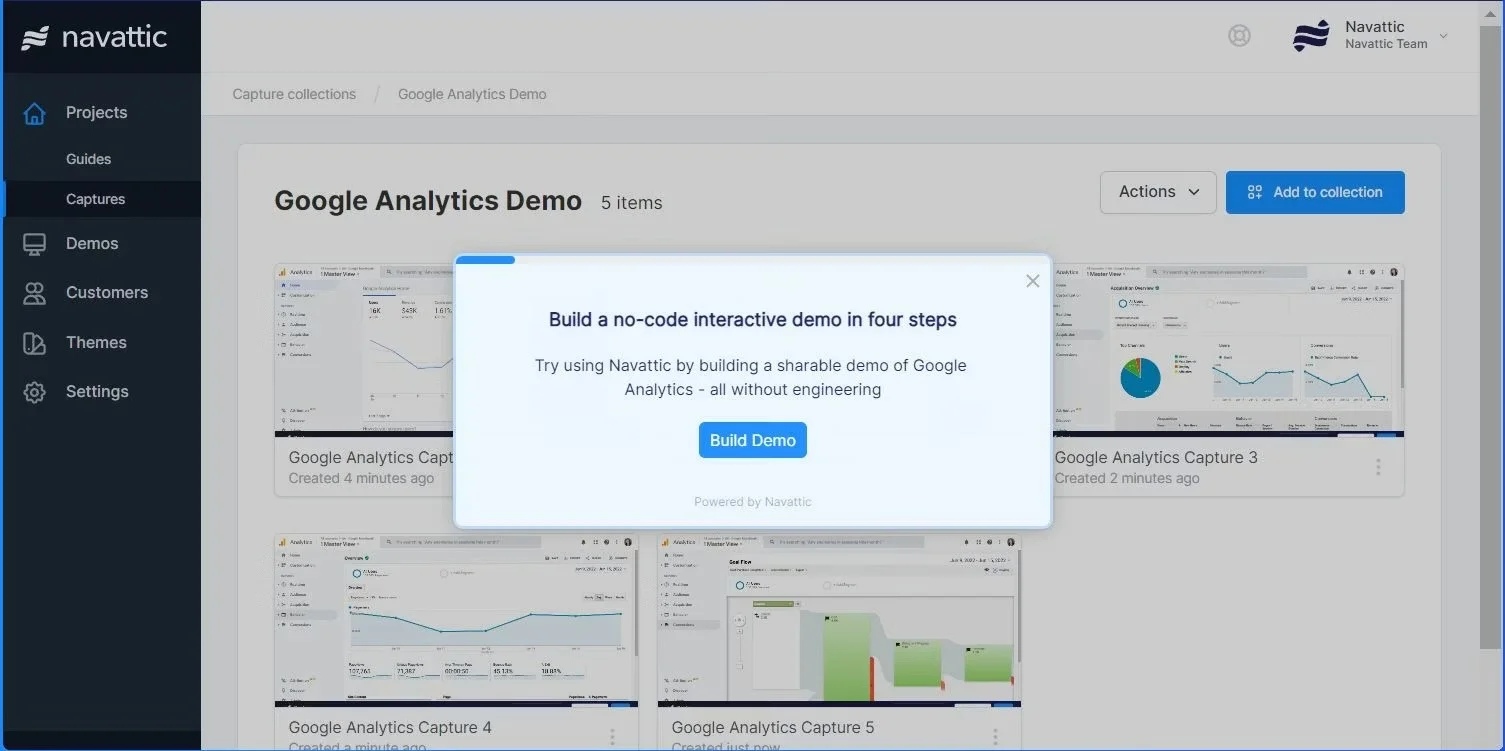
Navattic lets go-to-market teams build and publish polished click-through demos without touching engineering. Its no-code editor captures your product UI in minutes, and the ability to embed ungated tours directly on the website gives anonymous visitors a reason to engage before a rep ever reaches out.
Key Features:
- No-code HTML demo capture
- Ungated website embed option
- Account-level engagement analytics
- Salesforce and HubSpot integrations
- A/B testing on Growth plan
Pros:
- Fast time to publish
- Strong intent signals for demand gen
- Clean, intuitive demo editor
Cons:
- No chat or qualification layer
- Pricing jumps steeply between tiers
- No free trial available
Capterra Rating
⭐ 4.5
Pricing
Base plan starts at $500/month for up to five users. Growth plan is $1,000/month. Enterprise pricing is custom.
4. Storylane
Best for: Fast HTML capture and buyer personalization
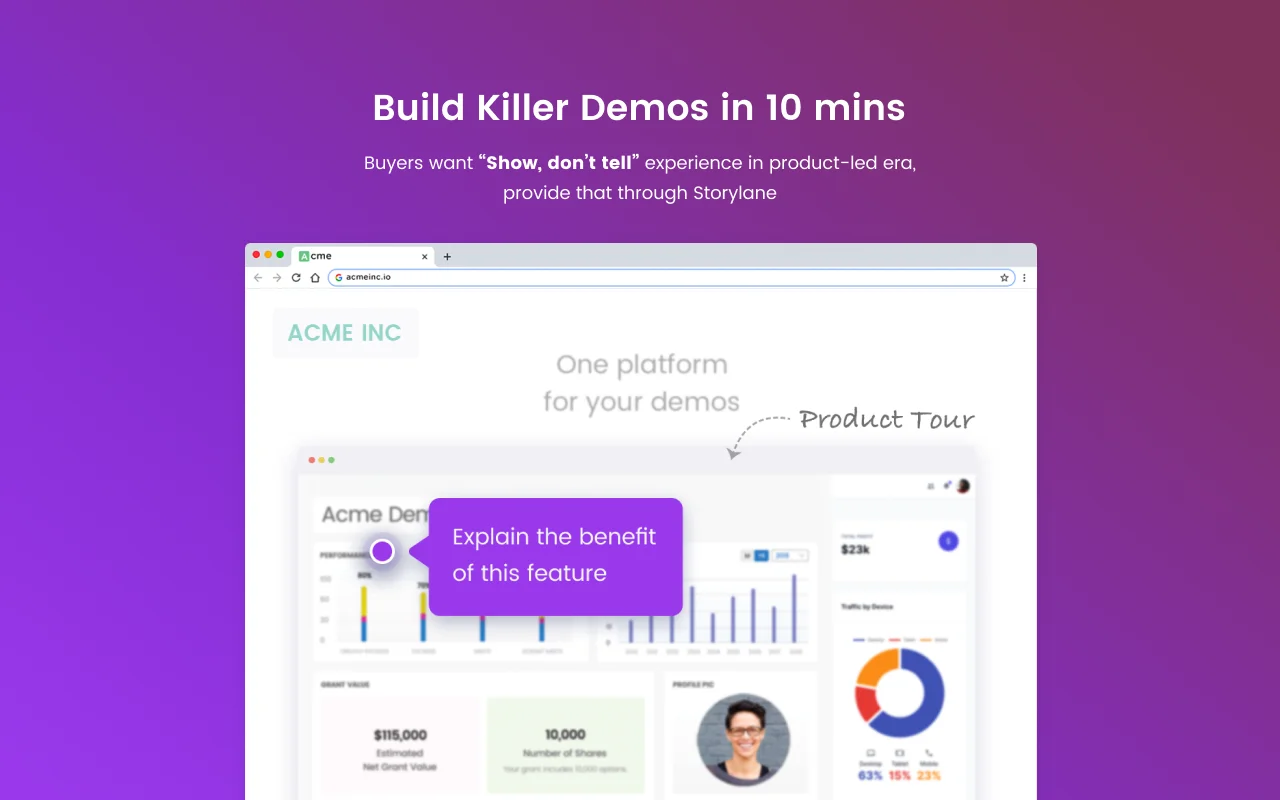
Storylane is the easiest interactive demo tool to get started with, and 1,343 G2 reviewers largely back that up. Its Chrome extension captures workflows in minutes, the interface needs no technical background, and a free plan means teams can test before committing.
Key Features:
- Screenshot and HTML demo capture
- AI-assisted demo building
- Branching paths and guided overlays
- Demo analytics by step and drop-off
- Website, email, and landing page embeds
Pros:
- Fastest learning curve on this list
- Free plan available
- Strong AI creation features
Cons:
- Big pricing jump to Growth tier
- Limited customization at lower tiers
- No chat or qualification layer
G2 Rating
⭐ 4.8
Pricing
Starter plan at $50/month or $40/month billed annually. Growth plan at $625/month or $500/month billed annually. Free plan available.
5. Walnut
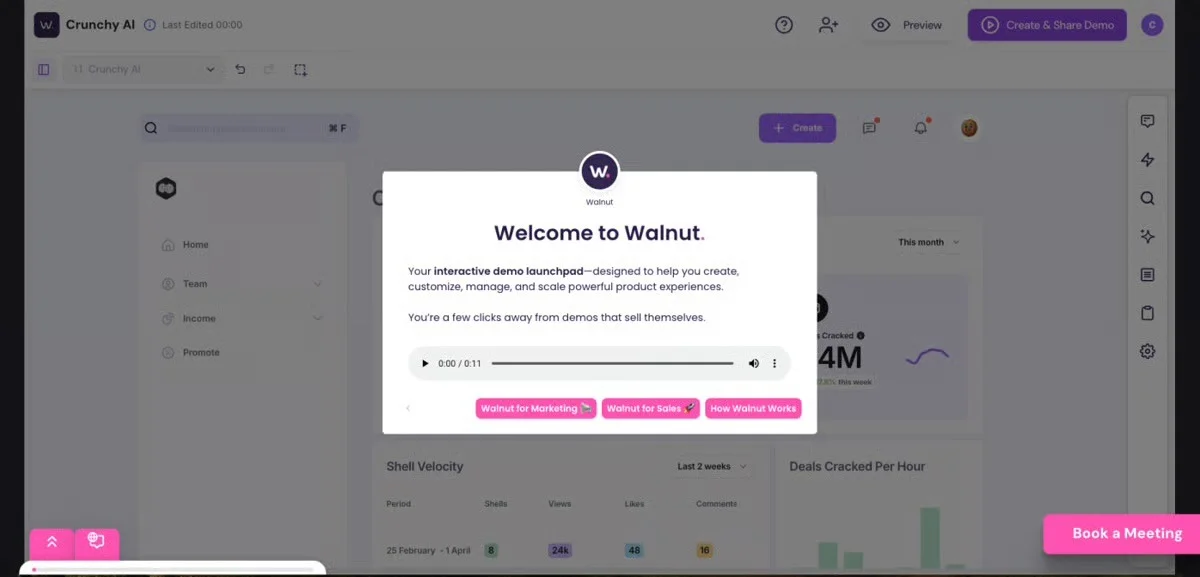
Best for: Creating tailored buyer deal rooms
Walnut gives sales reps the ability to customize the product UI, swap out data, and tailor the demo experience per account without going back to engineering. For mid-market and enterprise ABM motions where deal size justifies the effort, that level of per-prospect personalization is genuinely hard to match.
Key Features:
- Per-prospect demo customization
- AI-powered demo creation
- Shared rep template library
- Individual viewer analytics tracking
- Salesforce, HubSpot, and Slack integrations
Pros:
- Deepest per-account personalization available
- Strong storytelling and narrative control
- AI reduces manual creation effort
Cons:
- Steep learning curve reported by users
- No free trial available
- Custom pricing complicates budget planning
G2 Rating
⭐ 4.5
Pricing
Ignite plan starts at $750/year for three editor seats. Professional and Enterprise plans are custom-priced.
6. Arcade
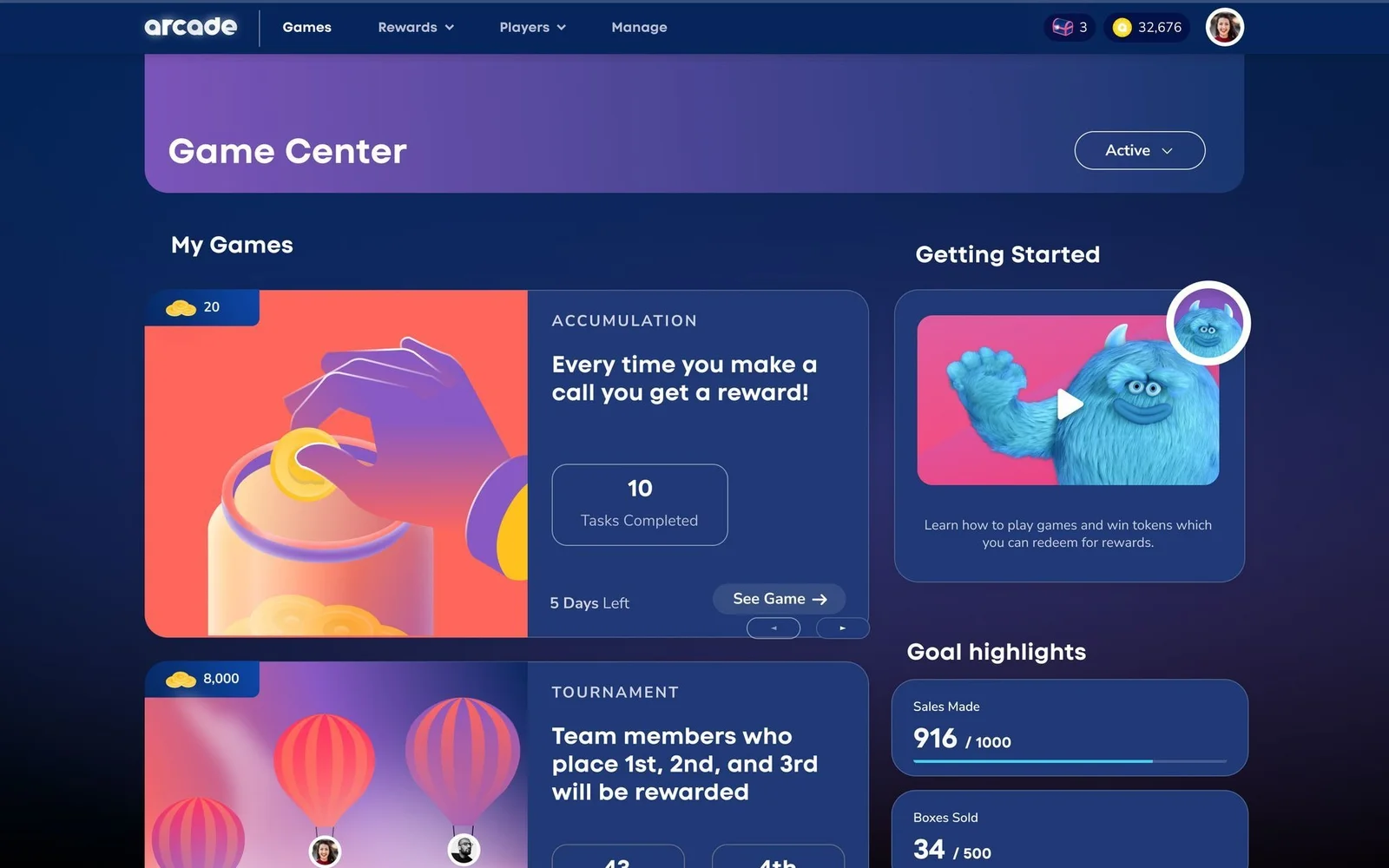
Best for: Creating quick, multi-media product snippets
Arcade is built for speed. Its Chrome extension takes a screen recording from raw capture to a polished, shareable demo in under fifteen minutes, making it the fastest creation workflow on this list. A genuinely useful free plan with no time limit means individual reps and small teams can validate the format before spending a dollar.
Key Features:
- Screen recording and HTML capture
- AI voiceover and copy generation
- Branching paths and chapter structure
- GIF and MP4 export options
- Lead capture forms on Growth plan
Pros:
- Fastest demo creation workflow
- Free plan with no time limit
- AI features across all paid plans
Cons:
- Chrome extension only
- Limited customization at lower tiers
- HTML capture gated to Growth plan
Capterra Rating
⭐ 4.5
Pricing
Free plan available with three published demos. Pro plan at $32/user/month. Growth plan at $297.50/month for five seats. Enterprise pricing is custom.
7. Reprise
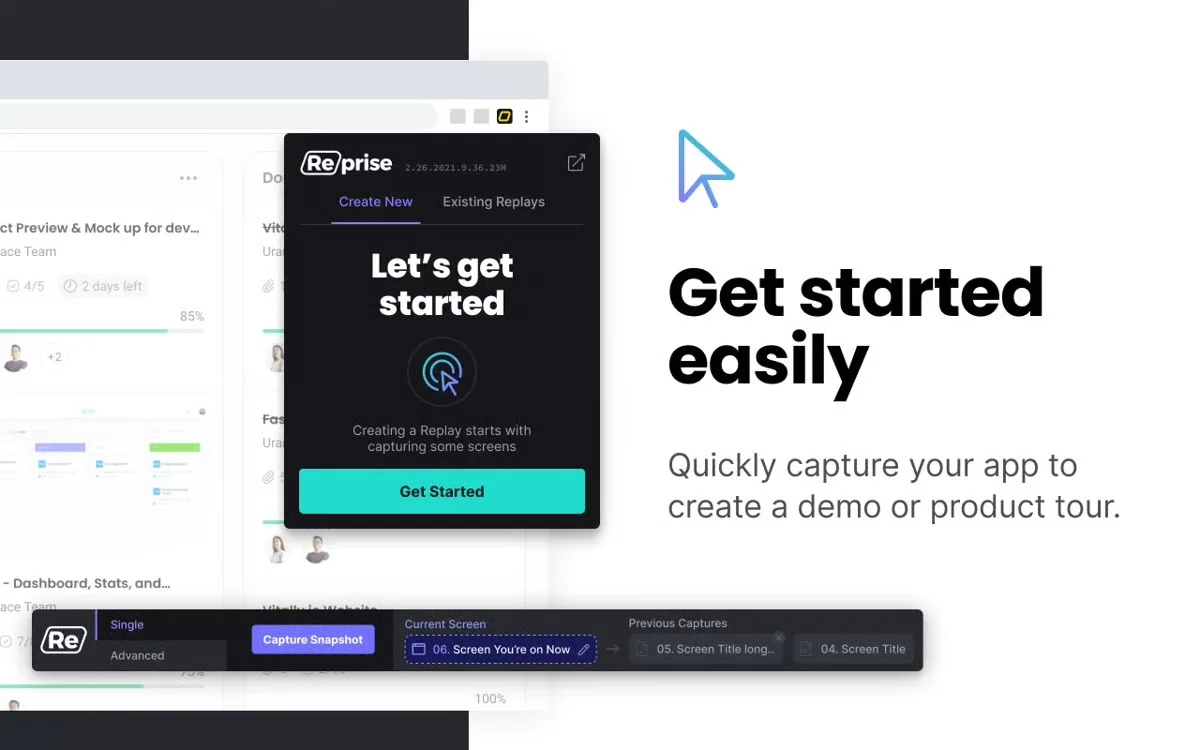
Best for: Building complex enterprise application clones
Reprise captures your product at the code level and turns it into a fully functional demo environment that behaves like the real thing. For enterprise deals where technical evaluators need to test actual workflows without touching production data, that level of fidelity is often what separates advancing a deal from losing it at the technical evaluation stage.
Key Features:
- Code-clone demo environments
- AI-generated data population
- Guided overlays on live environments
- Granular prospect interaction analytics
- Enterprise-grade security and access controls
Pros:
- Highest demo fidelity on this list
- Removes need for live demo environments
- Strong enterprise customer track record
Cons:
- Significant implementation investment required
- Not cost-effective for SMB or mid-market
- Steep learning curve reported by users
Capterra Rating
⭐ 4.7
Pricing
Custom pricing only. Contracts typically start around $20,800/year, with a median of $31,600/year. Contact Reprise for a quote.
Where eWebinar Fits Alongside Click-Through Demo Tools
Click-through tools excel at letting qualified prospects explore your product independently, making them perfect for post-call follow-up, champion enablement, and targeted ABM.
However, they work best when prospects already have context and a reason to explore. Before that stage, someone still needs to tell the story and explain why the problem matters.
That is the exact stage we built eWebinar for. At the top of the funnel, eWebinar:
- Delivers the full sales pitch on demand, the same way every time
- Fires qualifying questions throughout that feed directly into your CRM
- Opens two-way chat so prospects can ask questions as they watch
- Surfaces a CTA at the exact moment buying intent is highest
- Gives your champion something to share internally after the call
Here’s how the two categories often work together in practice:
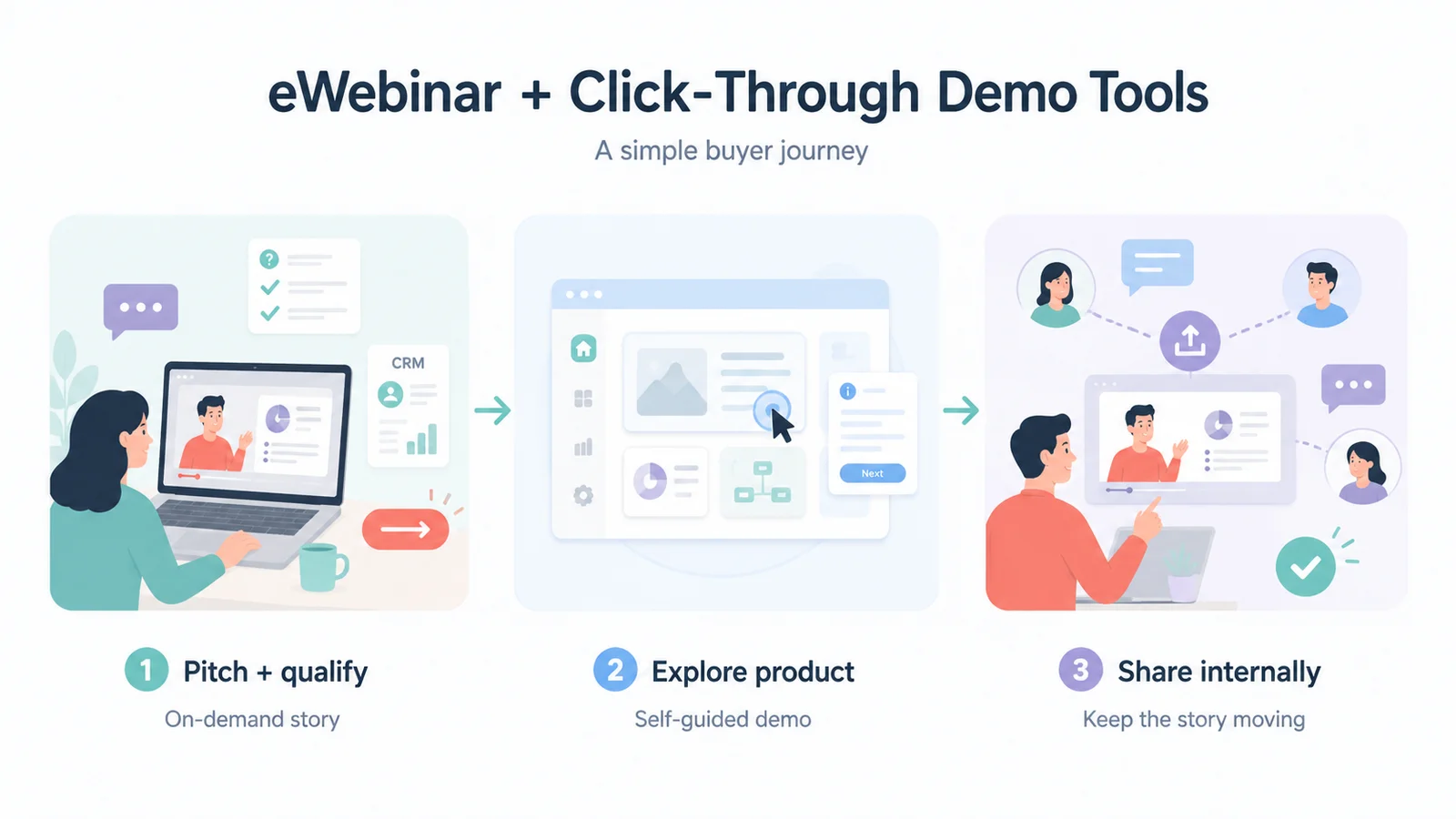
Stage 1: eWebinar Pitches and Qualifies at the Top of the Funnel
Every prospect gets the full sales narrative on demand. Qualifying questions feed answers directly into your CRM, and a CTA fires at peak intent. By the time a prospect books a call, they have already self-selected as a fit, and your team skips straight to the conversation that matters.
Stage 2: Click-Through Tools Take Over Mid-Funnel
Once a prospect is qualified and engaged, a click-through demo lets them explore your product in depth at their own pace. They can test specific workflows, dig into the features relevant to their role, and build the internal case between conversations and explore the workflows most relevant to their role.
Stage 3: eWebinar Continues Working Post-Call
After that discovery call, your eWebinar does not stop. Your champion can share it internally to bring the rest of the buying committee up to speed. You control the narrative even when your team is not in the room.
The quality of that experience depends heavily on the story you’re telling. If you’re building an on-demand demo for the first time, our guide to writing an effective product demo video script walks through the structure, messaging, and flow that make guided demos effective. Try using our free AI script generator to build a demo script in minutes.
Why B2B Sales Teams Adopt Demo Automation
Your Best Reps Are Running The Same Pitch For The Hundredth Time
A typical account executive spends a significant portion of their week on demos, many of which go to prospects who haven't done basic qualification and will never move forward. Automating early-stage demos frees your reps for the conversations that actually need them.
As Julian Boyman, Founder of CloudStudios, put it: "Before eWebinar, we were spending hours and hours a day demoing to unqualified, top-of-funnel leads."
Buyers Won't Wait for a Scheduled Slot Anymore
According to the TrustRadius B2B Buying Disconnect Report, 70% of buyers say having access to a demo or free trial on the website makes them more likely to buy. The buyer who finds you on a Tuesday afternoon at 8 PM isn't going to wait until Thursday at 11 AM for a live call. If you make them wait, most won't. Demo automation meets them when their intent is highest.
Demo Volume Doesn't Scale With Headcount
Every live demo scales linearly with people. One rep, one demo. Automated demos scale with nothing. You record once, and it runs to every timezone, every day, with no one on the team watching. SkySlope went from one or two training and demo sessions a week to six a day, five days a week, without adding headcount. That kind of volume is structurally impossible with live delivery.
How We Evaluated
B2B sales teams need different things from demo automation software than marketing teams do. We evaluated each platform based on the factors that most directly influence whether a demo moves a deal forward.
- Funnel fit: Whether the tool genuinely serves the stage it claims to
- Qualification capability: Whether it captures actual prospect data, not just behavioral signals
- CRM integration depth: Whether engagement data flows into sales workflows usefully
- Ease of creation: Whether reps can build and update demos without engineering
- Narrative control: Whether the experience follows a guided story or a self-directed exploration
How to Choose the Right Demo Automation Software
Before choosing any demo automation tool, get clear on where your funnel is leaking, because the answer points directly to which type of tool you need.
- Top-of-funnel gap: Prospects need education and qualification before speaking with sales. eWebinar pitches, qualifies, and feeds answers to your CRM so follow-ups have context.
- Mid-funnel gap: Qualified prospects that need deeper product exploration. Navattic or Storylane work for most teams, Walnut for ABM, Reprise for enterprise technical evaluations.
- Enterprise and multi-stakeholder: eWebinar or Consensus for narrative alignment, a click-through or sandbox tool for technical evaluation.
- Early stage and resource-constrained: eWebinar for the pitch, Storylane for product exploration.
Final Word
The strongest sales motions do not pick between guided demos and click-through tools. They use both in sequence, each supporting a different stage of the buyer journey. Put the right tool at the right stage, and you stop wasting live calls on prospects who were never ready for them.
Join our on-demand demo to see how it works:
FAQ
What is the difference between a guided video demo and a click-through interactive demo?
A guided video demo delivers a pre-recorded pitch with interactions built in, including chat, polls, qualifying questions, and CTAs that fire as the prospect watches. A click-through demo replicates the product UI so prospects can navigate it independently. Both are interactive, just at different stages of the funnel.
Can demo automation replace live sales calls entirely?
For self-serve SaaS with straightforward buying decisions, yes. For enterprise deals with multiple stakeholders and long evaluation cycles, demo automation handles the early and middle stages, including pitch, qualification, and product exploration, while the live call focuses on the specific conversation that advances the deal.
How do we use eWebinar if our product is enterprise or complex and demos are usually customized?
Complex sales do not require every interaction to be live. Instead of automating the customized conversation, use eWebinar to automate the context every prospect needs beforehand. A short introduction to your company, the problem you solve, and what makes you different helps prospects arrive better informed, allowing sales teams to spend less time on background and more time discussing the specific needs of the deal. After the call, buyers can share it internally to bring additional stakeholders up to speed.
How does eWebinar qualify leads through a demo?
eWebinar embeds qualifying questions directly into the video session as interactive moments, not as a pre-registration form that a prospect can skip. Answers feed into your CRM at the end of the session alongside chat messages and CTA clicks, so your team follows up knowing the prospect’s use case, team size, and timeline before the first call.
Curious to see how eWebinar can help run your demos, onboarding, and training sessions on autopilot?
Watch a one-minute explainer video for a quick overview of the eWebinar platform. Or, better yet, join our on-demand demo to learn more!