AI-powered chat is here!🎉
We're thrilled to announce eWebinar's integration with Chatbase, an easy-to-train, customizable AI chatbot that can reliably respond to attendee messages on your behalf.
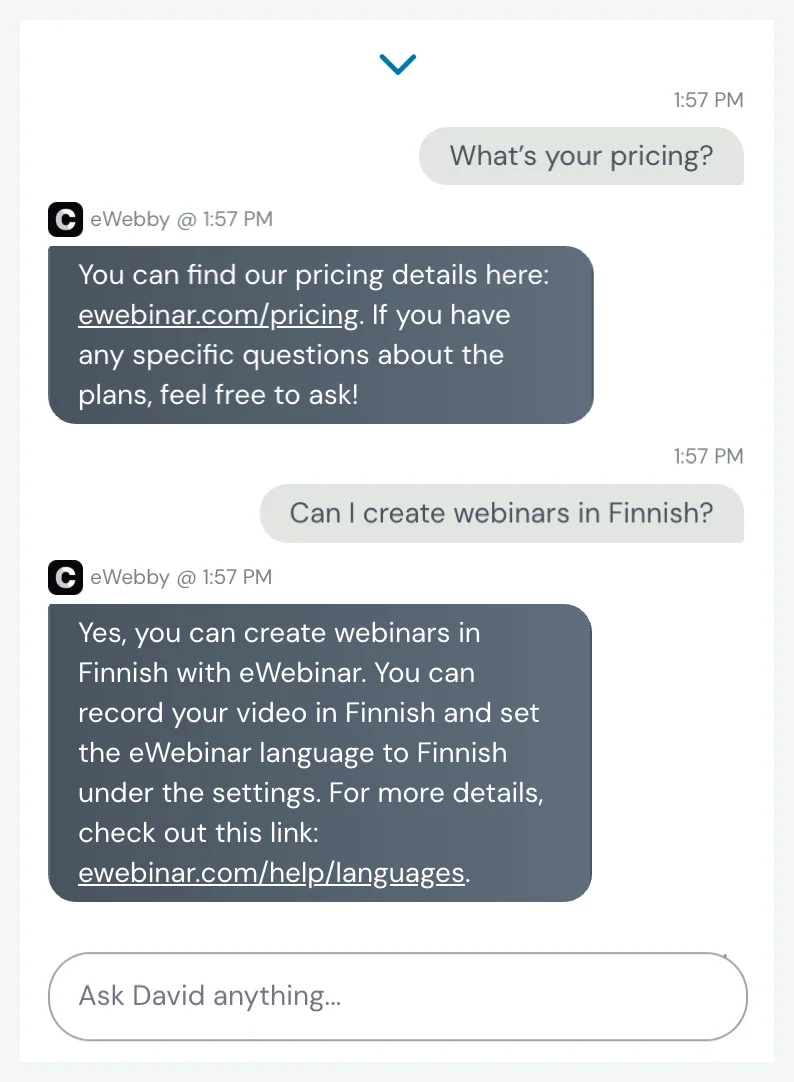
Here's an example of it answering questions in our own product demo's chat:
"Connect me with a person"
If the AI moderator isn't giving attendees what they need, you can let them request to "connect with a person".
For example, if the AI moderator is unable to respond to a question because it falls outside its trained scope, or the attendee becomes frustrated or specifically asks to speak with someone, a link will appear that says, "Connect me with a person".
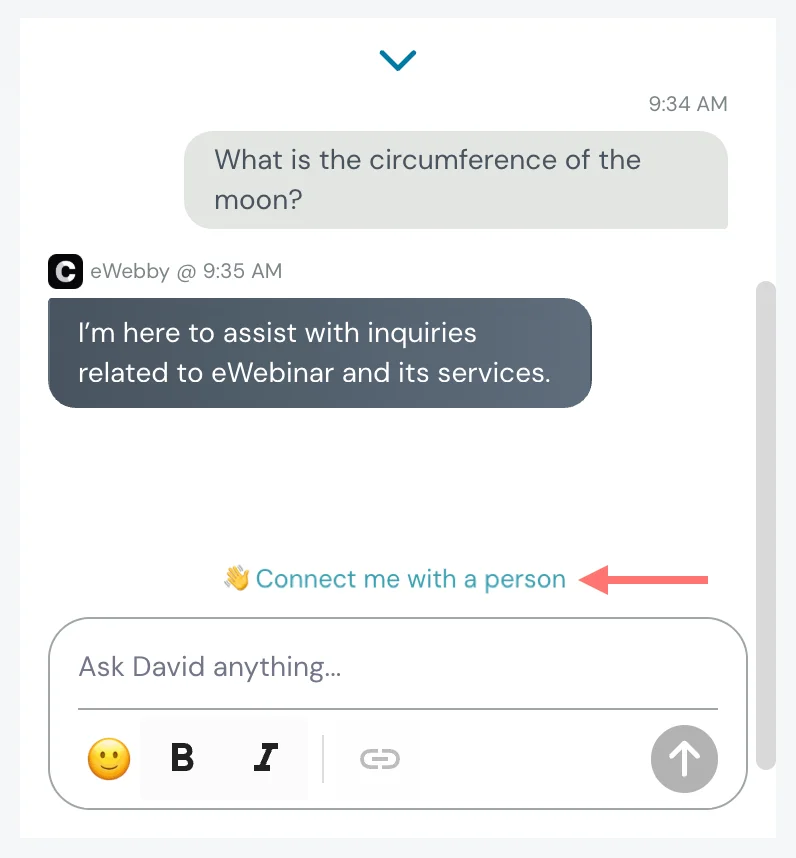
When attendees click the link, moderators get notified so someone can jump in.
If no one is free to respond, the auto response gets triggered so the attendee is not left hanging and knows someone will get back with them later.
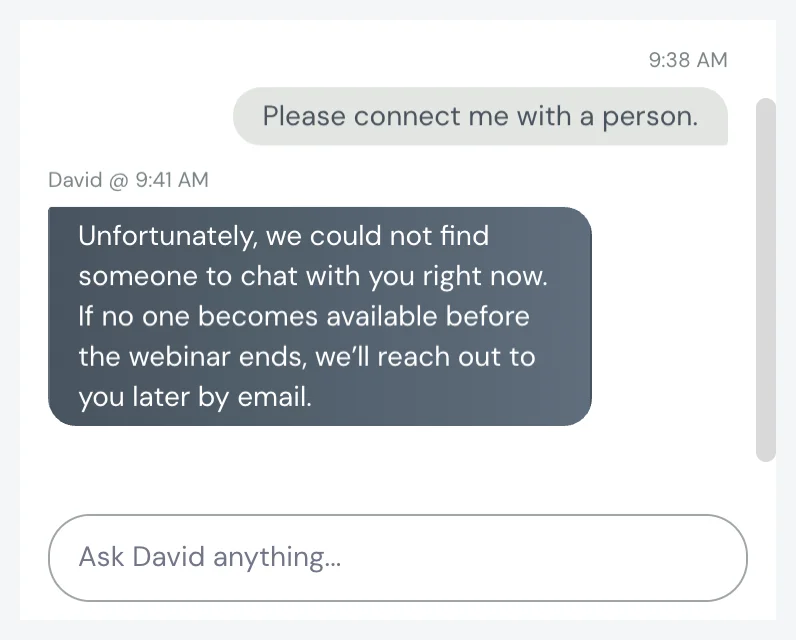
This hybrid approach is a great way to balance giving attendees real-time responses (with AI) and the need for a human touch.
If you prefer a fully hands-off approach, you can let AI handle everything!
How to set up the integration with Chatbase
The simple, three-part setup process between Chatbase and eWebinar takes as little as 15 minutes if you have the material ready to train your AI agent.
NOTE: To integrate with eWebinar, you must first sign up for Chatbase and subscribe to any paid plan. Plans start at $40/month for 2,000 messages.
To set things up, all you have to do is:
- Create and train your AI agent in Chatbase
- Connect your Chatbase and eWebinar accounts
- Enable the AI agent in specific webinars
Click here to learn the full details of the setup process.
How to train your AI agent in Chatbase
When training your AI agent, you can upload files, enter text directly, add links to your website or knowledge base, and enter specific answers to FAQ.
Two training tasks specific to eWebinar are that you can:
- Download any webinar's chat history and upload it to Chatbase
- Copy and paste your saved replies into Chatbase as Q&A
Once training and setup are complete, the AI moderator will begin to respond to chat for you!
Sign up for Chatbase to get started!
Sign up for Chatbase now to start exploring and setting up the integration.
Attendees will get an instant, reliable response, and you'll save so much time from not needing to respond yourself!
If you're not an eWebinar customer yet then now's the time to sign up for a free trial or resubscribe!